CENTRAL COAST ยท BUSINESS CYBERSECURITY

Business cybersecurity on the Central Coast

Staff clicked a fake invoice? Pop-ups on the front-desk PC? A login alert from somewhere you do not work? PC Scientist provides business cybersecurity help across Central Coast, including Gosford, Erina, Terrigal, Wamberal, Avoca Beach, Umina Beach, Woy Woy, Wyong, Tuggerah, The Entrance, Bateau Bay, and Kincumber, without scare tactics.

We check what may have happened, what is urgent, and what can wait. Call 0493 563 381 for free advice if you are unsure where to start.

Book online for eligible visits and get 10% off.

PC Scientist business cybersecurity help after scams across Central Coast
business cybersecurity help for small teams across Central Coast. View all Central Coast suburbs.

Why Choose PC Scientist?

No Fix, No Fee

  • Worried you will pay for a problem we cannot solve? If we cannot fix it, you do not pay a repair fee.
  • Zero risk when you are already stressed about broken tech.

Clear Upfront Pricing

  • No surprises and no bill shock.
  • You know what to expect before any work begins, so there are no awkward surprises later.

Speak to a Real Person

  • Call 0493 563 381 and talk to someone who listens - not a script or overseas queue.
  • Plain-language advice before you book anything.

Fixed Properly First Time

  • We solve the real issue, not a quick patch that fails next week.
  • Honest repair-versus-replace advice when further spend is not worth it.

Several Issues, One Visit

  • Slow computer, Wi-Fi dropouts, and email trouble? Often sorted in one booking.
  • Less hassle than juggling multiple callouts or providers.

Your Data Treated Carefully

  • Photos, tax files, and business records stay handled with care and security in mind.
  • Calm guidance after scams or suspicious messages without panic.

When something at work feels wrong online

Small teams across Central Coast start here for business cybersecurity help - recovery first, then simpler habits.

Common jobs on this page

  • Suspicious invoices, remote-access callers, and staff who are not sure what they clicked
  • Malware, pop-ups, and unwanted software removed with caution
  • Password, mailbox, and Microsoft 365 checks after a scare
  • Safer defaults on the computers people actually use
  • Plain advice when the bank or a provider must be involved too

How to contact PC Scientist

  1. Call for Free Advice - Choose this if you want to talk to someone right away. It is for speaking on the phone. The number is 0493 563 381. You can also dial that number yourself without opening the window.
  2. Request a Call Back - Choose this if you do not want to ring now. You fill in a short form so PC Scientist can call you back when you are free.
  3. Request a Free Quote - Get written pricing or service clarity first. You fill in a short form - no obligation.

You only need to pick one of the three. There is no pressure and no technical language required. If you are not sure, Call for Free Advice is often the quickest way to explain what is going on.

What happens after you get in touch

  • We ask what was seen, clicked, or installed before changing anything.
  • Account and device checks follow an order that limits further risk.
  • No pressure to buy security products you do not need.

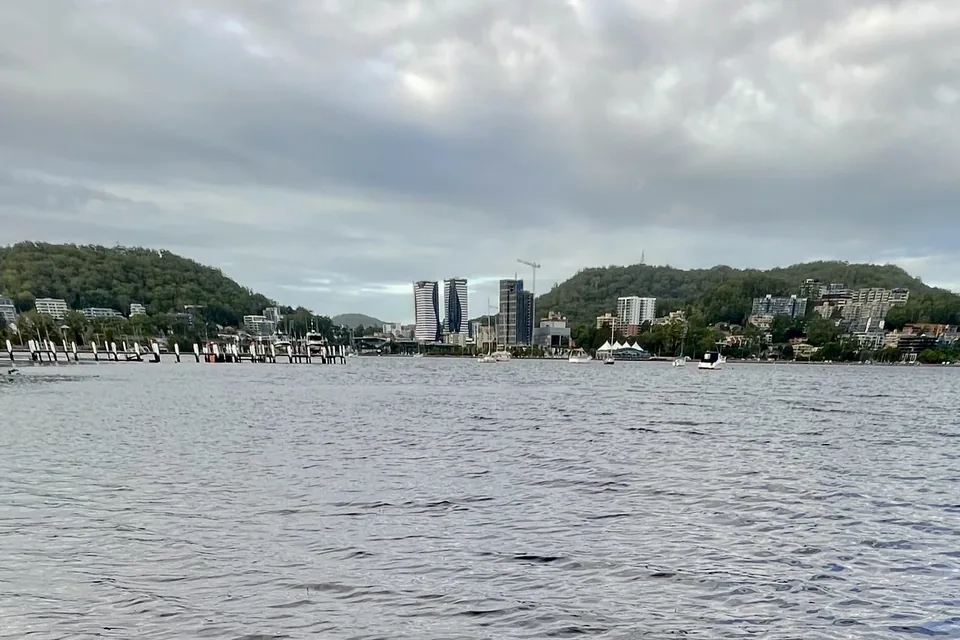
Where we visit on the Central Coast

A scare after a staff click in a Gosford office, or a shop PC in Wyong full of pop-ups. We clean up, harden what we can, and keep the talk calm.

Looking for a specific service?

Need a different Central Coast service? Open the Central Coast technology services hub for the other local service pages, or call 0493 563 381 for free advice.

Call For Free Advice

Get in touch

Leave your message and we'll get back to you shortly.

Attachments

Allowed file types: jpg, jpeg, png, gif, pdf, doc, docx, xls, xlsx, odt, ppt, pptx, pps, ppsx, html, and less than 100 MB.

No file chosen

This form uses spam checks and sends your request directly to PC Scientist.

Start here

A fake invoice, a remote-access caller, or a login alert on a work PC. Home scares start on cybersecurity.

What this covers

  1. 01
  2. 02
  3. 03
  4. 04
  5. 05
  1. 01Start

    A scare at work

    A fake invoice, a remote-access caller, or a login alert.

  2. 02

    What was opened

    What was clicked or installed, before anyone panics.
  3. 03

    Front-desk junk

    Pop-ups on the front-desk PC, removed with caution.

  4. 04

    Mail and Microsoft 365

    Mailbox and Microsoft 365 checks after a scare.

  5. 05

    Safer defaults

    Safer defaults on the computers people actually use.

Visit

How it works

  1. 1

    What was clicked

    Message, caller, or pop-up - before changing anything.

  2. 2

    Urgent first

    Accounts and the till PC, then cleanup.

  3. 3

    Calmer defaults

    Habits that reduce the next scare.

Book business cybersecurity help on the Central Coast Call 0493 563 381, request a call back, or ask for a quote.
Call 0493 563 381

Coverage

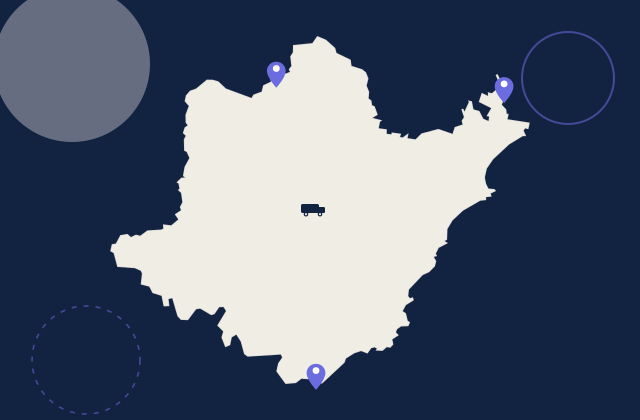
Central Coast

  • Homes
  • Shops
  • Call us

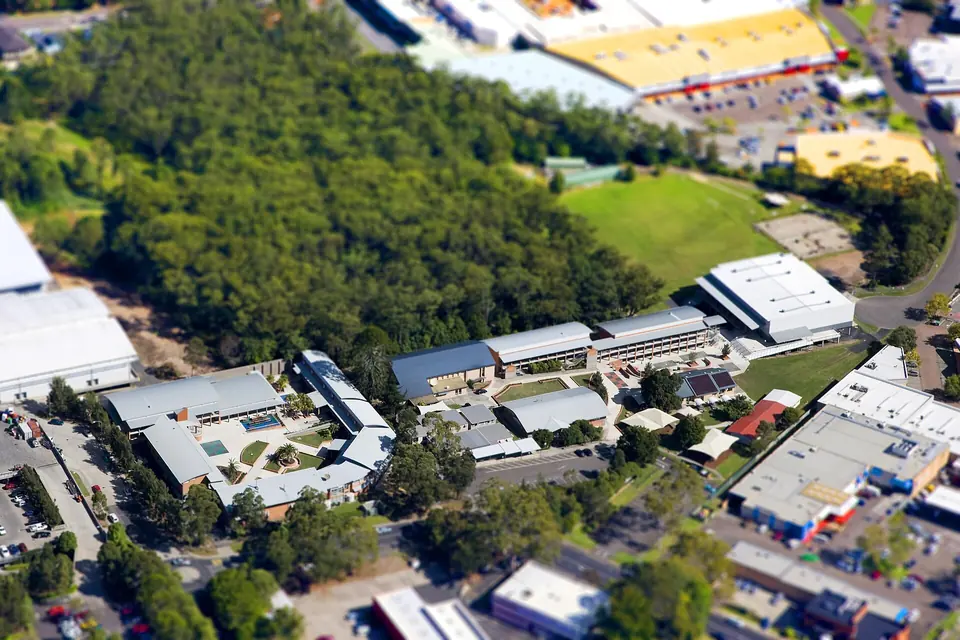
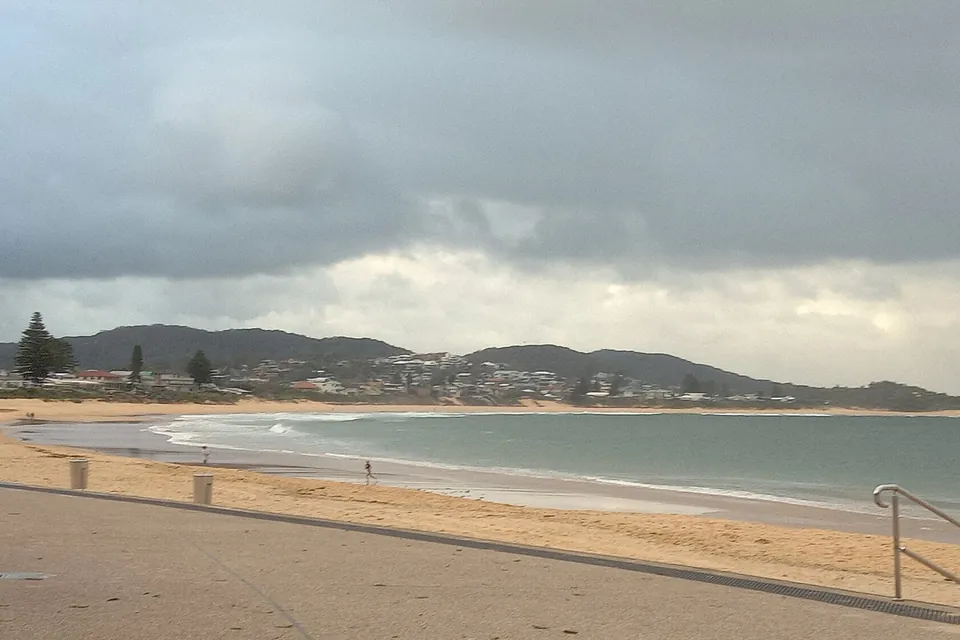
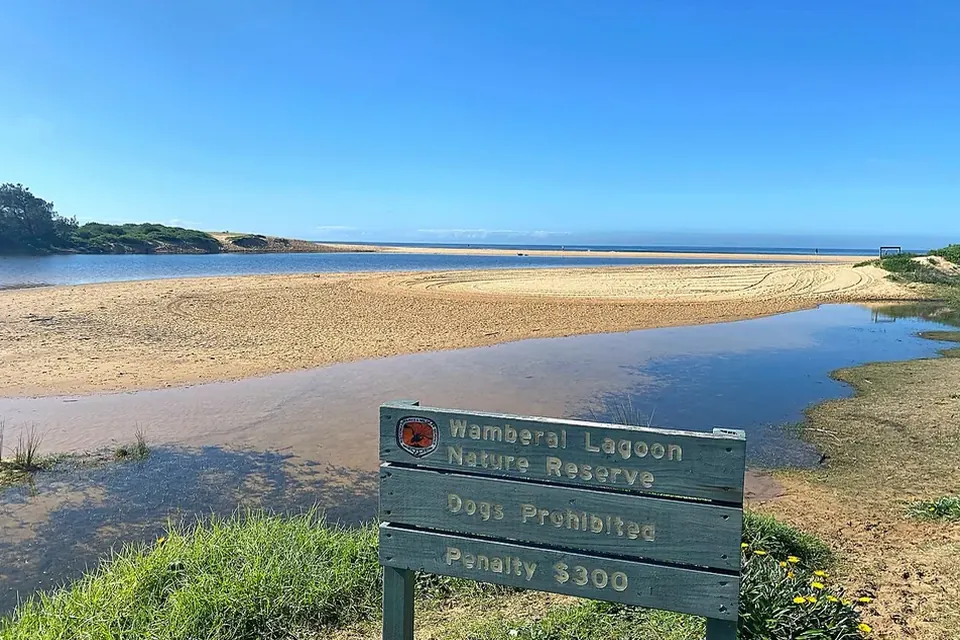
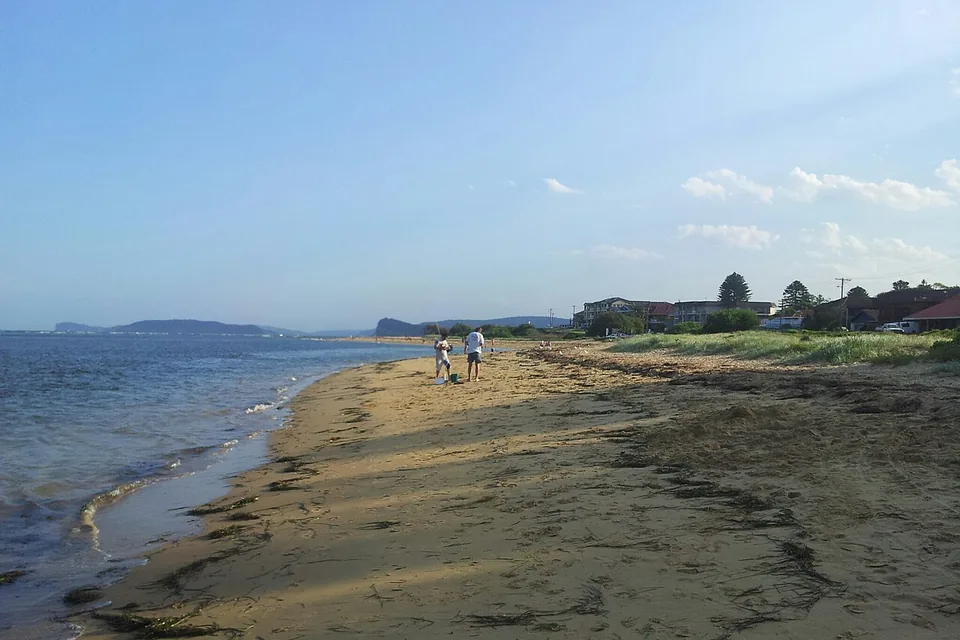
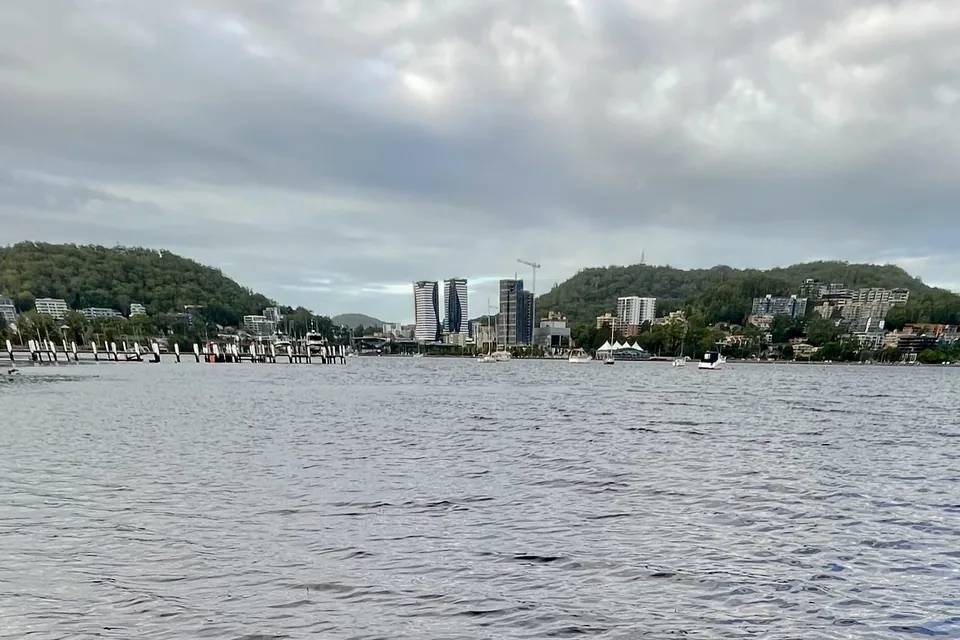
Photos of the local area.

Full list All suburbs
Call 0493 563 381
shape
image
Frequently asked questions
FAQ

Questions we hear on the Central Coast

Yes. Calm business cybersecurity help across Central Coast, including Gosford, Erina, Terrigal, Wamberal, Avoca Beach, Umina Beach, Woy Woy, Wyong, Tuggerah, The Entrance, Bateau Bay, and Kincumber. Call 0493 563 381 if you are unsure what was clicked.

No. We check what happened, clean what is needed, and only suggest tools that match the risk.

Call first. We help secure accounts and explain what to watch for next time, without blame.

Often yes: updates, passwords, mailbox checks, and simpler habits. We say when a larger review is warranted.


shape
shape
Need help now? Not sure what to click or what to do next?

Call PC Scientist for free advice, calm and practical IT help