PC Scientist · Blue Haven

IT support, Wi-Fi and computer repairs for busy Blue Haven households

Half-installed mesh kit, a back-bedroom office stuck on one bar, and every child's tablet wanting the internet at 4pm. We set Blue Haven home networks up properly, then repair or tune the laptops and phones that depend on them. Visit or remote, priced before we begin. Talk it through on a call, book an eligible visit, or ask for a quote before we start.

Book online for eligible visits and get 10% off.

Let us help you today

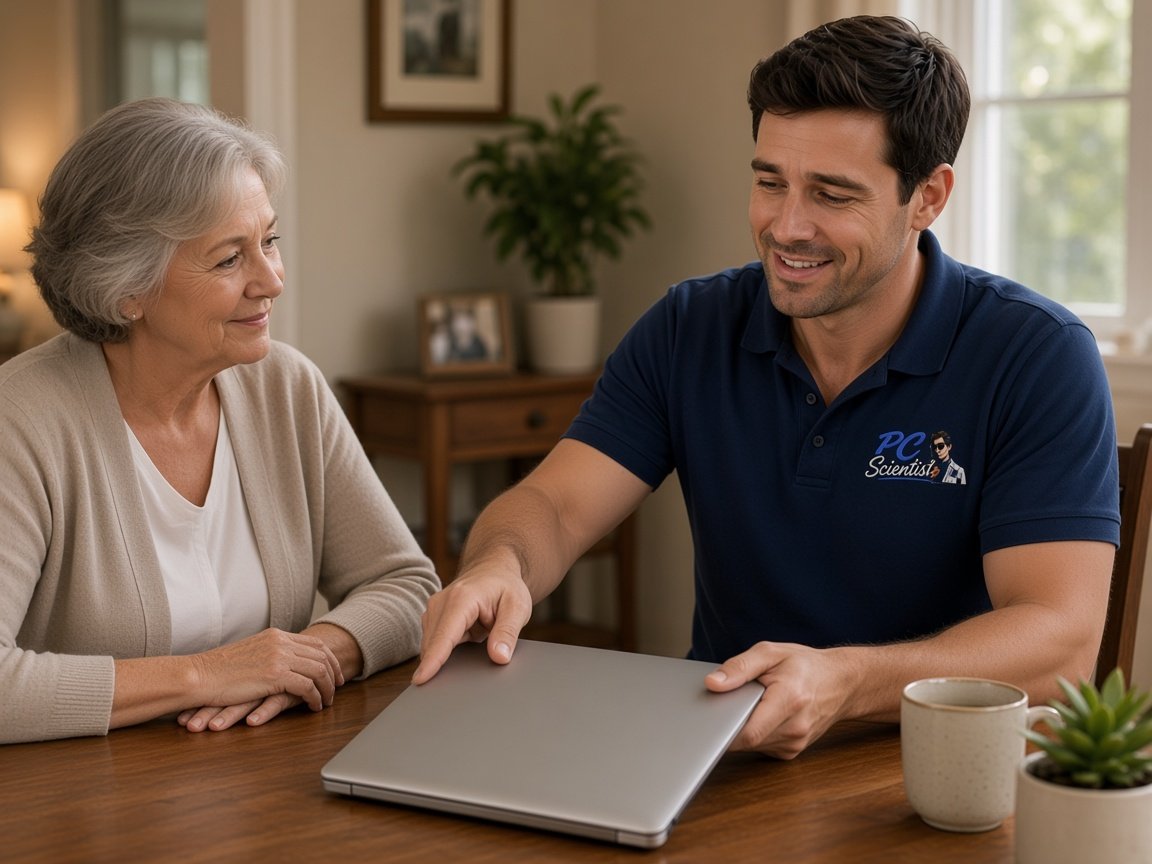
  • One-on-one help - a PC Scientist technician sitting with an older client at her laptop.

We accept payments

Visa
Mastercard
American Express
JCB
Apple Pay
Google Pay
Afterpay
Zip
Bank debit

Real Google reviews

What locals say after a PC Scientist visit.

Word for word, from people we have visited.

★★★★★

Persevered through multiple problems to solve a hardware issue. Extremely knowledgeable and helpful. Highly recommended.

Amy Hunt

★★★★★

Fast and efficient computer service. Sam made everything easy to understand and fixed the issues promptly at Killarney Vale NSW 2261. Very helpful and knowledgeable. Highly recommend PC Scientist to anyone needing computer help.

Clive Tubnor

★★★★★

Excellent service, prompt reliable , highly recommended for central coast, Yarramalong valley and surroundings

Fleur Goulding

Read all our Google reviews

Why Blue Haven calls us

Why you call us from Blue Haven when the back of the estate house goes offline

  • Kids' devices set up safely

    • Newer Blue Haven homes with young families get every screen on the right settings
    • Homework printing that works on the first try
    • You get safe search and filtering without breaking school sites
    • Parental controls that suit each child's age
    • We connect school laptops and ready before the term starts
  • You get a new laptop without the headache

    • New Blue Haven homes set up from the NBN box to the last smart plug
    • Before you start using it, updates, backups, and protection set up
    • Advice before you buy, so the new computer suits how you use it
    • We connect email and printers before we pack up
    • You get accounts and passwords written down somewhere safe
  • You get signal upstairs and down

    • One network name across the house so phones stop hopping and dropping
    • Honest advice when the modem location is the real problem
    • The upstairs study stops losing video calls halfway through
    • Bedrooms at the far end get the same streaming as the lounge
    • We place Mesh or a wired access point where it helps, not where the cable happened to end
  • You hear the cost first

    • We list parts and labour separately so nothing is buried
    • Quotes in writing when you want something to show the family or the bookkeeper
    • You get pricing based on your actual devices, not a one-size menu
    • If the job grows, we stop and check with you first
    • Before anyone opens a laptop, you know what the visit costs
  • Video calls that do not freeze

    • Wired or mesh connection to the study for steady calls
    • We connect VPN and work apps without IT back-and-forth
    • Work and family traffic balanced so meetings stay clear
    • We lay out Cables so the desk stays tidy
    • Docks, monitors, and webcams set up so the desk just works
  • Quick help when it cannot wait

    • Urgent help for a computer that will not start before a deadline
    • Remote help can start straight away while a visit is arranged
    • A quick phone triage so you know whether it is urgent
    • We tell you what to leave alone until we arrive
    • Priority for businesses that cannot take payments or send invoices
  • Speed without buying new

    • Honest word on whether speed issues are the computer or the internet
    • SSD and memory upgrades where they make a real difference
    • We remove Pop-ups and unwanted programs
    • We tidy browser so websites stop crawling
    • We schedule updates caught up and so they stop interrupting
  • Locked-in visit times

    • A text before we arrive so you are not watching the street
    • If something runs late, you hear about it straight away
    • You get a set arrival time, not a four-hour window
    • Easy to move the booking if your plans change
    • Book online for a standard visit, or call and we find a time together
  • Help after a scam scare

    • Two-step sign-in set up on the accounts that matter most
    • Browser clean-up when strange toolbars and ads appear
    • A calm check after a suspicious call, text, or pop-up
    • We show you what a real bank message looks like next to a fake one
    • Settings that make the next scam easier to spot
  • Bring us the whole pile

    • If time runs out, you get a clear plan for what is left
    • Write a list before we arrive and we work through it in order
    • Printer, email, and the slow laptop can all be looked at in the same visit
    • Handy when three small problems have been waiting for one good afternoon
    • You get less time off work waiting for separate appointments
  • A set price for the bigger job

    • Ideal when you need a figure to budget around
    • You get the quote covers the whole job, not an hourly guess
    • No creeping hours if the job takes longer than expected
    • Time to think it over before committing
    • Written scope so everyone knows what is included
  • You get coaching or a clean fix

    • We answer questions as we go, never rushed
    • Tips that suit your devices, not generic instructions
    • Watch and learn if you want to handle it next time
    • Practice runs for things like video calls and online forms
    • Or leave it with us and come back when it is done

When you are ready. Call, or book a technician.

0493 563 381

How it works

How to start

In Blue Haven we lock the price before work. Call 0493 563 381, request a call back, or book an eligible visit.

  1. 1

    Choose how to reach us

    Book online, call for free advice, , or .

  2. 2

    You tell us what's going on

    In the booking, on the call, or in the quote. Same idea.

  3. 3

    Lock in the visit

    We agree the visit on the call, in the booking, or in the quote. Agree, and that date stays yours.

  4. 4

    We come to you

    That's the visit. We work through your list on the day.

Areas we cover

Nearby Central Coast suburbs

Can't find your area?

Call us to check. We will tell you if we visit, or if remote help is the better fit.

Central Coast NSW

FAQ

Straight answers for Blue Haven

Yes. Parental controls work best when set on the router plus each child's device, so we look at both, along with screen-time settings on tablets and phones. Gaps usually come from a device joining a guest network, or controls set on one device only. If a laptop also needs a repair, such as a battery or keyboard, we quote it separately. You approve every price before we start.

Both work. We plan visits around new estate streets and driveways full of kids' bikes, and many software or email jobs can start remotely, so you only wait for a visit when hands-on work is needed.

Mention pets, stairs, or where to park when you book and we will allow for it.

Yes. We work beside you, explain each step in plain English, and leave simple notes if they help.

Plenty of young families in new builds and first-home buyers book for exactly this kind of help. Nobody is rushed.

Yes. We can separate work devices from family streaming where it helps, tidy up the Wi-Fi, and make sure the important gear gets priority.

We explain the changes so everyone in the house knows what was done.

We start with a short conversation, then give you the price before work begins. If it turns out bigger once diagnosed, you get a fixed-price option to approve first.

Online booking covers Professional Assessment and Standard Onsite Fix; unusual or larger jobs are better talked through on the phone.

We regularly visit Lake Haven, Charmhaven, and San Remo, and help right across the Central Coast.

Remote help is available anywhere with a working connection, including the newer family estate between Lake Haven and San Remo.

Yes. We review passwords, turn on extra sign-in protection, check devices for anything unwanted, and explain the warning signs in plain words.

A short walkthrough on the new family laptop often does more than another piece of software.

When you are ready

We can come to you

Book online Save 10% Call for free advice 0493 563 381