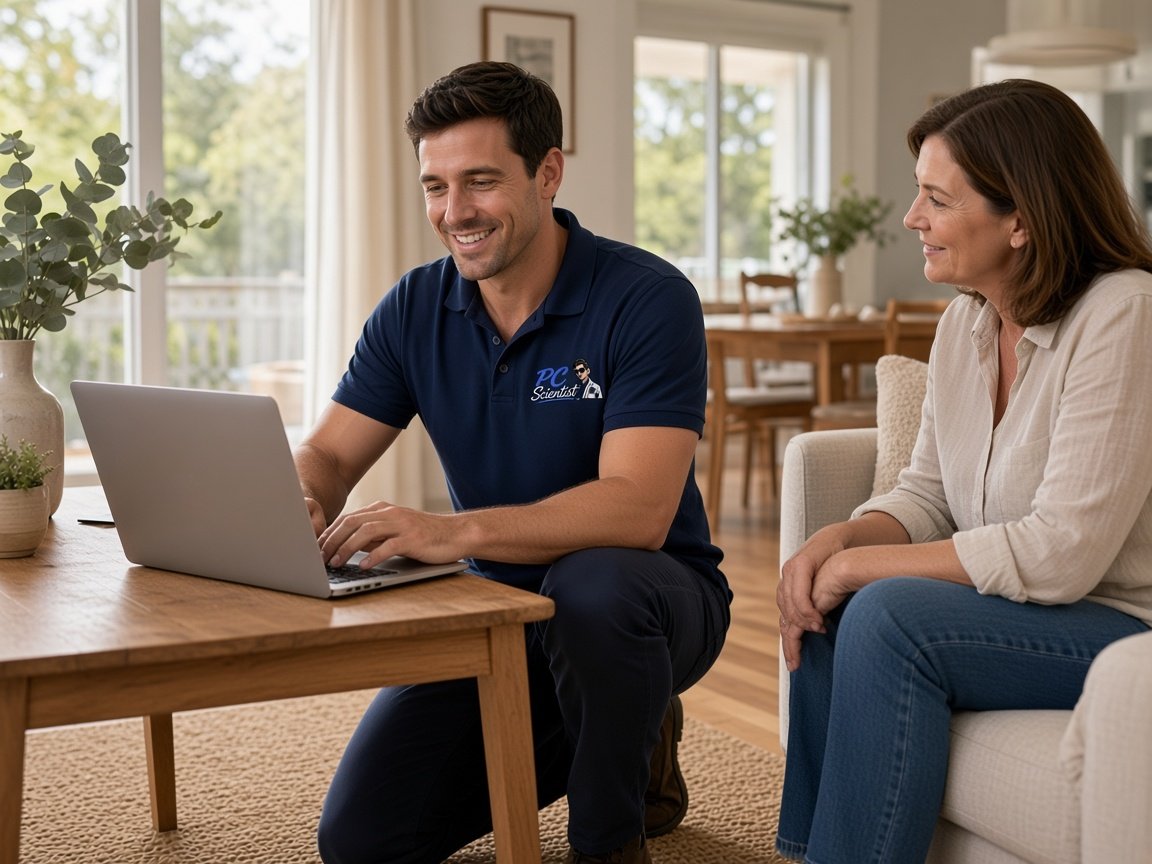
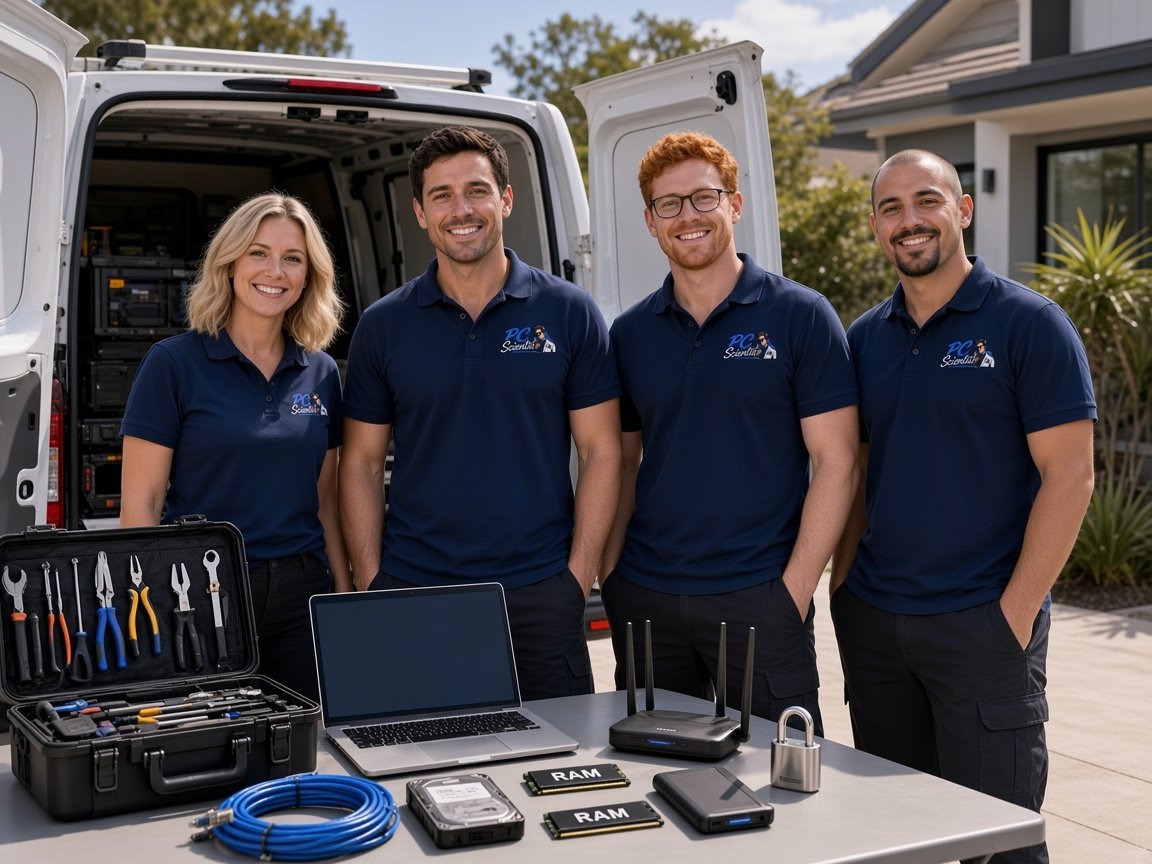
Request a call back
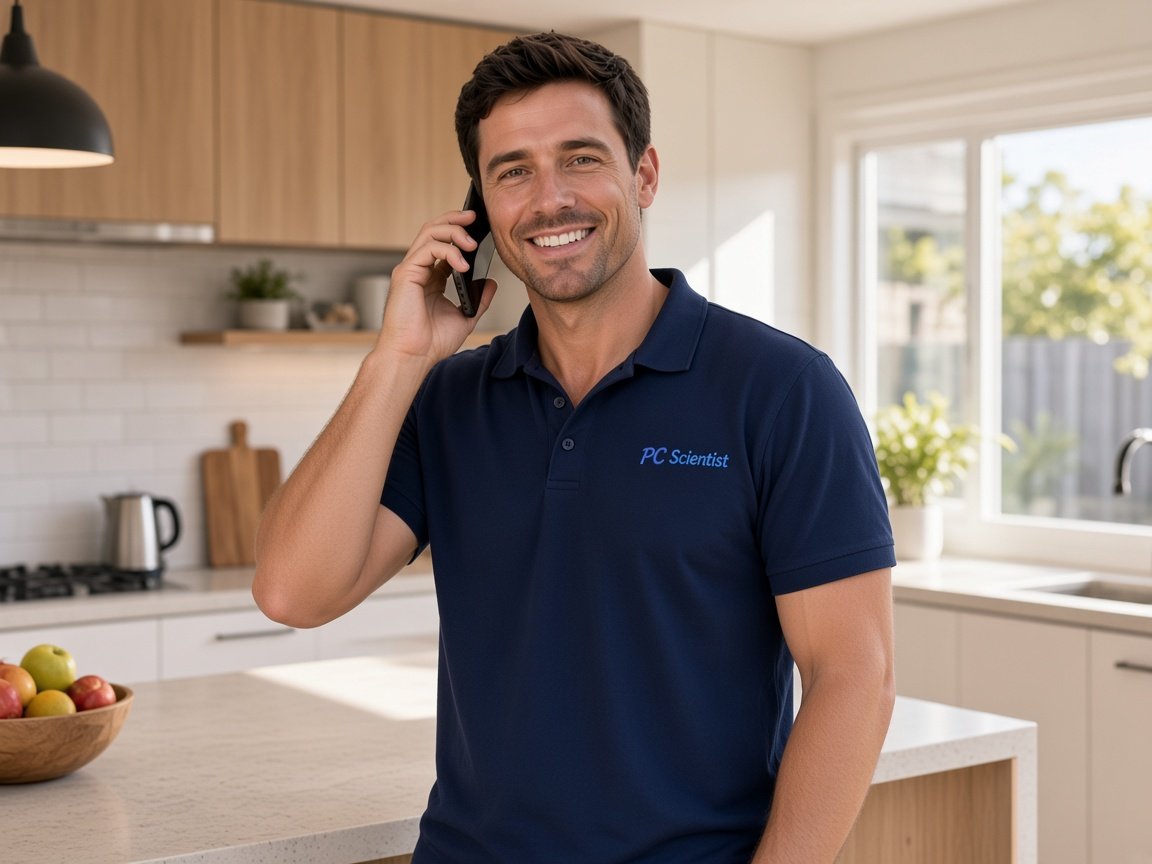
Leave your details and PC Scientist will get in touch to talk through the problem and help you work out the best next step.

Request a call
Give us your number and we'll call back at your convenience.
PC Scientist
PC Scientist · Professional Offices
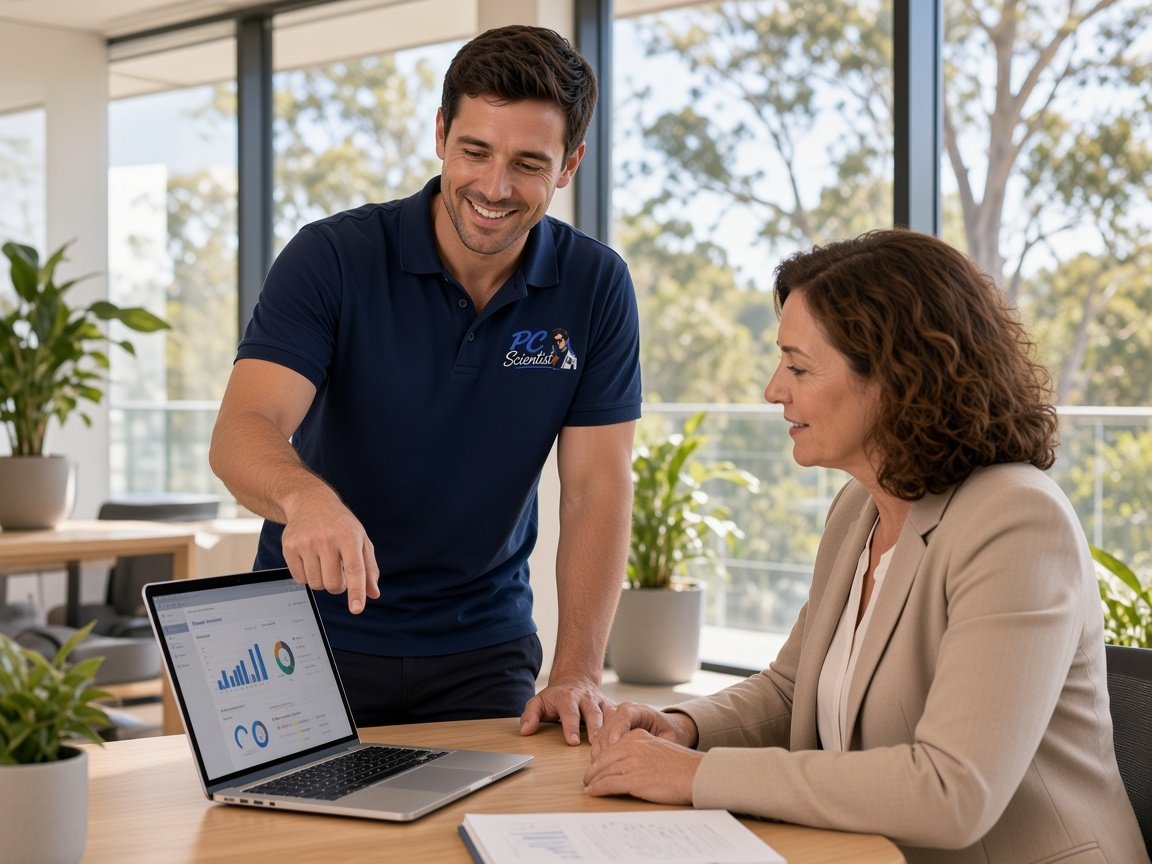
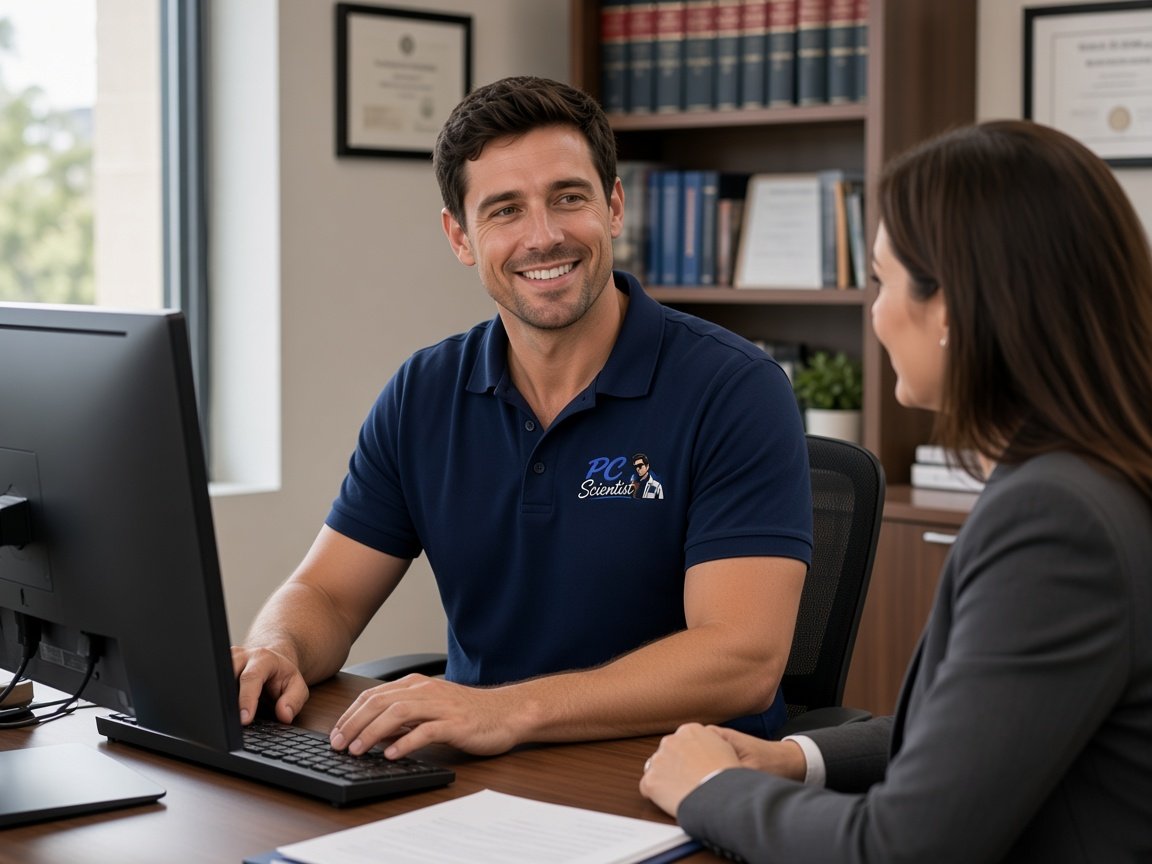
Accountants, lawyers, clinics, real estate, and consultants. You need files kept carefully, email that arrives, and office computers that simply work.
PC Scientist works quietly and keeps the conversation private. Clear price before work. Call 0493 563 381, or book an eligible visit.





We accept payments







Real Google reviews
Word for word, from people we have visited.
Client files
Accountants, lawyers, clinics, real estate, consultants. The PC is not a hobby. Mail has to be secure enough, backups have to restore, and the front desk cannot shrug at a freeze.
PC Scientist supports professional offices across NSW. Secure network, Microsoft 365, careful handling. Call 0493 563 381, or book a visit.
Offices without IT staff
Clinics, legal, accounting, allied health, agencies. Patient, careful, no upsell.
What this covers
Pick the closest match. The detail happens on the call.
Secure files, backups, and Microsoft 365 that still holds in tax season.
Secure email, networks, and client-data habits - without enterprise complexity.
Email, listings tech, and calmer next steps after a scare - explained in plain English.
Why us
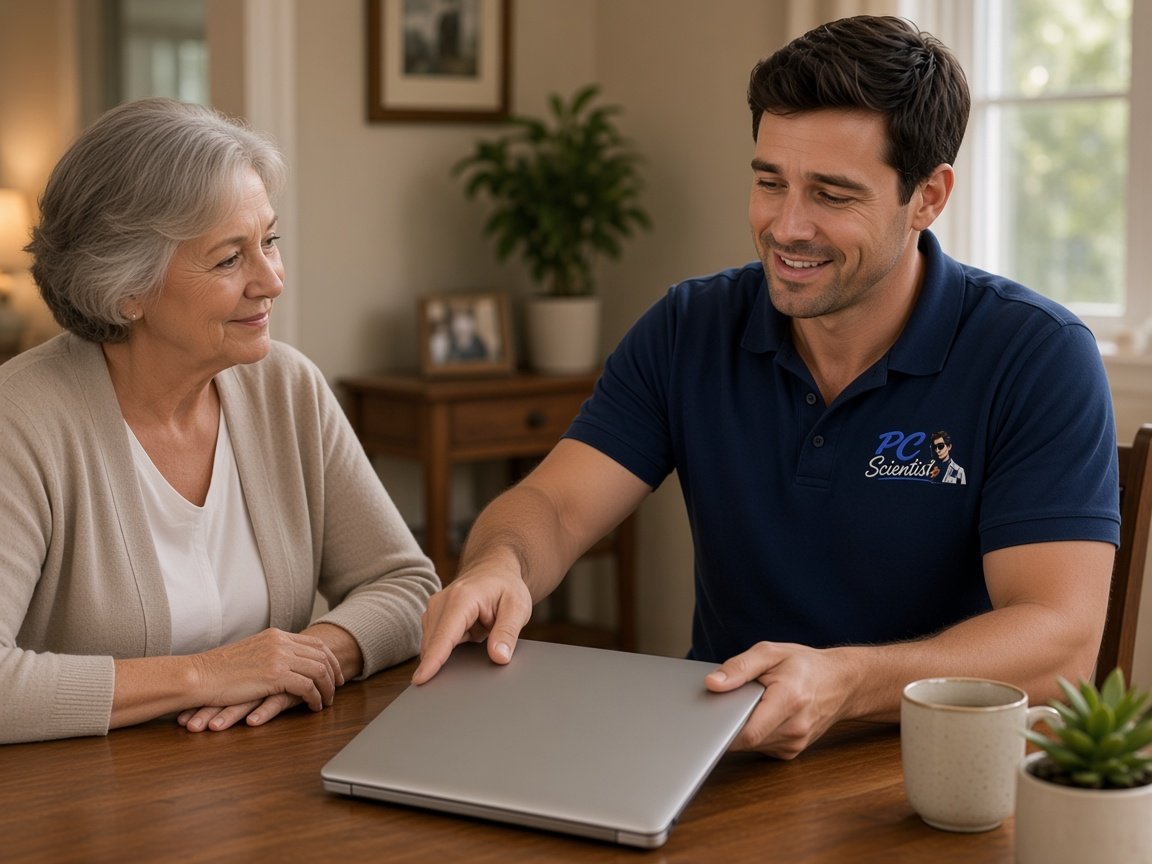
Client files and email kept private. Office machines that stay boring.
When you are ready. Call, or book a technician.
0493 563 381How it works
Book a visit, request a call back, or a written quote.
Mail, files, the front-desk PC, a scare.
Nothing extra starts until you say yes.
Quiet, careful, then we show you what changed.
What we help with
Computers, Wi-Fi, email, printers, cameras, and new devices. View all services.
 Computer Repair Scientist
Slow or crashing PCs.
Computer Repair Scientist
Slow or crashing PCs. Computer Support Scientist
Everyday PC help.
Computer Support Scientist
Everyday PC help.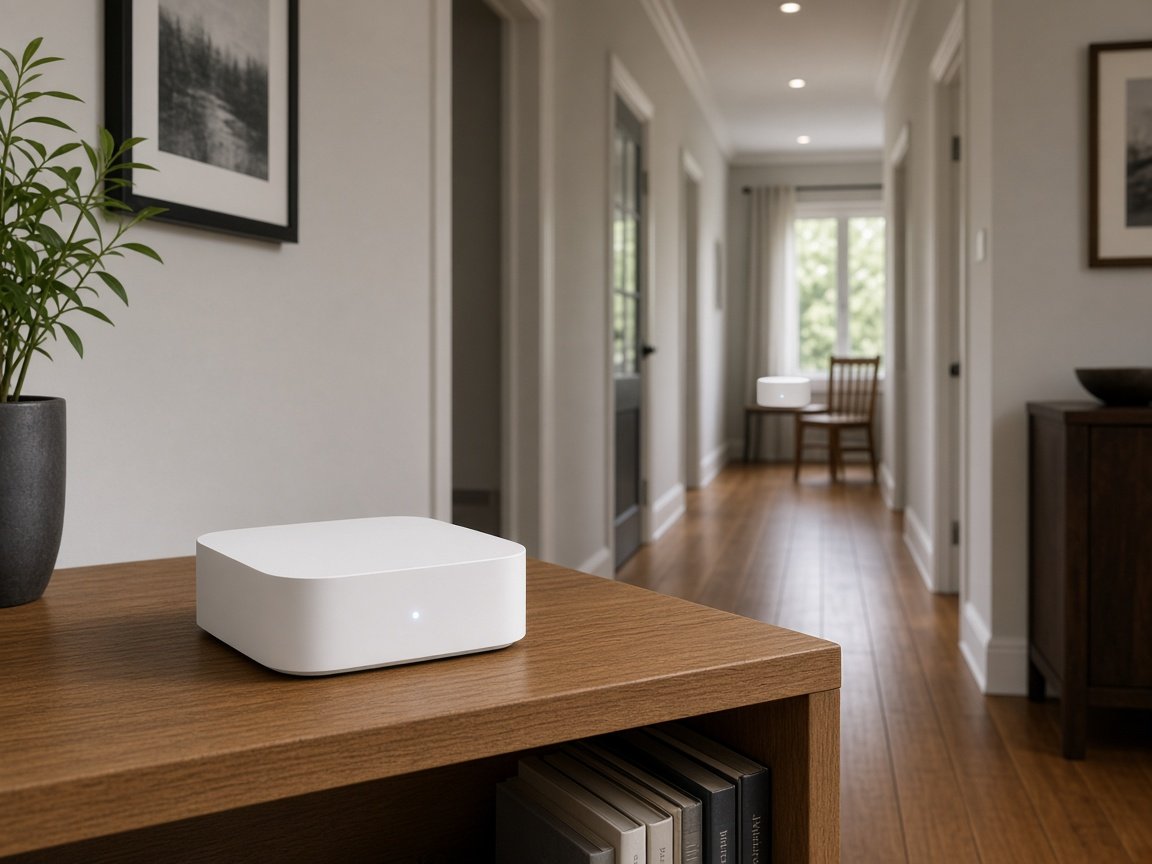 Network Scientist
Wi-Fi and dead zones.
Network Scientist
Wi-Fi and dead zones.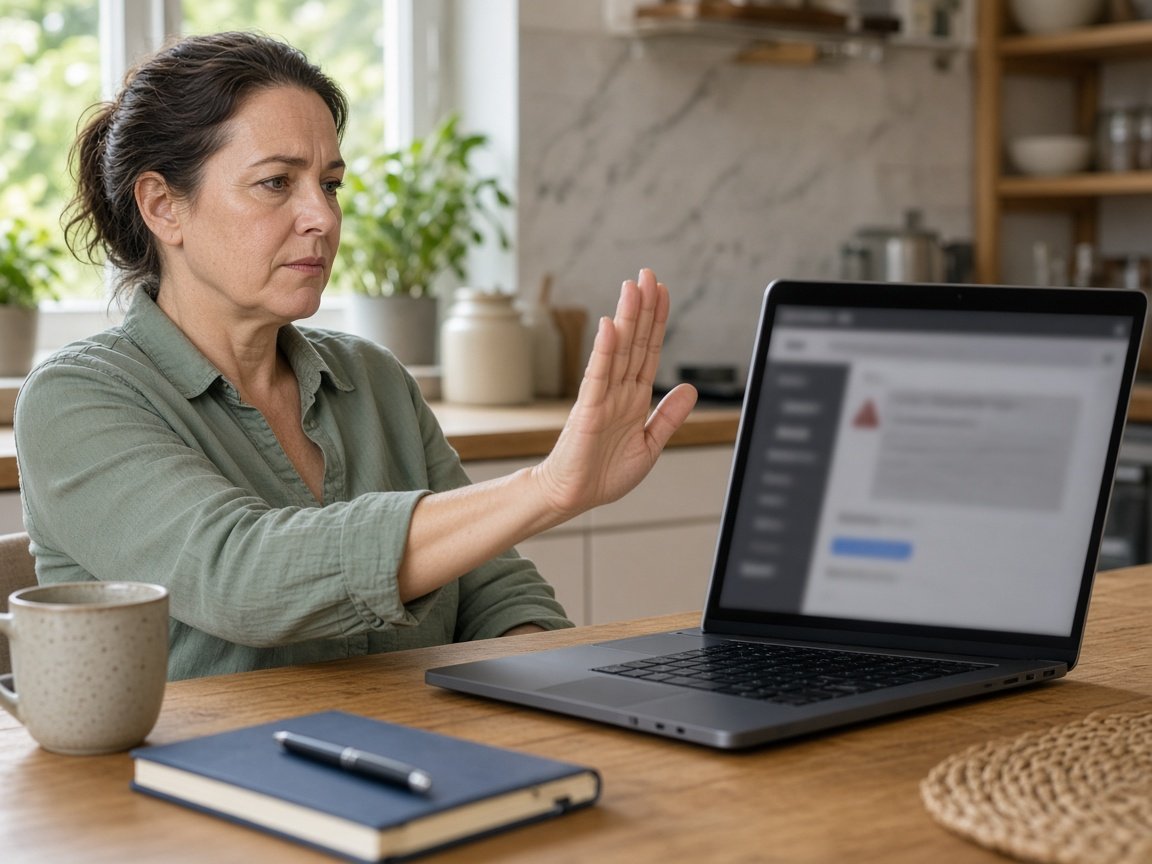 Cybersecurity Scientist
Scams and safer accounts.
Cybersecurity Scientist
Scams and safer accounts.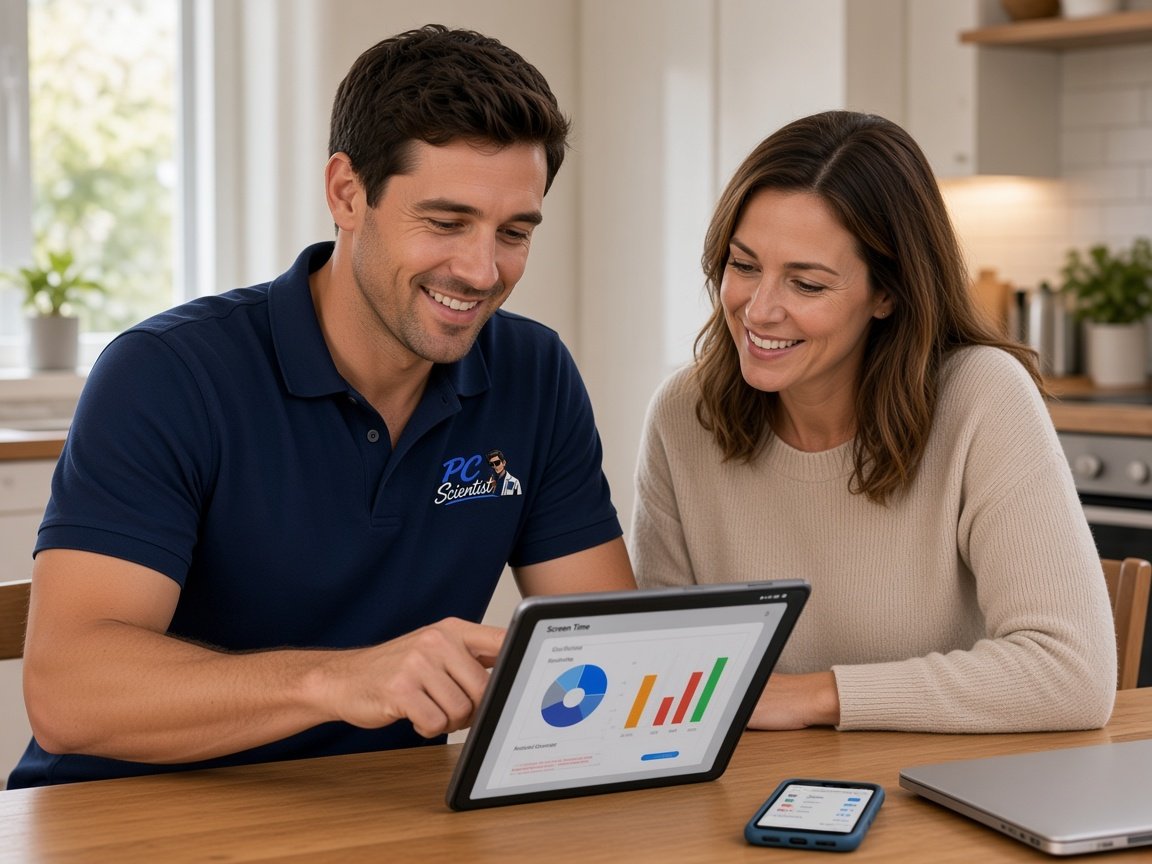 Parental Control Scientist
Safer screens at home.
Parental Control Scientist
Safer screens at home.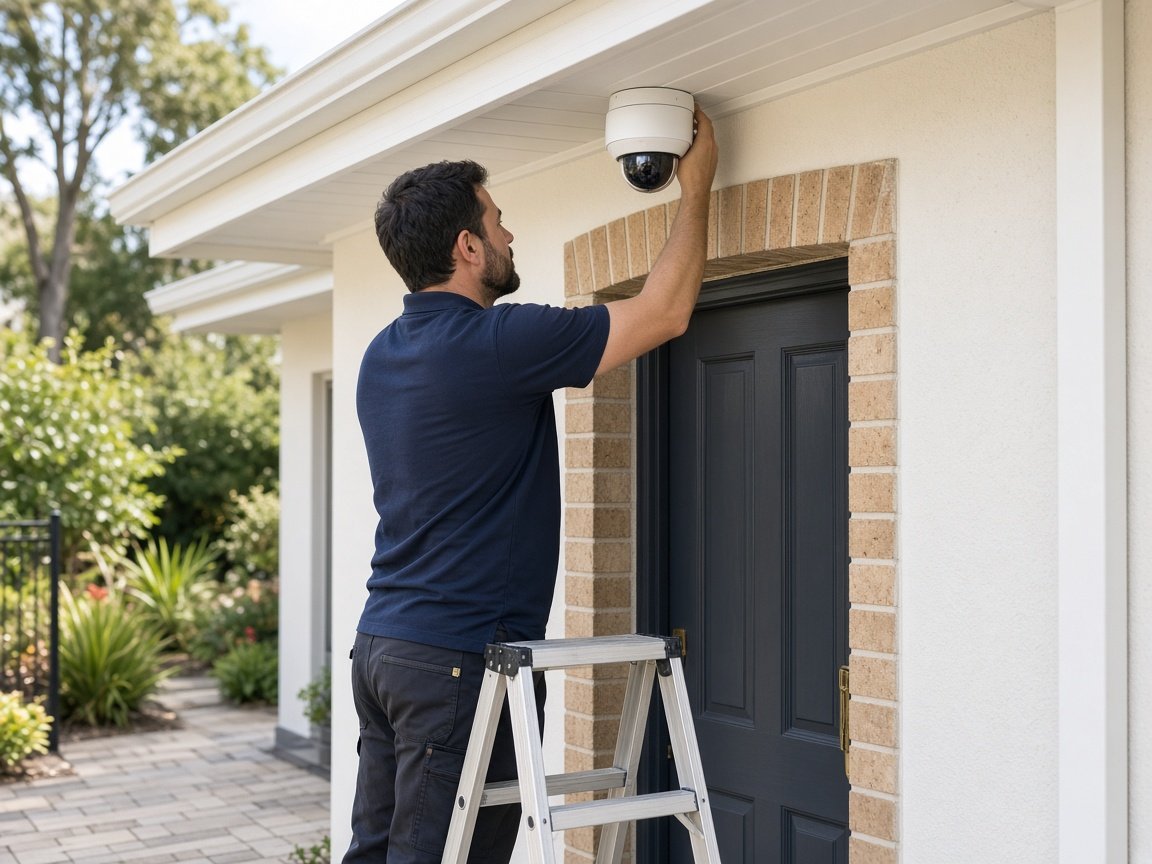 Security Camera Scientist
CCTV planned and installed.
Security Camera Scientist
CCTV planned and installed.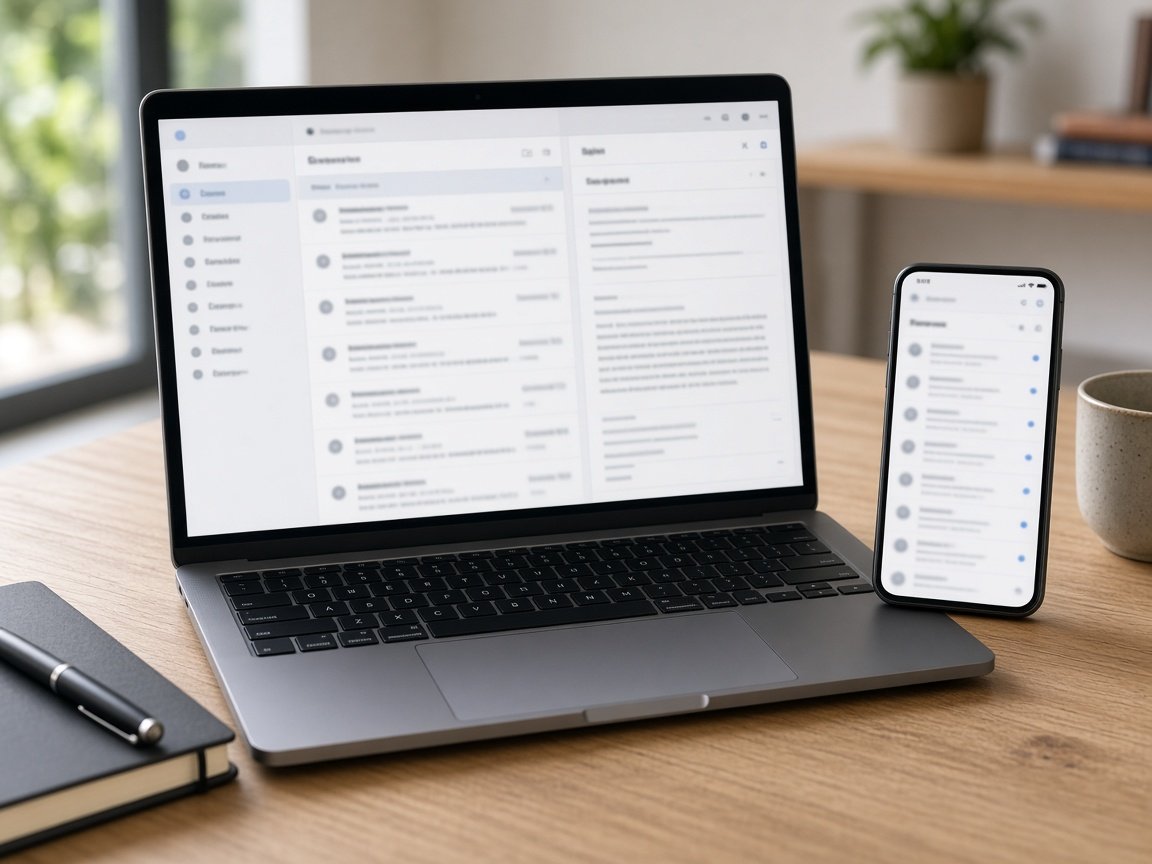 Email Systems Scientist
Microsoft 365 and Gmail.
Email Systems Scientist
Microsoft 365 and Gmail.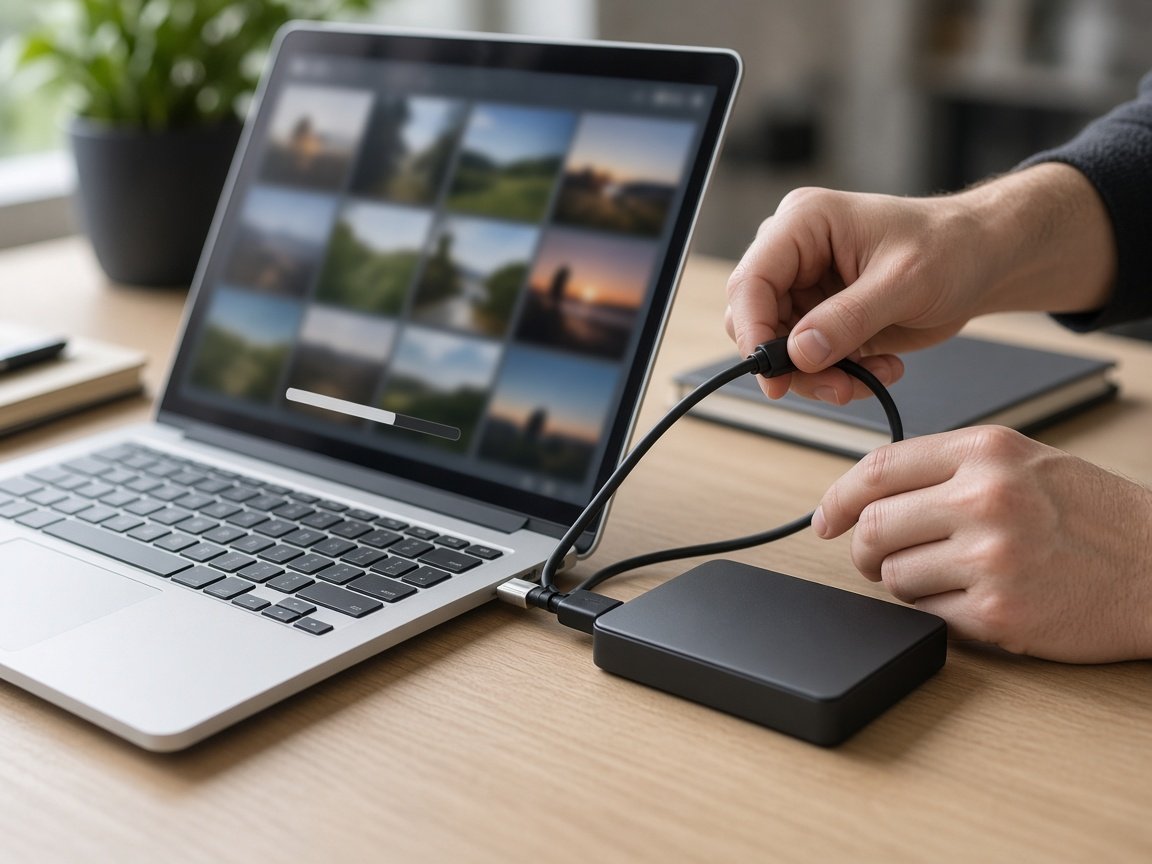 Data Recovery Scientist
Lost files and backups.
Data Recovery Scientist
Lost files and backups.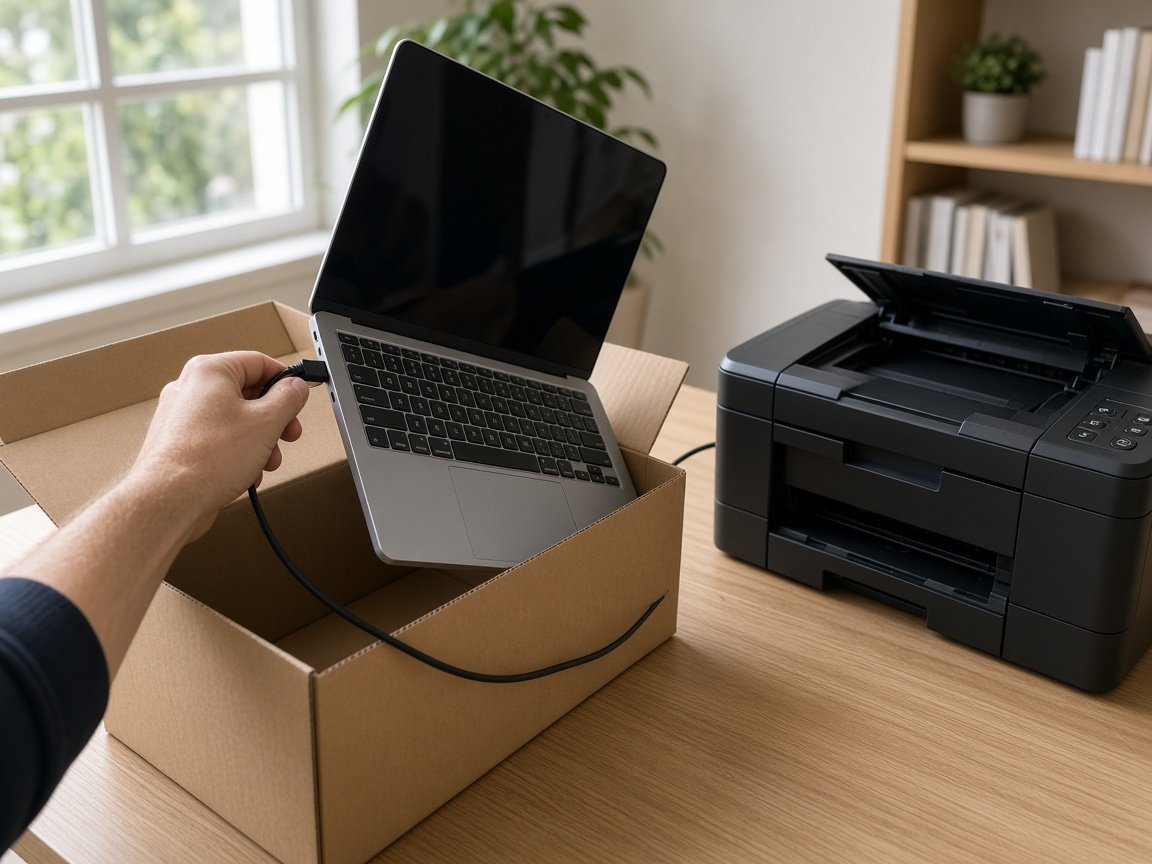 Device Setup Scientist
New devices and printers.
Device Setup Scientist
New devices and printers. Custom PC Build Scientist
Gaming and work PCs.
Custom PC Build Scientist
Gaming and work PCs. Web Design Scientist
Small business websites.
Web Design Scientist
Small business websites. Business Tech
Offices, shops, tradies.
Business Tech
Offices, shops, tradies. Procurement Scientist
Sourced and set up.
Procurement Scientist
Sourced and set up.Not sure which one? Tell us what you are seeing.
0493 563 381When you call
Client files, Outlook, and the billing PC. We work quietly and keep the conversation private.
Tell us what is happening. We will find a time that suits.
0493 563 381FAQ
We help sole practitioners and small professional teams across NSW - accountants, lawyers, clinics, real estate, and similar offices. We are not a 24/7 enterprise IT department.
Yes. Setup, sync, shared inboxes, migrations, and the day-to-day email problems that steal billable time.
Start with a calm assessment. We clean up where needed, tighten accounts and devices, and explain next steps in plain English.
Yes. We plan backups and restore pathways so client files are not a hope-and-prayer exercise.
Book Online for a Professional Assessment or Standard Onsite Fix. If it feels bigger, call 0493 563 381, request a call back, or ask for a free quote.
Practice has to keep moving