Request a call back
Leave your details and PC Scientist will get in touch to talk through the problem and help you work out the best next step.

Request a call
Give us your number and we'll call back at your convenience.
PC Scientist · Halloran
On a bigger Halloran block your modem often lives at one end of the house and the work desk at the other. By afternoon the video call stutters and the laptop battery is flashing red as well.
We sort the reach first, then test the computer, because a weak signal and a slow machine feel identical from the chair. It suits family homes and sole traders alike. You get a clear price before any repair or extra work. Call us, book an eligible visit, or ask for a quote if you want it in writing.
Book online for eligible visits and get 10% off.
Let us help you today


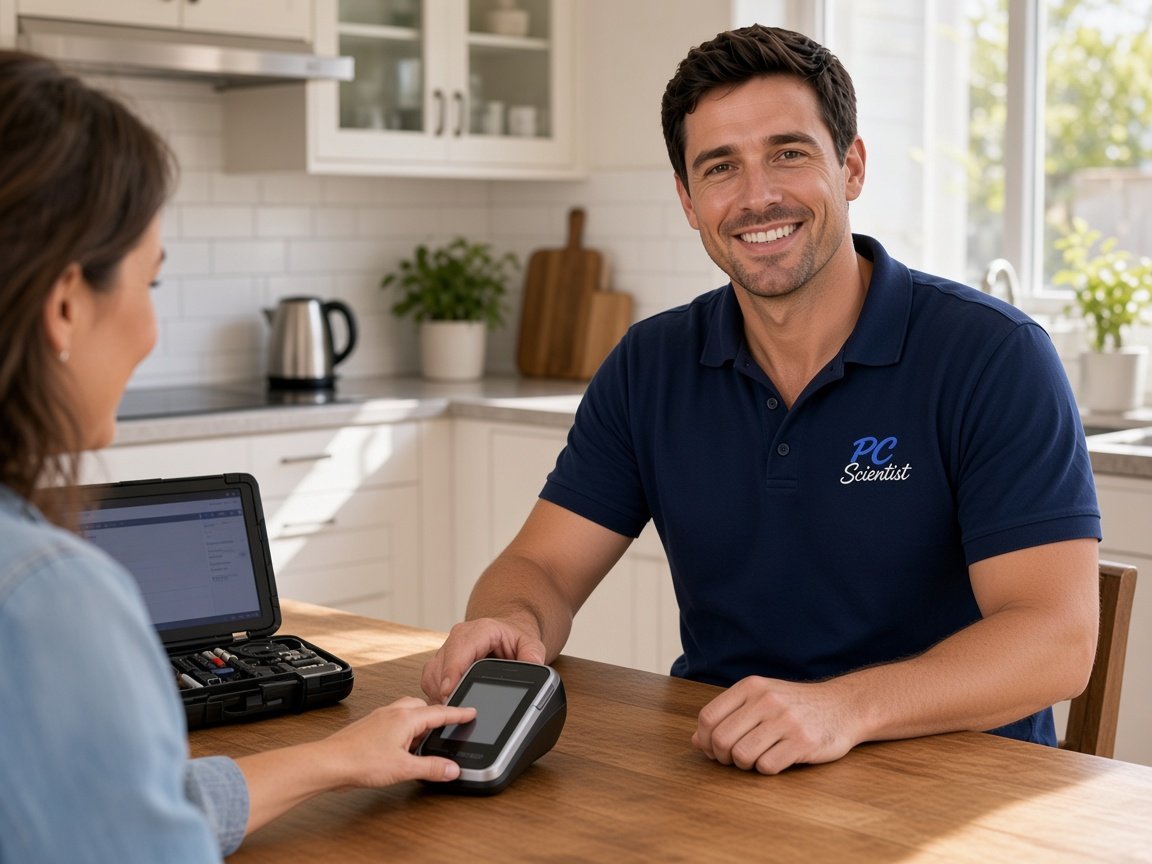
We accept payments







Real Google reviews
Word for word, from people we have visited.
Why Halloran calls us
When you are ready. Call, or book a technician.
0493 563 381What we help with
Computers, Wi-Fi, email, printers, and new devices. View all services.
 Computer Repair Scientist
Slow or crashing PCs, repairs and upgrades.
 Computer Support Scientist
Devices that will not connect, like PC to printer.
 Network Scientist
Wi-Fi, mesh, NBN and dead zones.
 Cybersecurity Scientist
Scams, malware and safer accounts.
 Parental Control Scientist
Safer screens at home.
 Security Camera Scientist
Planned, installed, on your phone.
 Email Systems Scientist
Microsoft 365, Gmail and domains.
 Data Recovery Scientist
Lost files, failing drives, backups.
 Device Setup Scientist
New devices, plus printer fixes.
 Custom PC Build Scientist
Gaming and performance PCs.
 Web Design Scientist
Small business websites.
 Business IT and projects
Offices, shops, tradies and projects.
 Procurement Scientist
Sourced, delivered and set up.
Not sure which one? Tell us what you are seeing.
0493 563 381How it works
In Halloran we lock the price before work. Call 0493 563 381, request a call back, or book an eligible visit.
Book online, call for free advice, , or .
In the booking, on the call, or in the quote. Same idea.
We agree the visit on the call, in the booking, or in the quote. Agree, and that date stays yours.
That's the visit. We work through your list on the day.
Areas we cover
Can't find your area? Call us to check on 0493 563 381.
Can't find your area?
Call us to check. We will tell you if we visit, or if remote help is the better fit.
FAQ
Usually, yes. We check the battery's wear level, the charger and port, and whether background apps or power settings are draining it. An old battery that has lost most of its capacity is the common cause, and a replacement often costs far less than a new laptop. Sometimes the fix is just settings. Either way, we tell you what we found then help you take the next small step.
We regularly travel to Halloran, as well as Lake Haven and Wyongah, and a short phone chat tells us whether a visit or a remote session makes more sense.
A visit is booked for a set time, so the right kind of help turns up.
Absolutely - small jobs like printing, logins, and finding files are a big part of what we do for families, shift workers, and retirees.
The goal is less daily frustration, explained without jargon.
We help home offices, shopfronts, and family setups on the quiet edge of Lake Haven and Wyongah, whether it is one device or a small team.
Business devices can be kept separate from family ones, onsite or remote.
Nothing extra starts unless you agree, and nothing goes ahead on an NBN box that shows green lights but no internet until you agree.
Written quotes are available for bigger jobs, with no pressure to proceed.
We visit homes and businesses on the quiet edge of Lake Haven and Wyongah and across the Coast, from Umina Beach and Kincumber to Bateau Bay, Lake Haven, and Budgewoi.
Travel details are explained when you book, so distance is rarely a problem.
Pricing depends on the problem, the type of service, the time involved, and any parts, and it is explained before work starts on the quiet edge of Lake Haven and Wyongah.
Straight answers replace confusing tech talk, explained step by step.
When you are ready