PC Scientist · Lower North Shore · Business email

Business email help on the Lower North Shore

A Neutral Bay practice notices it first: Outlook on your desktop refuses mail that is still landing on the phone, and the shared client mailbox starts bouncing replies right when the day is busiest.

We fix Lower North Shore business email onsite or remotely. Bring the bounce, the sync loop or the mailbox that only works on one device, then request a call back or ask for a written quote.

Book online for eligible visits and get 10% off.

Let us help you today

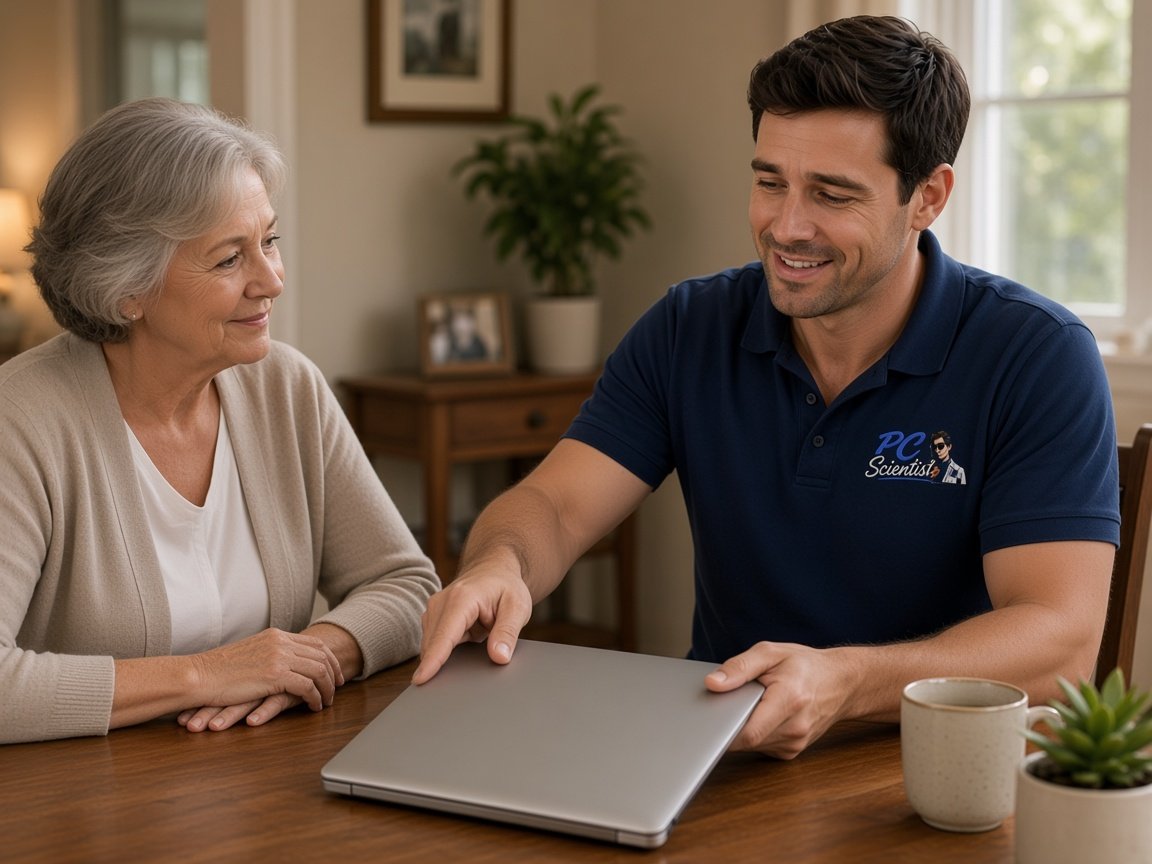
  • One-on-one help - a PC Scientist technician sitting with an older client at her laptop.

We accept payments

Visa
Mastercard
American Express
JCB
Apple Pay
Google Pay
Afterpay
Zip
Bank debit

Real Google reviews

What locals say after a PC Scientist visit.

Word for word, from people we have visited.

★★★★★

I found the experience and support so valuable. Face to face, so patient and professional.

Mary Rout

★★★★★

Sam was very responsive to fixing my laptop and retrieving my data. Most appreciated.

Bruce Whitehead

★★★★★

Manuel was running a little late so he phoned me and as soon as I heard his happy disposition I immediately felt at ease. Great communication and a smooth visit.

Sylvia Ralph

Read all our Google reviews

Business email · Lower North Shore

Why would mail reach the phone but never show up in Outlook on the office desktop?

It is one of the most common Lower North Shore calls, and it is rarely the mailbox itself. A stale profile, a saved password or a sync setting is usually behind it. We check each in turn.

Lower North Shore email calls we take

  • Desktop Outlook rejecting mail the phone still receives without trouble.
  • Shared client mailboxes in Crows Nest offices bouncing replies with no warning.
  • Team calendars in a Chatswood practice that stopped syncing between staff.
  • New starters who cannot get mail working on both phone and laptop.
  • You know the price before any work begins.

Once you have reached us

  • Help can often start the same day; if the calendar is full, you hear that straight away.
  • You get practical options with clear pricing, and nothing proceeds until you are comfortable.
  • Onsite, remote or both, depending on access, urgency and what the fault genuinely needs.

Where we visit on the Lower North Shore

Visits are mostly to practices and small offices in Chatswood, Crows Nest and Artarmon, plus studios and owner-run businesses around Neutral Bay, Mosman and Lane Cove. A remote session handles most profile and sync faults. We come in when several desks share the same broken mailbox or a provider move is under way.

Why Business email calls us

What you run into: Lower North Shore practices want when client mail starts bouncing

  • For you: Clear next step, no fee

    • If the repair is not possible, you still leave with a clear next step and no repair fee.
    • For you, worried about paying for nothing? An unfixable mail fault carries no repair fee.
  • For you: Itemised before we start

    • Each part of the email job priced separately so you can see where the money goes.
    • If the job turns out bigger than it looked, you hear before the clock runs.

  • How we help: Advice before booking

    • You get plain-language advice before you commit to anything.
    • We give you busy right now? Ask for a call back and we ring when it suits you.
  • What you can expect: Set up to last

    • For you, work done properly for small offices and practices, not rushed to finish.
    • For you, honest advice when more spend on an ageing mail setup is not worth it.
  • For you: Small jobs ride along

    • You get bring the minor annoyances along with the main email problem.
    • For you, a locked shared inbox and a moved domain are often sorted in the same booking.
  • What you can expect: Nothing wiped unasked

    • For you, no mailbox reset or deletion without asking you first.
    • You get important mail copied somewhere safe before any risky change.

When you are ready. Call, or book a technician.

0493 563 381

Start here

What this covers

For the outbox that will not send, the starter with no mail, and the shared mailbox that only opens on one desktop. Home inboxes start at email support.

  1. 01

    Mail holding up clients

    Client replies stuck going out of a Lower North Shore practice, or a new starter still without email.

  2. 02

    365 and client mailboxes

    Microsoft 365 users and shared client mailboxes synced so phones and desktops show the same thing.

  3. 03

    Phones and laptops for starters

    A new starter's devices joined to work mail without upsetting anyone else's setup.

  4. 04

    Password and code cycles

    Login requests and verification codes that keep looping, untangled and explained in plain terms.

  5. 05

    A risky email opened

    A suspicious message clicked in the office, followed by sign-in and mailbox checks to limit damage.

The visit

How it works

  1. 1

    Which mailbox

    Which people, which app, and whether mail fails arriving or leaving.

  2. 2

    Profile then server

    Device profiles checked before server changes, so nobody loses access.

  3. 3

    Notes handed over

    A brief record of each change so repeats are easy to spot.

How it works

How to start

Business email visits start the same way: tell us what you are seeing, then pick book, call, or a written quote.

  1. 1

    Choose how to reach us

    Book online, call for free advice, , or .

  2. 2

    You tell us what's going on

    In the booking, on the call, or in the quote. Same idea.

  3. 3

    Lock in the visit

    We agree the visit on the call, in the booking, or in the quote. Agree, and that date stays yours.

  4. 4

    We come to you

    That's the visit. We work through your list on the day.

FAQ

Straight answers for Lower North Shore

Yes. We regularly visit offices and practices around Chatswood, Crows Nest, Cammeray and Artarmon. A quick call confirms timing and whether a visit is the right first step.

Many email jobs can start remotely the same day, with a visit only if it is still needed.

It depends on the fault. Sign-ins, profiles and settings can often be sorted remotely. If Outlook is asking for the password on a loop, we will tell you on the call which way makes more sense.

If you would rather not use remote access, a visit is always an option.

Yes. One missing mailbox still stops someone working, so it gets the same attention as a larger job.

Bring a list if you have one. A single visit can often clear several small email tasks at once, from signatures to shared calendars.

Both. Households, seniors, remote workers and small teams all call us about email.

Apartments near the stations and offices along the main roads are typical of where we visit. If several people share one connection or one family mailbox, we plan the visit around everyone.

When you are ready

Call, or book a time that suits

Book online Save 10% Call for free advice 0493 563 381