PC Scientist · Macarthur · Device setup

Macarthur device setup that is actually finished at the end

Three kids, three new tablets, and a work laptop for Dad, all opened on the same weekend in Harrington Park. By Sunday night nobody can print the homework, and the school apps want sign-ins that live on an old phone in a drawer. If that is what you are seeing, we can look at it with you.

We can take the whole pile in one visit, from Campbelltown to Narellan, and leave each person signed in on their own device. Book an eligible visit online, or call 0493 563 381 if you want to talk the list through first.

Book online for eligible visits and get 10% off.

Let us help you today

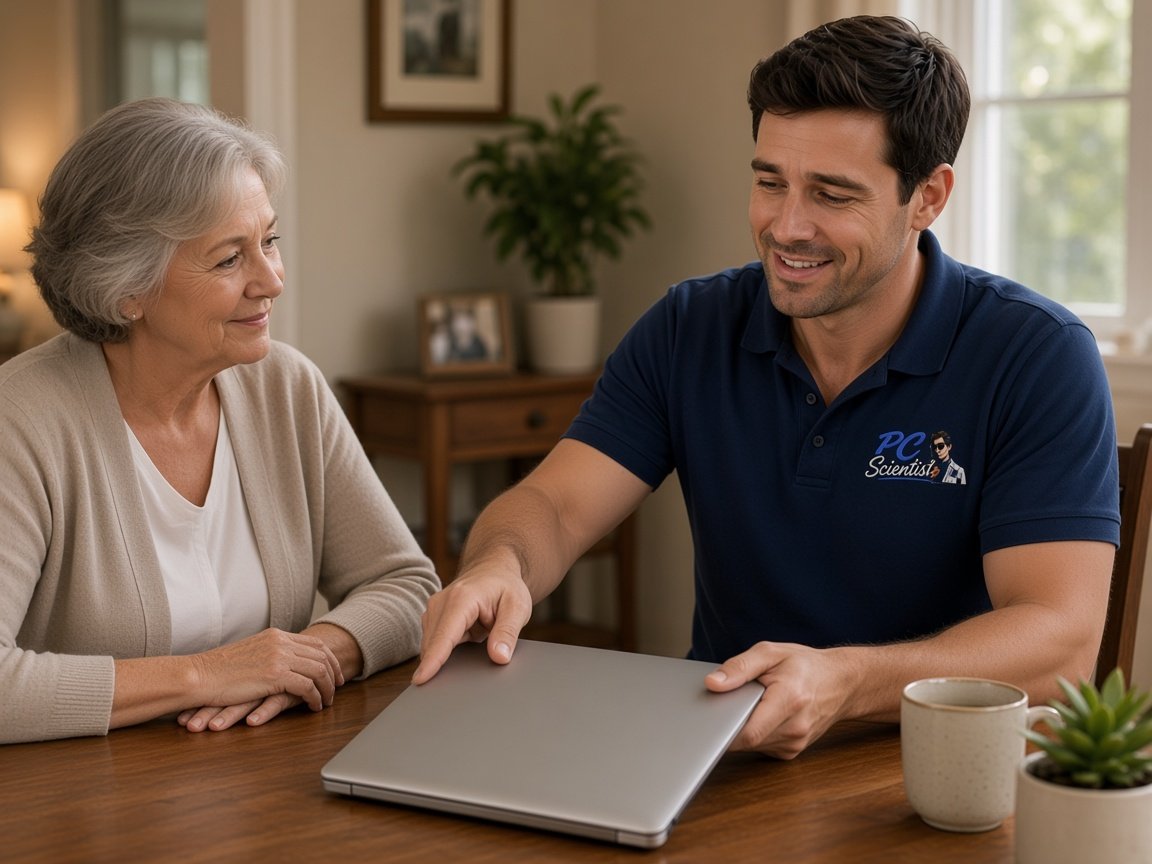
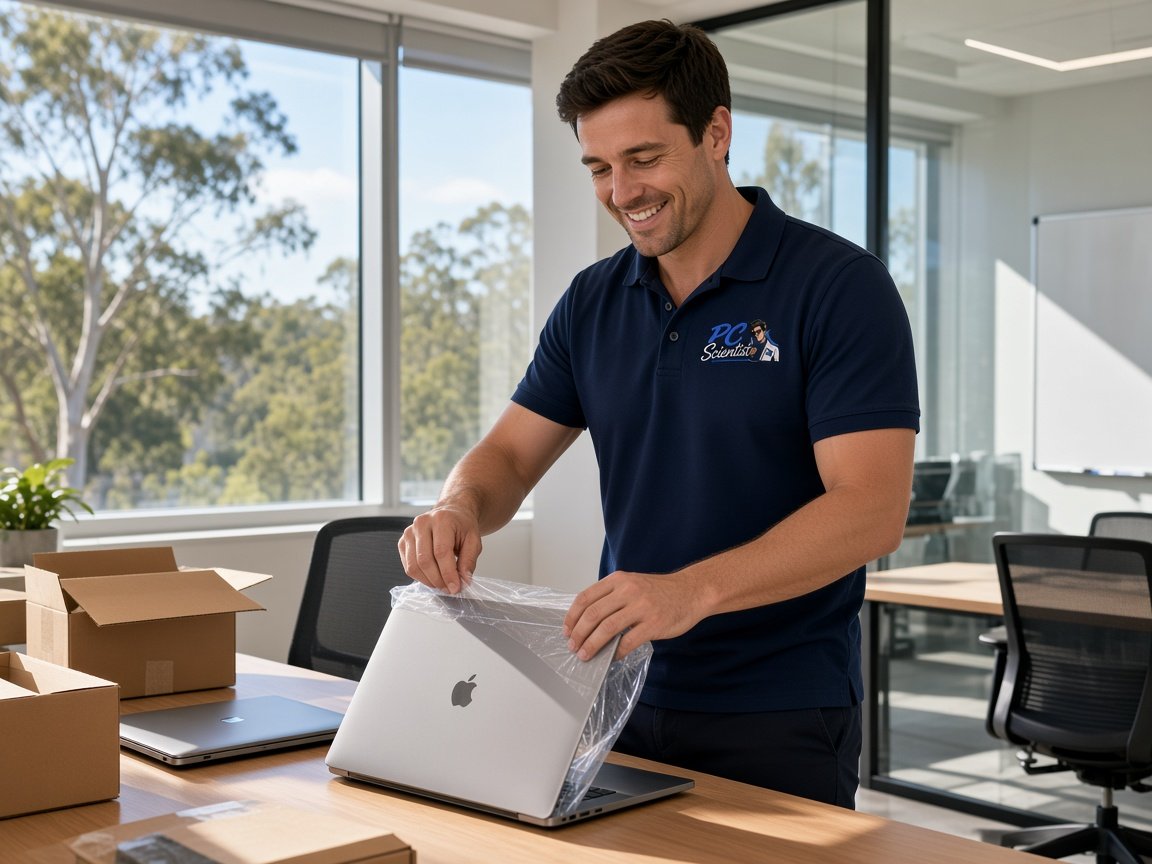
  • One-on-one help - a PC Scientist technician sitting with an older client at her laptop.

We accept payments

Visa
Mastercard
American Express
JCB
Apple Pay
Google Pay
Afterpay
Zip
Bank debit

Real Google reviews

What locals say after a PC Scientist visit.

Word for word, from people we have visited.

★★★★★

Excellent service, prompt reliable , highly recommended for central coast, Yarramalong valley and surroundings

Fleur Goulding

★★★★★

Sam is very responsive and efficient, highly recommended. My shop register was broken which was very frustrating, but he helped us fix it and save us a lot of headache.

Crystal Wang

★★★★★

Sam did a fantastic job cleaning up my PC and physically removing all the dust. He was thorough, professional, and got everything running smoothly again. Highly recommend Sam for anyone needing PC cleaning or maintenance!

Alex Sugar

Read all our Google reviews

Device setup · Macarthur

Can one visit get every new device in a busy Macarthur house sorted at once?

Most Macarthur setup calls are not about one gadget. It is the family haul - tablets, a laptop, a printer that only ever worked for one person. We work out the order with you, then go device by device until each one is ready.

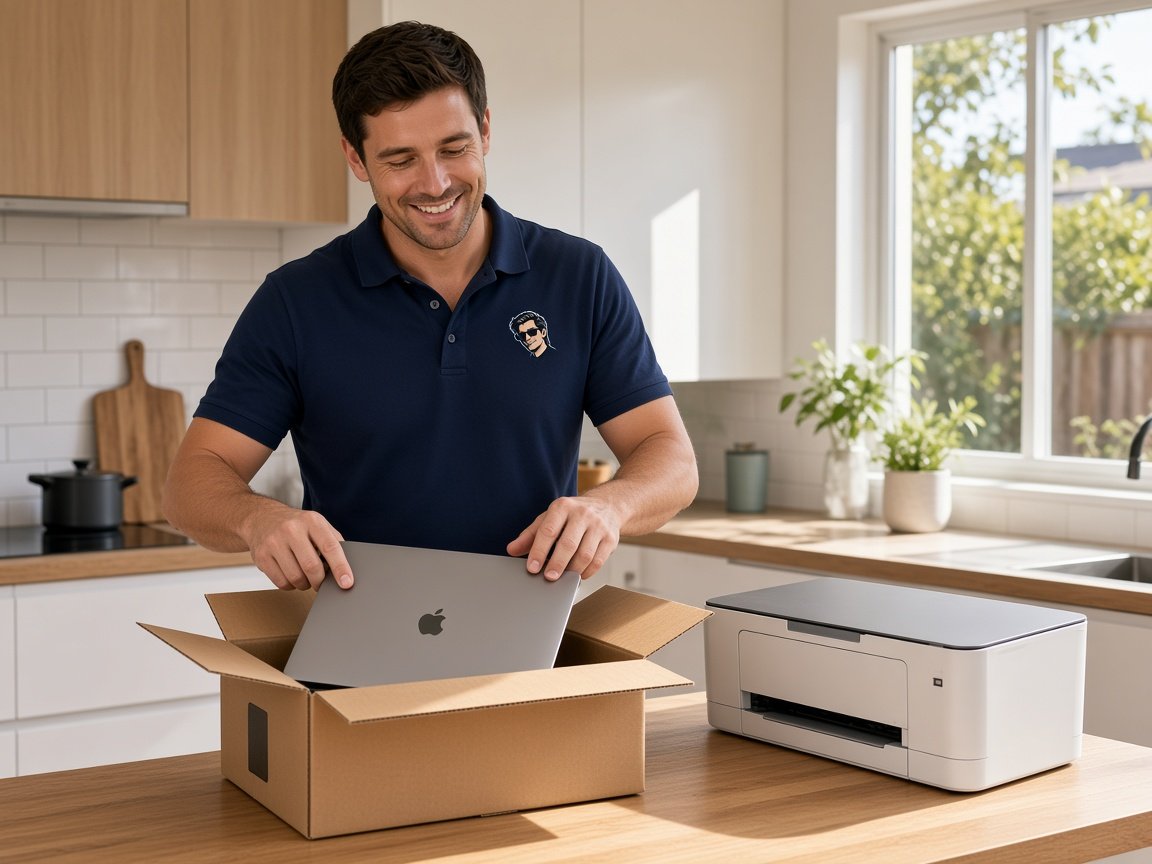
The weekend unboxing, Macarthur style

  • Kids' tablets that need their own accounts and sensible limits before school goes back.
  • A work laptop that has to reach the home printer and the work email.
  • The family photo library split across two old phones and a laptop.
  • A new smart TV that wants a sign-in nobody can find.
  • One price for the whole list, agreed before anything is opened.
From your first call to a working house

  • You read us the list over the phone and we sort it into what matters this week.
  • We suggest a visit length and a price, and you decide if it suits.
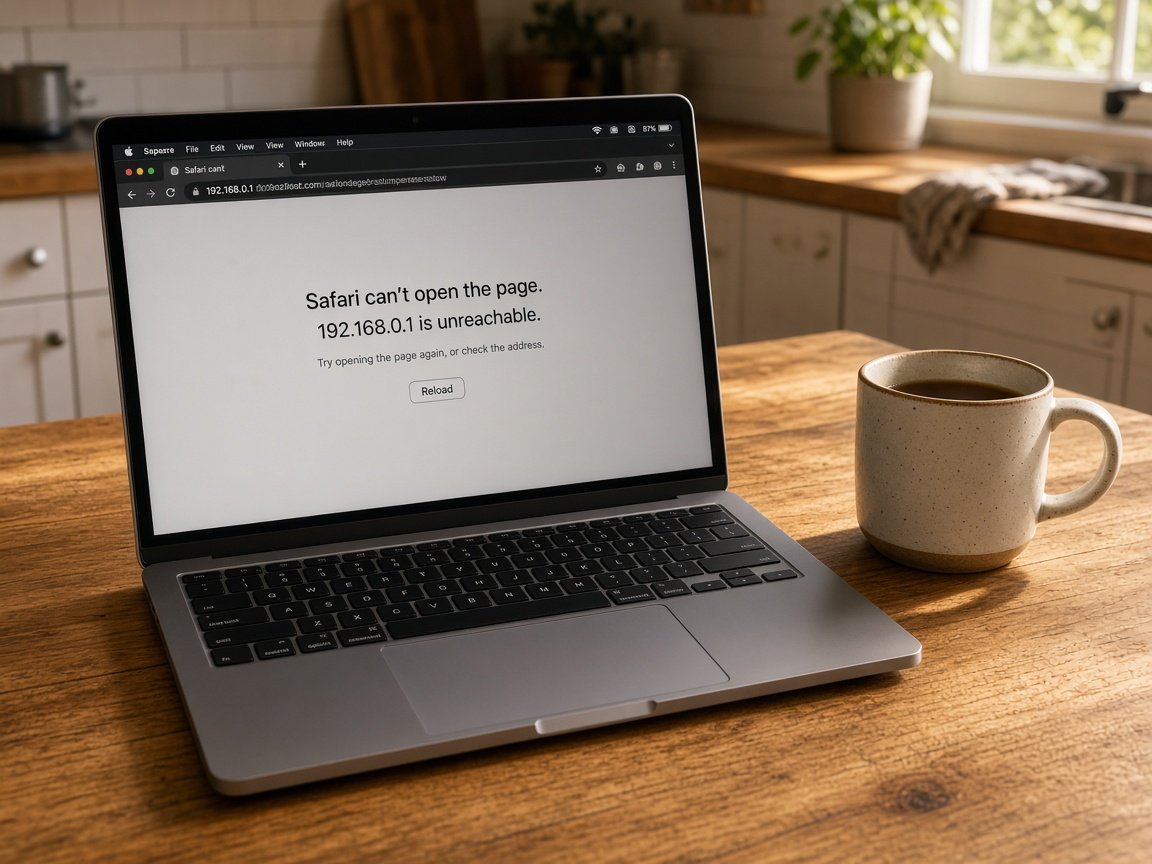
  • Sign-in snags after the visit can usually be finished remotely, so nobody waits on a second trip.

Macarthur streets we cover for setup

Setup visits run across Campbelltown, Ingleburn and Minto, out to Narellan and Harrington Park, and down to Camden. Newer homes around Leppington and West Hoxton often call when the first lot of devices meets a new internet connection. If your street is further out, ask and we will say honestly what timing looks like.

Why Device setup calls us

Worth a call. Macarthur families hand us the whole box pile at once

  • Everyone gets their own login for you

    • Each child and adult signed in on their own device, not sharing one account, and we talk it through with you.
    • So that the limits suit your house, parental settings agreed with you.
  • One figure, whole family for you

    • So that there is no tally at the door, the full device list priced together.
    • Before we start it, anything extra you add on the day is costed.

  • We sort homework printing

    • Your printer set up on every laptop and tablet that needs it.
    • Before we call the job done, a test page from each device.
  • Talk through the list for you

    • Ring 0493 563 381 and read out your boxes - brand names are optional.
    • Your local person who helps you decide what needs a visit and what can wait.
  • Old phones emptied safely for you

    • Before anything is reset, photos and contacts copied off old phones.
    • We clear hand-me-down devices so the next owner starts clean.
  • Faulty out of the box for you

    • Before more time is spent, if new gear turns out faulty, you hear about it.
    • No Fix, No Repair Fee applies where a genuine fault cannot be sorted, and we talk it through with you.

When you are ready. Call, or book a technician.

0493 563 381

Start here

What this covers

New devices for the whole household, set up to work together from the first day. Buying several machines at once for a home office or team? That sits with Procurement Scientist.

  1. 01

    Fresh from the box

    Tablets, laptops, phones and printers opened, updated and ready for the person who will use them.

  2. 02

    Logins for each person

    Separate accounts for adults and kids, plus the apps each of them actually opens every day.

  3. 03

    Bringing the old stuff over

    Photos, contacts, documents and mail carried across from older devices, where the old gear still allows it.

  4. 04

    Printer, TV, extra screens

    The shared printer, the lounge room TV and any extra monitors joined up so they stay connected.

  5. 05

    A handover for the household

    A walk-through for whoever looks after the tech at home, with simple notes left on the bench.

The visit

How it works

  1. 1

    Read out the list

    Tell us every device and who uses it, in whatever order it comes.

  2. 2

    Device by device

    Each one updated, signed in and tested with the person who owns it.

  3. 3

    Family walk-through

    A short run-through so everyone knows where their things live now.

How it works

How to start

If you are in Device setup, you do not need the right words. Ring, book an eligible visit, or ask for it on paper first.

  1. 1

    Choose how to reach us

    Book online, call for free advice, , or .

  2. 2

    You tell us what's going on

    In the booking, on the call, or in the quote. Same idea.

  3. 3

    Lock in the visit

    We agree the visit on the call, in the booking, or in the quote. Agree, and that date stays yours.

  4. 4

    We come to you

    That's the visit. We work through your list on the day.

Areas we cover

Device setup across Macarthur

Can't find your area?

Call us to check. We will tell you if we visit, or if remote help is the better fit.

Macarthur Sydney NSW

FAQ

Common questions about Macarthur & Camden IT help

Yes. Most Macarthur setup visits are a household list rather than one gadget, and we plan the time around how many devices and people are involved.

Each person ends up signed in on their own device, and the shared printer and TV are joined to the home network before we leave.

Yes. We create a child account, link it to a parent, and set screen time and app approvals the way you want them.

We also show you how to change those settings later, because what suits a seven-year-old rarely suits them at twelve.

Usually, yes. We work out which account the TV or streaming app is asking for and help you recover it, or set up a fresh one if that is simpler.

Bring any old emails or receipts you can find - they often hold the answer.

Yes. A work laptop often needs the home printer, a second screen and the home Wi-Fi without breaking the settings your employer put on it.

We stay within what your workplace allows, and if something needs their IT team, we tell you exactly what to ask.

When you are ready

We can come to you

Book online Save 10% Call for free advice 0493 563 381