
PC Scientist · Sydney · Professional office IT

Sydney practices where a stalled file can cost a client appointment

A small practice with rooms in the Inner West and a principal working from the Hills District can feel like two offices that barely talk. Files saved in one place do not show up in the other, and appointments wait while someone emails a copy for you.

We help Sydney professional offices join the pieces up - shared files, Microsoft 365, printers and secure access from wherever staff sit. Ring 0493 563 381 for advice, or ask for a written quote when the job spans more than one site.

Book online for eligible visits and get 10% off.

Let us help you today

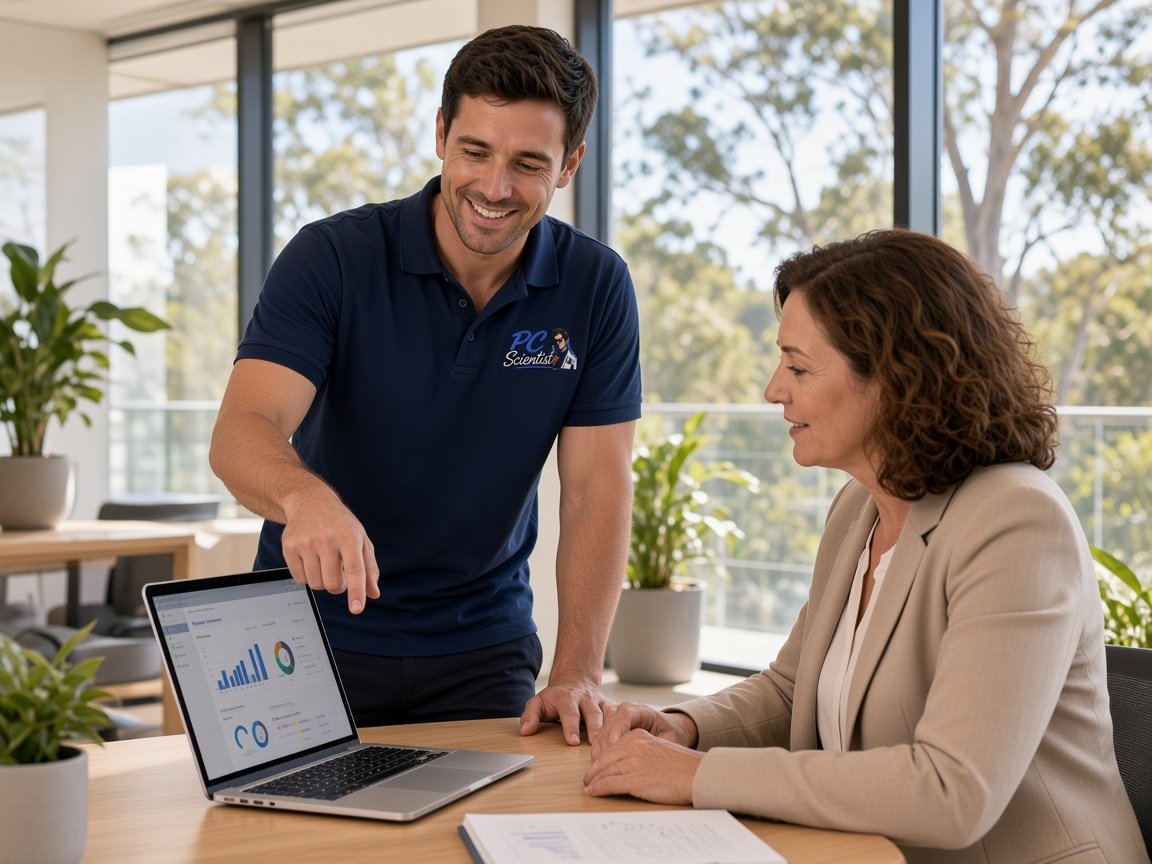
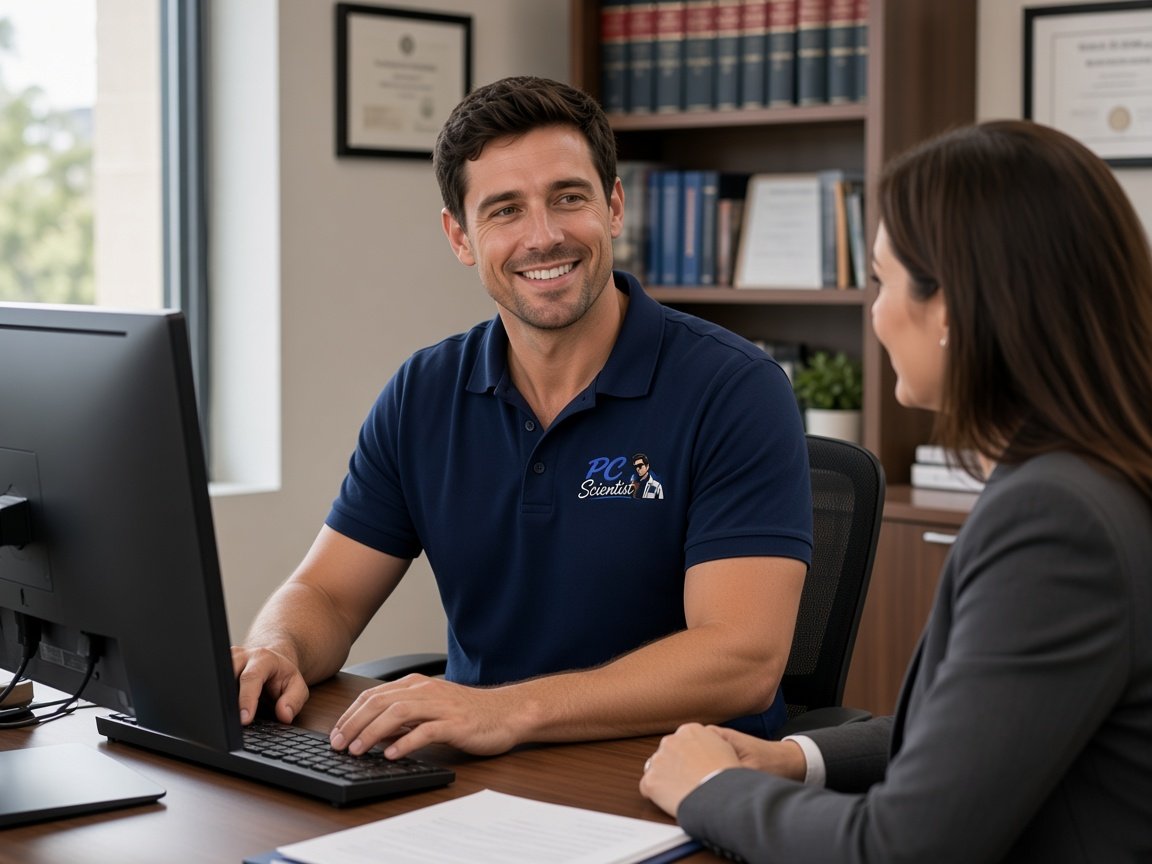
  • One-on-one help - a PC Scientist technician sitting with an older client at her laptop.

We accept payments

Visa
Mastercard
American Express
JCB
Apple Pay
Google Pay
Afterpay
Zip
Bank debit

Real Google reviews

What locals say after a PC Scientist visit.

Word for word, from people we have visited.

★★★★★

Excellent service and very fast and reliable. Highly recommend

Leigh Palmer

★★★★★

Great work. Really Happy with the service

Rosemary Vituseck

★★★★★

Great service and the technician is very friendly and he is a champion! Very skilled and knowledgeable to everything especially in troubleshooting amd giving the beat solution to the problem

Manuel Luzuriaga

Read all our Google reviews

Professional office IT · Sydney

Does the practice run from more than one spot in Sydney and still expect one set of files?

Plenty of Sydney practices now split the week between a suite, a second room across town and someone's spare bedroom. We help the files, mail and calendars behave the same in each place, with the cost agreed first.

Across-town office problems

  • Files saved at one site that never appear for staff at the other.
  • A shared calendar that books two clients into the same room.
  • Home desks reaching office files through a workaround nobody trusts.
  • A printer at each site set up differently, so scans land in random places.
  • A clear price for the whole job, agreed before anything is changed.

What we sort out first

  • Which site or staff member is blocked today, and what can wait until next week.
  • Whether a remote session can settle it, or a visit to one site is needed.

  • Where the files and mailboxes really live, written down so everyone knows.

Where Sydney visits land

Office visits run across Parramatta, the Inner West and the Hills District, out to the Northern Beaches and the Upper North Shore, and south to St George and Sutherland. Practices with rooms in two areas can have both covered under one plan, priced before we start.


Why Professional office IT calls us

Why Sydney practices with more than one desk location call us

  • One Set Of Files

    • You get shared folders arranged so every site and home desk sees the same version.
    • You get old copies tidied away so nobody edits the wrong document.
  • Diaries That Match Everywhere

    • You get rooms and staff calendars set up once in Microsoft 365, then checked at each site.
    • You get double bookings traced back to the setting that caused them.
  • Sites Priced Together

    • One quote can cover every location, so the partners see the full cost for you.
    • Work can be staged site by site if the budget needs it for you.
  • Repair Fee Only If Fixed

    • You get a hardware repair that cannot be completed carries no repair fee.
    • Straight advice when a tired computer is not worth more money for you.
  • Secure From Any Desk

    • You get two-step sign-in on email and file access for staff working away from the suite.
    • Lost laptops locked out quickly so client files stay protected for you.
  • Same Contact Each Time

    • Notes on each site kept, so the next call starts already informed for you.
    • You get a person answers 0493 563 381 and talks it through without a script.

When you are ready. Call, or book a technician.

0493 563 381

Start here

What this covers

Sydney accountants, lawyers, clinics and consultants call when mail, files or the network falter before a client meeting, whichever site the meeting happens to be at.

  1. 01

    Meeting at either site

    Mail, shared files or the network put right before a client meeting, wherever in Sydney that room happens to be.

  2. 02

    Calendars across locations

    Microsoft 365 shared mailboxes and room calendars that show the same bookings at every site and on phones.

  3. 03

    Backups covering every site

    Each location's files included in one backup, with a test restore so you know it all comes back.

  4. 04

    Wi-Fi at each address

    Consult rooms and desks kept on steady Wi-Fi at each office, with visitors on a separate network.

  5. 05

    Calm steps after a scare

    Safer sign-in and email settings after a phishing message, explained plainly and without scare tactics.

The visit

How it works

  1. 1

    Pick the site

    Tell us which location or staff member is stuck right now.

  2. 2

    One written price

    The whole job is quoted and approved before work starts.

  3. 3

    Every site running

    The fault sorted, with a note on where everything now lives.

How it works

How to start

If you are in Professional office IT, you do not need the right words. Ring, book an eligible visit, or ask for it on paper first.

  1. 1

    Choose how to reach us

    Book online, call for free advice, , or .

  2. 2

    You tell us what's going on

    In the booking, on the call, or in the quote. Same idea.

  3. 3

    Lock in the visit

    We agree the visit on the call, in the booking, or in the quote. Agree, and that date stays yours.

  4. 4

    We come to you

    That's the visit. We work through your list on the day.

FAQ

If you are wondering about help in Sydney

Yes. We regularly help practices split between areas such as Parramatta and the Inner West, or a suite plus a home office in the Hills District.

Most of the joining-up happens in Microsoft 365 and can start remotely. Visits are booked at whichever site needs hands on a printer, a cable or a workstation.

Usually because each site saves to its own place, or one laptop is syncing an old copy. It builds up quietly until someone opens the wrong version.

We find where each file really lives, move the practice onto one shared location, and show staff where to save from now on.

Yes, and for multi-site work it is often the best first step. You get the scope, the price and any staged options in writing, ready for the partners.

Nothing starts until you approve it, and if something larger turns up partway through, we stop and check with you first.

Small is our usual fit. Sole practitioners and teams of a handful of people make up most of the professional offices we help.

Large organisations that need an in-house IT department on call around the clock are better served elsewhere, and we will tell you that plainly.

When you are ready

Ready for a visit, or a call first?

Book online Save 10% Call for free advice 0493 563 381