Request a call back
Leave your details and PC Scientist will get in touch to talk through the problem and help you work out the best next step.

Request a call
Give us your number and we'll call back at your convenience.
PC Scientist · Carey Bay
Lots of Carey Bay conversations open with one question: is this sluggish laptop or patchy connection even worth a visit? Sometimes a remote session handles it. Sometimes it needs hands at the house. Once in a while it is a single setting we walk you through over the phone.
We help Carey Bay homes in person or remotely. When you are ready, book an eligible visit online, or ask us to ring you back.
Book online for eligible visits and get 10% off.
Let us help you today


We accept payments







Real Google reviews
Word for word, from people we have visited.
Why Carey Bay calls us
When you are ready. Call, or book a technician.
0493 563 381What we help with
Computers, Wi-Fi, email, printers, and new devices. View all services.
 Computer Repair Scientist
Slow or crashing PCs, repairs and upgrades.
 Computer Support Scientist
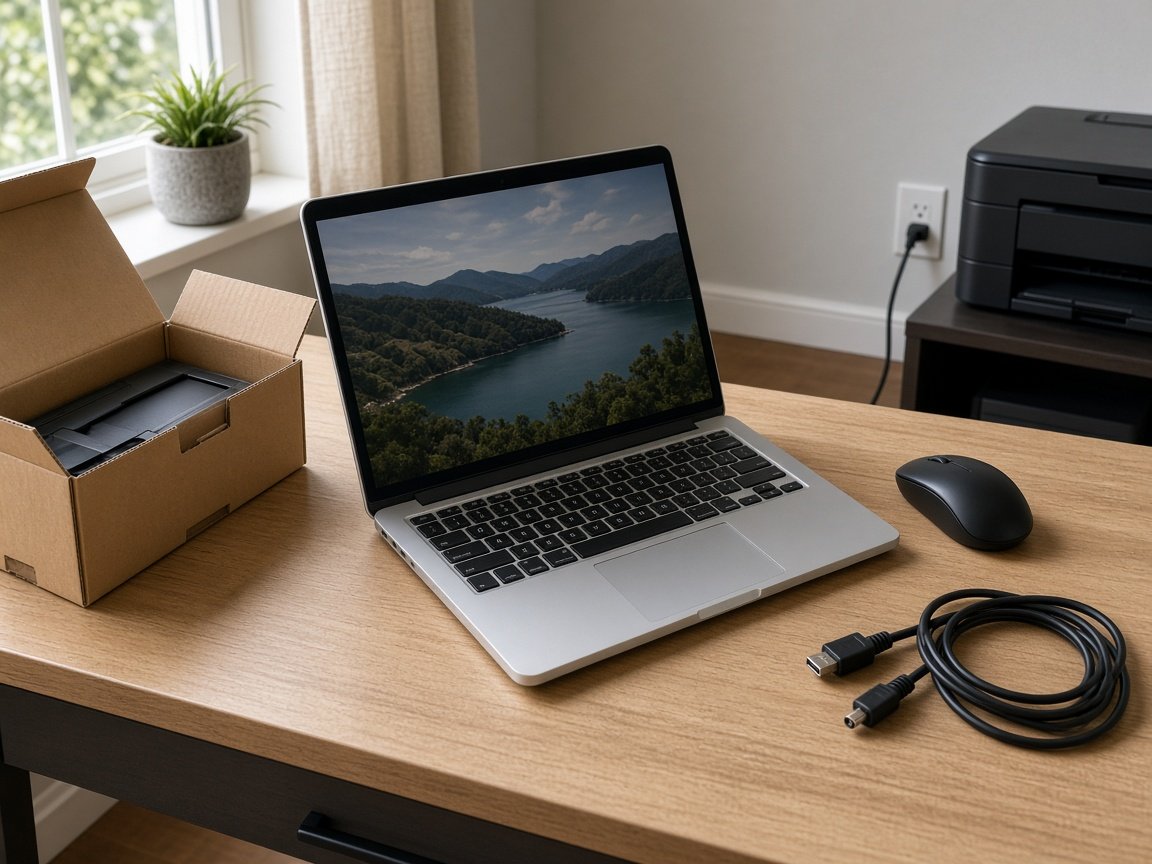
Devices that will not connect, like PC to printer.
 Network Scientist
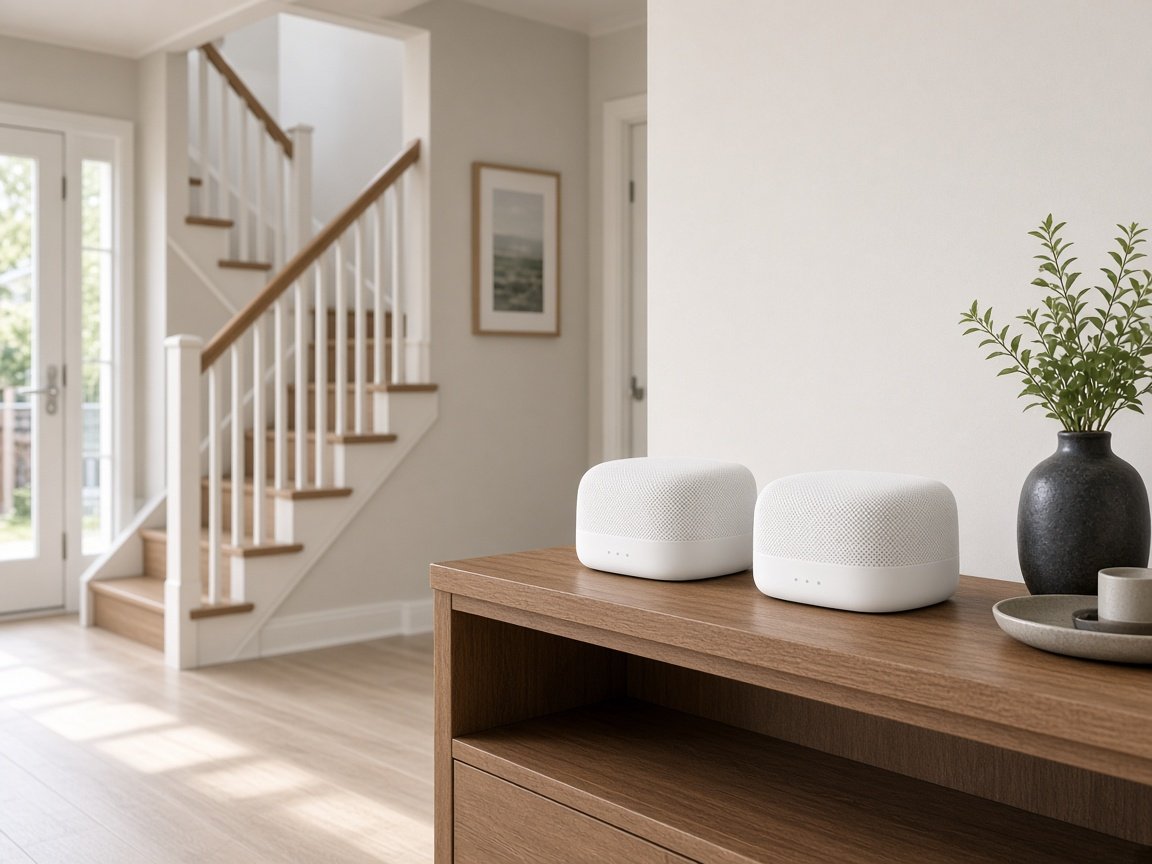
Wi-Fi, mesh, NBN and dead zones.
 Cybersecurity Scientist
Scams, malware and safer accounts.
 Parental Control Scientist
Safer screens at home.
 Security Camera Scientist
Planned, installed, on your phone.
 Email Systems Scientist
Microsoft 365, Gmail and domains.
 Data Recovery Scientist
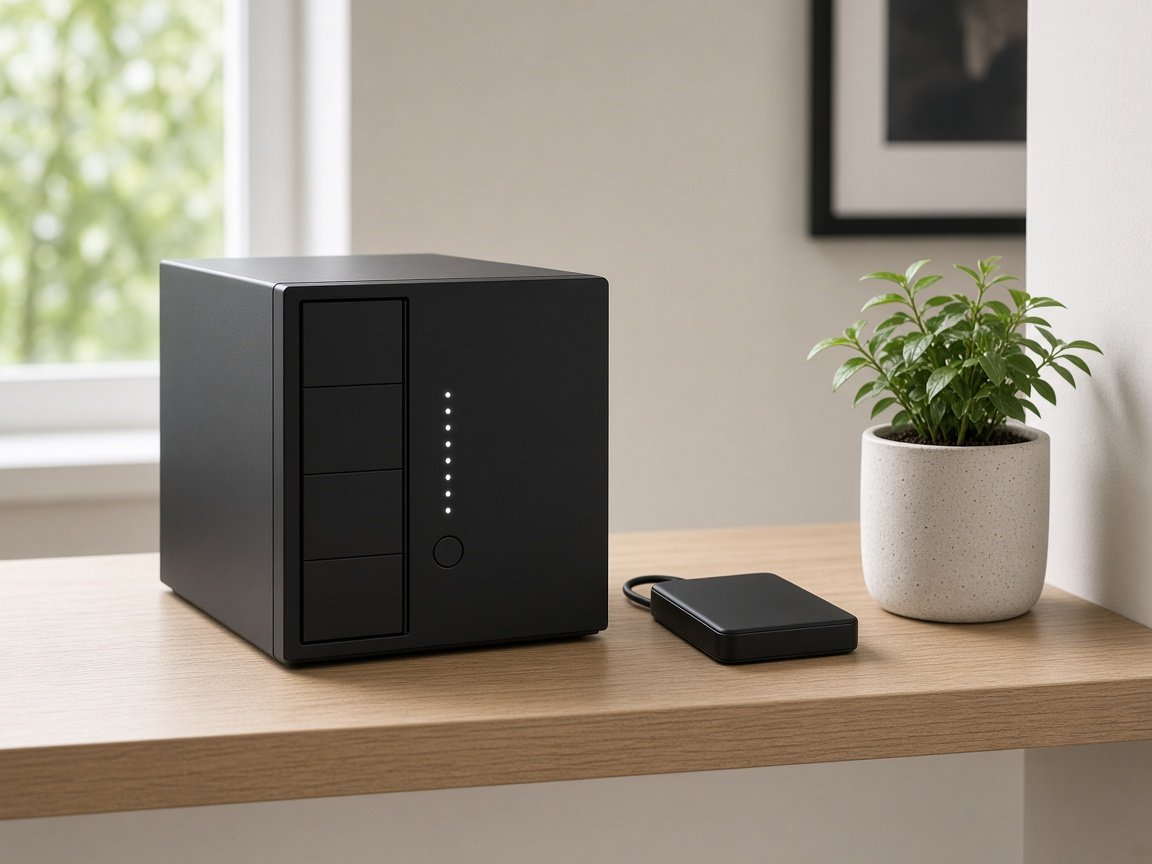
Lost files, failing drives, backups.
 Device Setup Scientist
New devices, plus printer fixes.
 Custom PC Build Scientist
Gaming and performance PCs.
 Web Design Scientist
Small business websites.
 Business IT and projects
Offices, shops, tradies and projects.
 Procurement Scientist
Sourced, delivered and set up.
Not sure which one? Tell us what you are seeing.
0493 563 381How it works
Carey Bay visits start the same way: tell us what you are seeing, then pick book, call, or a written quote.
Book online, call for free advice, , or .
In the booking, on the call, or in the quote. Same idea.
We agree the visit on the call, in the booking, or in the quote. Agree, and that date stays yours.
That's the visit. We work through your list on the day.
Areas we cover
Can't find your area? Call us to check on 0493 563 381.
Can't find your area?
Call us to check. We will tell you if we visit, or if remote help is the better fit.
FAQ
Almost always IT support rather than a repair. We check the account password, the mail server settings, storage space on the phone and whether your provider changed its sign-in method. Old accounts set up years ago often break after a provider update. If a PC will not boot alongside it, we test that too. You know the cost before any work starts.
Yes. This is usually a password, account setting, or provider change. We check the account on the phone and your other devices and fix what has broken.
We can often sort it remotely.
We diagnose why it will not boot and try to recover your files first. Then we tell you honestly whether a repair or a new computer makes more sense.
We will also set up backups so it does not happen again.
Yes. We visit Carey Bay and nearby areas, and many phone and email problems can be fixed remotely.
If you would rather not use remote access, we are happy to come in person.
We help around Toronto and the western shore, including Coal Point, Kilaben Bay, Fennell Bay, and Bolton Point.
The bays around Toronto are part of our regular western shore run.
Yes. We tell you the price for a diagnosis first, then the price for the fix once we know what is wrong.
If a new PC makes more sense, we explain why and let you decide.