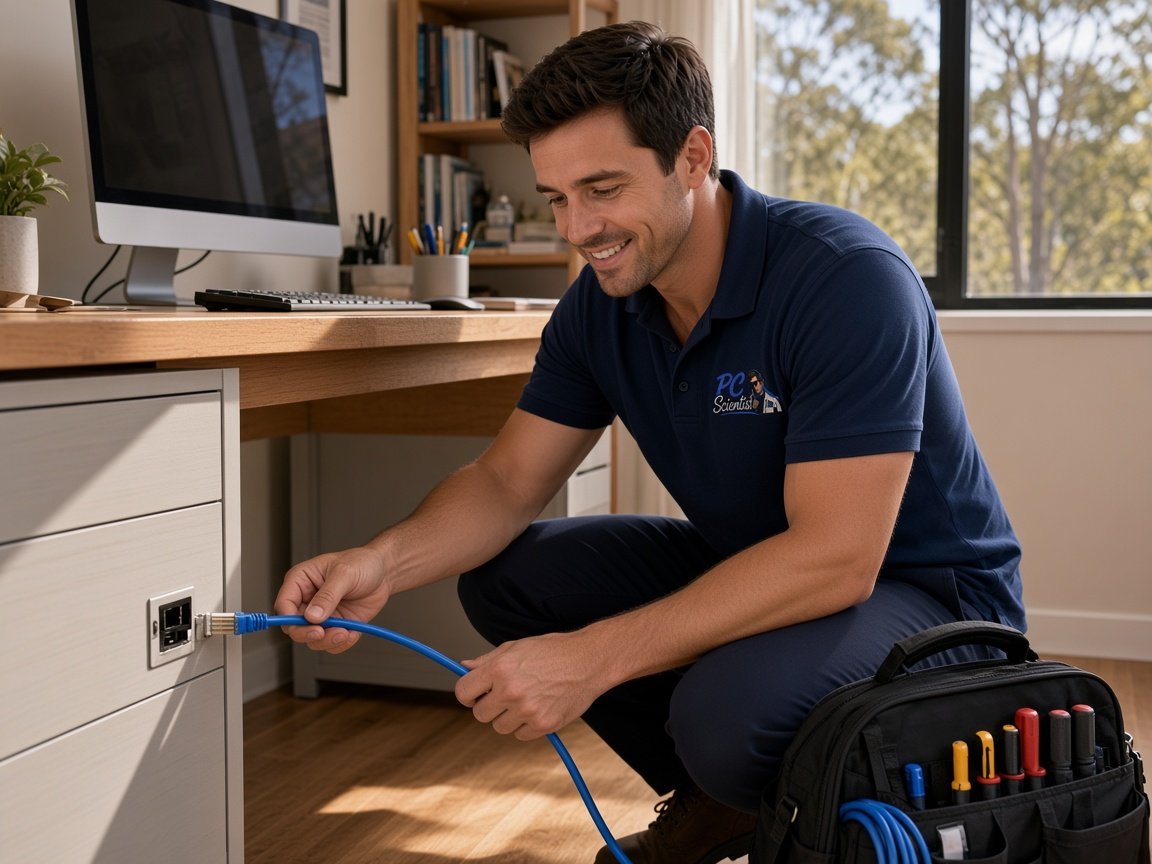
PC Scientist · Newcastle · Computer repair

Computer Repair Newcastle NSW with honest advice first

Salt air at Bar Beach, a uni laptop carried between share houses, a work desktop in Adamstown that never gets switched off. Newcastle machines live hard lives. When one stops charging, cracks its screen or starts grinding, it is worth knowing if it can be saved.

We test the fault, explains whether a repair stacks up against buying new, and give you the cost before we begin. Book an eligible visit online or ring 0493 563 381 to talk it through.

Book online for eligible visits and get 10% off.

Let us help you today

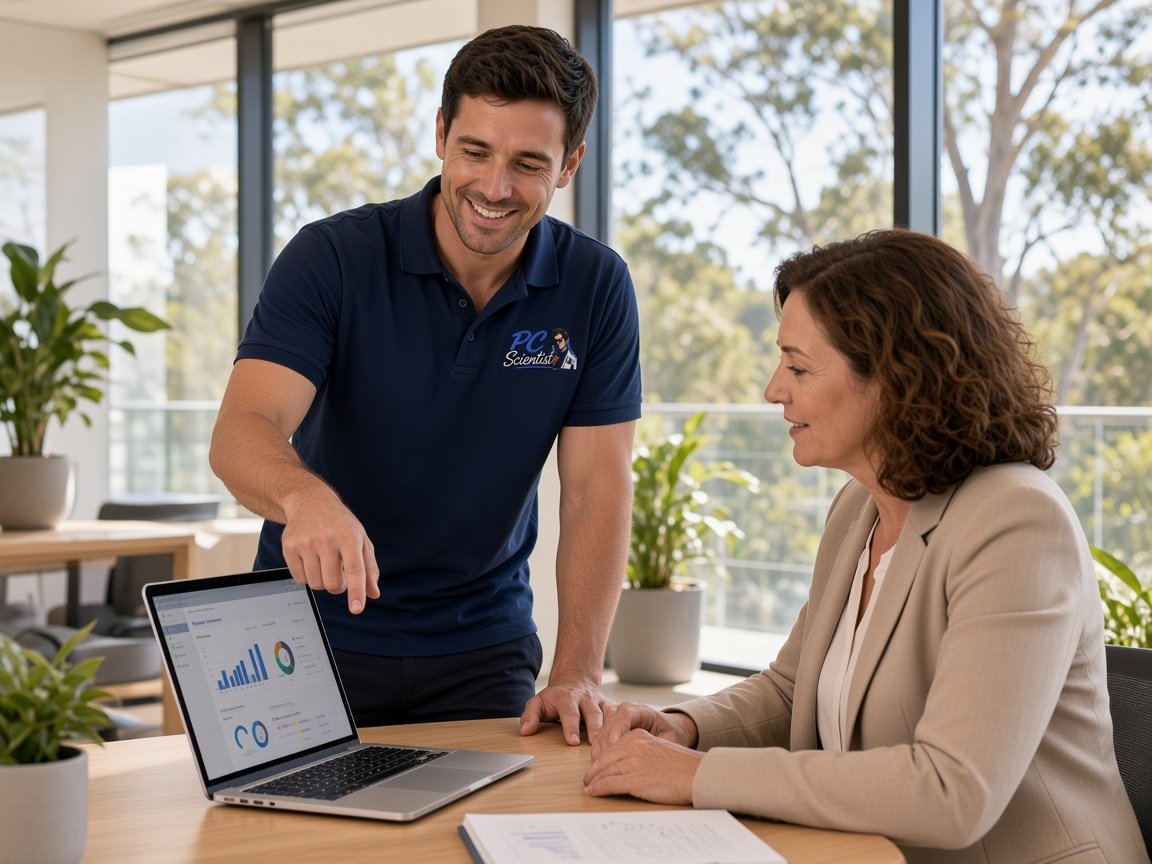
  • One-on-one help - a PC Scientist technician sitting with an older client at her laptop.

We accept payments

Visa
Mastercard
American Express
JCB
Apple Pay
Google Pay
Afterpay
Zip
Bank debit

Real Google reviews

What locals say after a PC Scientist visit.

Word for word, from people we have visited.

★★★★★

Sam was absolutely brilliant. I had no idea of what I was doing but Sam fixed everything. He was on time and extremely helpful. Thanks heaps Sam

Karen Smith

★★★★★

Friendly and understanding despite me missing calls

Tanwen Walters

★★★★★

Service was excellent and prompt response

Bob Sands

Read all our Google reviews

Computer repair · Newcastle

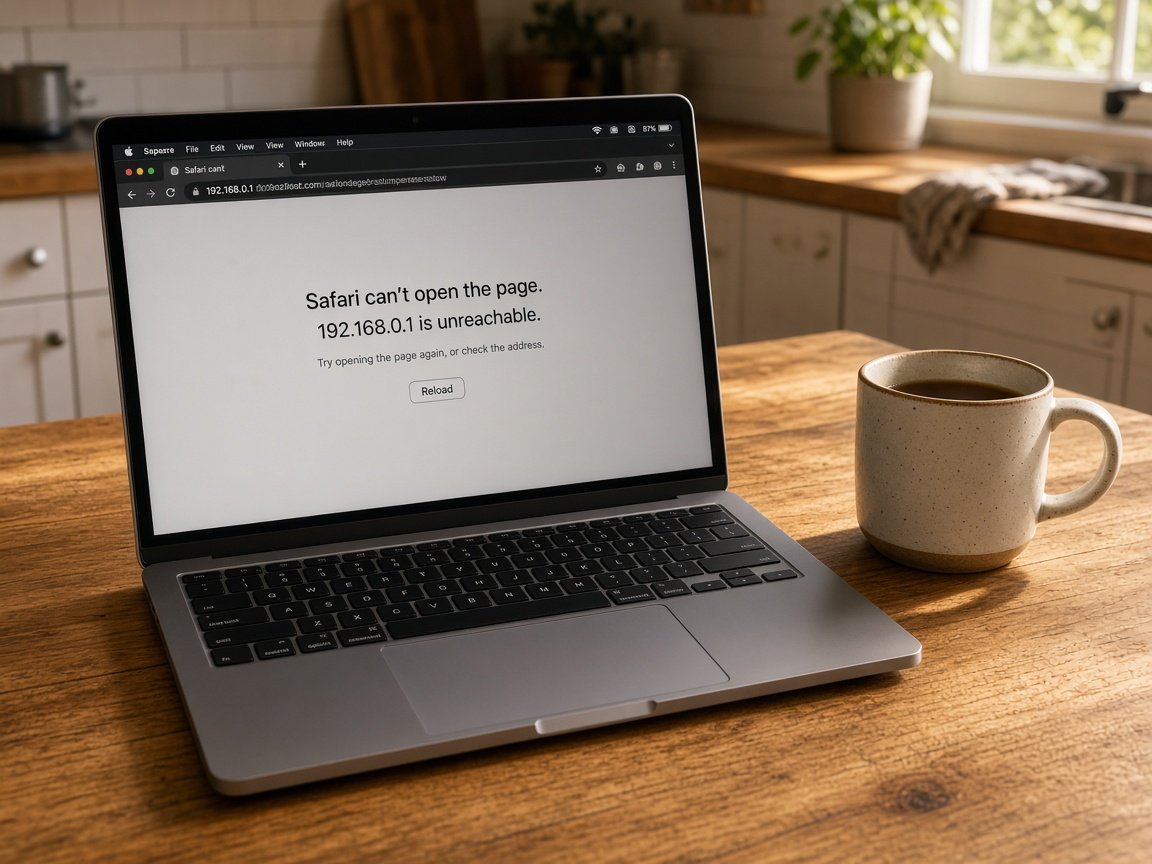
Is the Newcastle laptop refusing to charge, showing lines on the screen, or grinding as it runs?

From the inner city to the lake suburbs, hardware fails in the same handful of ways. We pin down which part has gone, tell you what a repair would really involve, and let you decide.

Newcastle machines we see most

  • Uni and TAFE laptops with snapped hinges from being stuffed into backpacks.
  • Ports and keyboards corroding in homes close to the surf.
  • Always-on office desktops whose fans have finally worn out.
  • Laptops on night-shift duty with batteries that no longer hold a charge.
  • Drives slowing to a crawl just before an assignment or tax deadline.
After you reach out

  • We talk through options and prices, and nothing starts until you are happy.
  • Some faults suit a visit, some a remote check first, and we say which.
  • Describe what you were doing when it failed, in plain everyday words.

Around Newcastle and the lake

Repair visits stretch from the city to the lake. Share houses in Birmingham Gardens ring about student laptops with cracked screens. Adamstown families call when the home desktop stops. Around Lake Macquarie, homes in Belmont and Blackalls Park get the same plain repair-or-replace answer before any part is bought.

Why Computer repair calls us

Why Newcastle students, shift workers and families ring us about repairs

  • You get the number, then the screwdriver

    • Before the machine is opened, your repair figure is agreed.
    • Your laptop that will not power on gets a plain cost first.
    • No charge appears until you have said go ahead.
    • You get pricing that works for students and families on a budget.
    • The cracked screen stays untouched until you approve.
  • Worth saving or not?

    • A straight call when a hinge or board is not worth the money.
    • If the bench cannot fix it, there is no repair fee.
    • You get advice that suits a share house or a lakeside family home.
    • No nudging you to sink money into a tired machine.
    • A fair result even when the repair does not come off.
  • Quick help across the city

    • Same-day slots when the diary has room and a laptop dies before work.
    • We diagnose many faults right where the machine sits.
    • You get urgent jobs bumped up the list whenever possible.
    • Fast answers on whether a part is in stock.
    • Phone updates while the repair is underway.
  • Tests before part swaps

    • Faults are proven before a replacement is ordered.
    • You hear what broke in words that make sense.
    • We replace every part noted for your records.
    • Options written down so the decision is yours.
    • We do not make guesswork and nothing extra slipped in.
  • Built around rosters

    • Onsite repairs at home whenever the fault allows.
    • Or leave the machine with us and collect it when ready.
    • Short updates while we work on it.
    • You get timing that respects exams, shifts and school runs.
    • Equal care for a uni laptop and the family desktop.
  • Hinges, screens, batteries, drives

    • Cracked screens and broken hinges assessed properly.
    • We test chargers and batteries before anything is swapped.
    • SSD upgrades that give an older laptop a second wind.
    • We clean Fans out when the laptop roars under load.
    • We diagnose desktop parts and replaced neatly.
  • You get a bill that matches the quote

    • Approval sought before any extra part is ordered.
    • We show parts and labour on separate lines.
    • We add nothing once the repair is underway.
    • No late charges after the job is finished.
    • You get the final invoice lines up with the agreed figure.
  • Set prices once diagnosed

    • A fixed repair price once the fault is clear.
    • Helpful when every dollar counts at uni.
    • A written figure you can think over before deciding.
    • You get real numbers to weigh a repair against a new machine.

    • We know the full total before work begins.
  • Booked windows, city to lake

    • You get unit blocks and street parking factored into the booking.
    • You get a heads-up if traffic on the way holds us up.
    • We plan visits around shifts and lectures.
    • Windows that suit someone sleeping after a night shift.
    • Early starts so the laptop is ready for the day.
  • You get several devices, one trip

    • We check a few machines in the same visit.
    • One technician who gets to know your setup.
    • We do not make running between different repair counters.
    • You get a plan for households with several ageing devices.
    • More from the visit when two things have failed.
  • You get files safe before repairs

    • We check Data and protected before work begins.
    • Neighbouring parts inspected so the fault does not return.
    • A clear rundown of what we did at handover.
    • Before they come back to you, machines run under load.
    • Follow-up tips if the fan starts roaring again.
  • A local tech to ring back

    • A real person who knows Newcastle and the lake suburbs.
    • Someone to call if the repair ever misbehaves.
    • Steady help when a laptop dies at the worst moment.
    • A machine you can trust again after the repair.
    • You get honest advice without the pressure.

When you are ready. Call, or book a technician.

0493 563 381

Start here

What this covers

Machines that stay dark, overheat, crash or start making new noises sit here. For software-only trouble, try computer support. When the drive holds files you need back, go to data recovery and leave it switched off.

  1. 01

    Proper testing first

    We find the real fault before ordering anything. No Fix, No Repair Fee if we cannot complete it.

  2. 02

    Stays dark or will not load

    No response from the power button, odd charging lights, or Windows that hangs on start-up.

  3. 03

    Freezes, restarts, blue screens

    Work lost to random restarts, frozen screens, or blue errors that started after an update.

  4. 04

    Heat and noise problems

    Laptops too hot for the desk, fans that scream, or desktops that lag once they warm up.

  5. 05

    Common repair parts

    Screens, hinges, keyboards, batteries, drives, memory and fans in laptops and desktops.

  6. 06

    When to upgrade instead

    A sound machine often just needs an SSD or more memory. A worn-out one is better retired than repaired.

The visit

How it works

  1. 1

    Hear the symptoms

    We ask what changed, what you notice, and whether to keep it unplugged.

  2. 2

    Lay out choices

    Repair, upgrade or replace, with costs shown before any part is bought.

  3. 3

    Repair what failed

    We fix the root fault so the problem does not return next week.

How it works

How to start

In Computer repair, start with a call, a booking, or a quote in writing. Nothing extra starts unless you agree.

  1. 1

    Choose how to reach us

    Book online, call for free advice, , or .

  2. 2

    You tell us what's going on

    In the booking, on the call, or in the quote. Same idea.

  3. 3

    Lock in the visit

    We agree the visit on the call, in the booking, or in the quote. Agree, and that date stays yours.

  4. 4

    We come to you

    That's the visit. We work through your list on the day.

Areas we cover

Computer repair across Newcastle

Can't find your area?

Call us to check. We will tell you if we visit, or if remote help is the better fit.

Newcastle NSW

FAQ

If you are wondering about help in Newcastle

Dead power, cracked screens, noisy fans, failing drives, broken hinges and machines that will not boot. We check the hardware first, then tell you whether repairing or replacing is the better spend.

If it is hard to describe, show us on a quick video call or when we arrive.

Most repairs start with a visit so we can see the machine where it lives. Some part jobs mean taking it away for a short while, and we explain that before it leaves your hands.

Let us know about unit stairs or tricky parking and we will plan around them.

The make and rough age of the machine, what happened just before it failed, and whether important files live on it. If it was dropped or got wet, say so early.

Missing some details is fine. We fill in the gaps together on the day.

Yes. After a short chat about what is happening, we outline the options and what each costs. Bigger jobs get a fixed price once diagnosed.

No Fix, No Repair Fee covers repair work we cannot finish, so nobody pays for a dead end.

When you are ready

Call, or book a time that suits

Book online Save 10% Call for free advice 0493 563 381