PC Scientist · Hawkesbury · Computer support

Computer support in the Hawkesbury at a pace that suits you

Some your Hawkesbury household want the problem gone and the machine handed back. Others would rather sit alongside and learn to handle the next update pop-up themselves. Both are perfectly fine, and we ask which you prefer before anything starts.

We provide everyday computer support from Bligh Park out to the river and mountain towns, onsite or remote. Request a call back, or book an eligible visit online when you are ready.

Book online for eligible visits and get 10% off.

Let us help you today

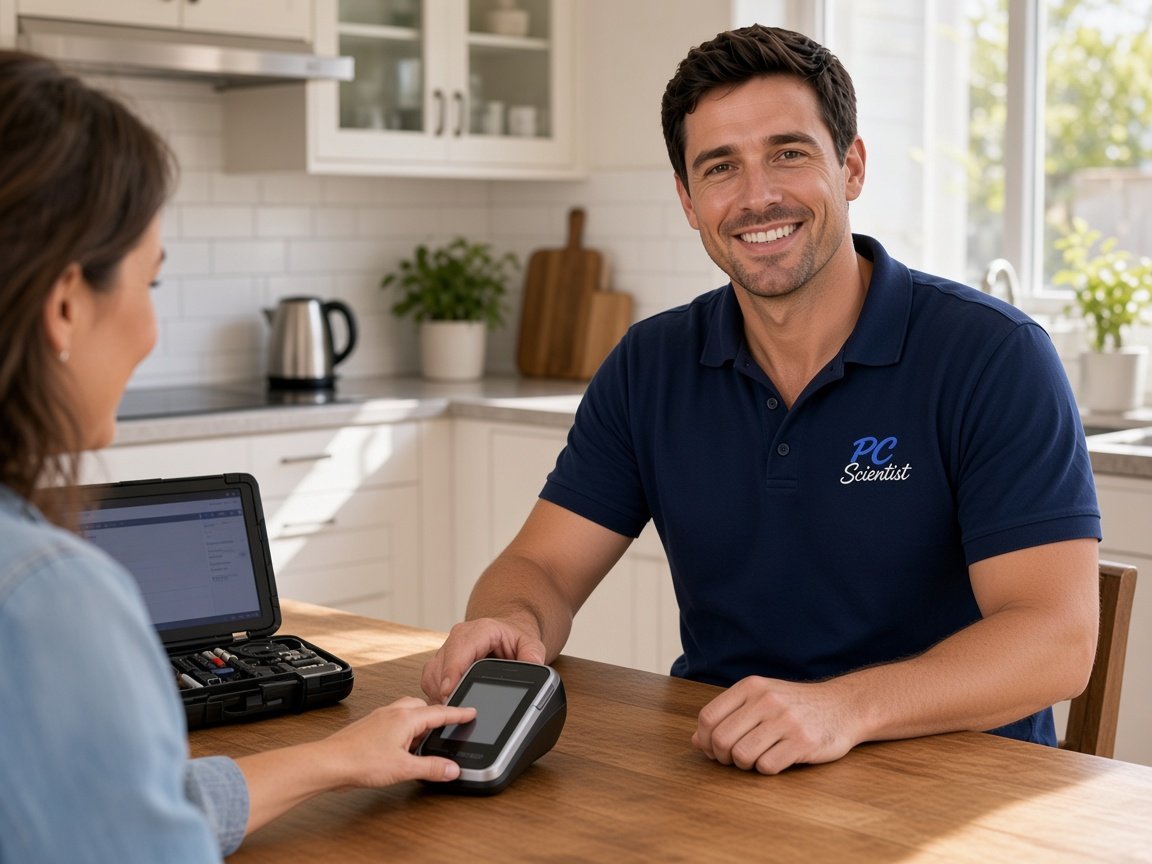
  • One-on-one help - a PC Scientist technician sitting with an older client at her laptop.

We accept payments

Visa
Mastercard
American Express
JCB
Apple Pay
Google Pay
Afterpay
Zip
Bank debit

Real Google reviews

What locals say after a PC Scientist visit.

Word for word, from people we have visited.

★★★★★

Sam gave us fantastic Customer Service! Prompt response and fixed our problem with amazing expertise.

Jo Scarsbrick

★★★★★

On time, friendly and efficient

Craig Marshall

★★★★★

Sam & co went above & beyond with their time & expertise when installing my new computer- Very professional & friendly service - highly recommend.

Michelle Johnston

Read all our Google reviews

Computer support · Hawkesbury

Is the old desktop too slow to bother with, or is a login holding you up?

Across the Hawkesbury, households and sole traders keep older machines working hard, sometimes on patchy internet. We sort speed, accounts and everyday software without a lecture, and the cost is agreed first.

Hawkesbury computer support we see often

  • PCs that take forever to open the programs you use each morning.
  • Sign-ins that fail after a quiet weekend update.
  • Printers offline for one person in the house and fine for another.
  • One tired machine shared between farm paperwork and school work.
  • Slow connections making simple downloads feel endless.

Next steps after you call

  • You hear practical options and pricing, and nothing goes ahead until you are comfortable.
  • We ask when it started, what changed and whether one device or the whole house is affected.
  • Same-day help is often possible when the diary allows, and we are honest when it is not.

Hawkesbury visit area

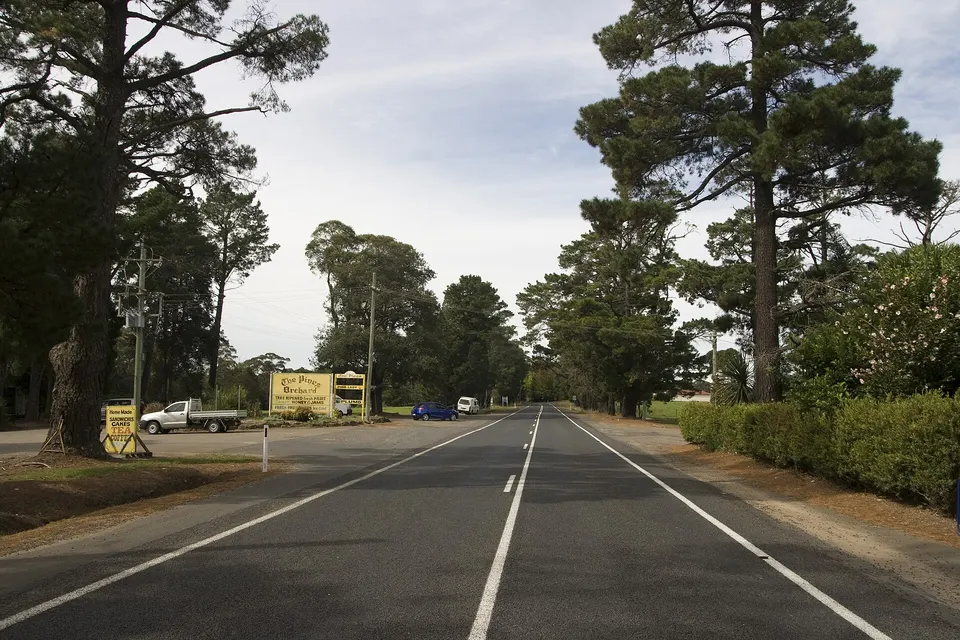
Calls come from Bligh Park and Glossodia, acreage around Freemans Reach and Ebenezer, and homes up at East Kurrajong and Bilpin. Slow Windows machines, looping logins and printers that went missing are the usual reasons. Where the internet is steady, a remote session can save you waiting for the drive.


Why Computer support calls us

Why Hawkesbury you ring when everyday computer tasks slow to a crawl

  • No result, no repair fee

    • If a support fix we take on does not work, no repair fee is charged.
    • You get nobody pays for guesswork on an acreage office PC.
  • Cost before the first click

    • You hear the likely cost before we log in or sit down.
    • Larger jobs get a clear figure once the problem is understood for you.
  • Ask anything

    • Call 0493 563 381 and explain the slow start or password loop your way.
    • You get patient help for anyone who feels they should already know this.
  • Fixes that hold

    • We find why the computer keeps slowing, rather than clearing it for a week.
    • You get updates, storage and startup apps checked together so it lasts.
  • House and shed in one

    • You get printer, Microsoft account and laptop transfer handled in one booking.
    • You get home computers and a farm office PC sorted on the same trip.
  • Careful with your files

    • Your documents stay put while we tidy the system around them.
    • Passwords handled carefully and handed straight back to you.

When you are ready. Call, or book a technician.

0493 563 381

Start here

What this covers

Slow computers, stuck programs, updates that never finish, printers and logins are everyday support. A machine that will not switch on needs computer repair instead.

  1. 01

    Just describe it

    If you are not sure what to call it, tell us what the screen showed last.

  2. 02

    Windows desktops and Macs

    Windows speed and settings, Mac sign-ins and updates, for town homes and rural properties alike.

  3. 03

    Software, printers, logins

    Weekend updates that broke something, printers gone quiet and logins that loop, often sorted together.

  4. 04

    Old machine, new machine

    Finishing a new computer properly, or lightening an older desktop that has slowed with age.

  5. 05

    Out here or online

    Remote when the internet is steady enough, a visit when the connection or the problem says so.

The visit

How it works

  1. 1

    Start the conversation

    Tell us the device, the symptom and what changed recently.

  2. 2

    Remote or the drive

    We weigh up your connection and the problem, then confirm the cost.

  3. 3

    Working before we go

    Everything tested, with notes left if you want them.

How it works

How to start

Computer support visits start the same way: tell us what you are seeing, then pick book, call, or a written quote.

  1. 1

    Choose how to reach us

    Book online, call for free advice, , or .

  2. 2

    You tell us what's going on

    In the booking, on the call, or in the quote. Same idea.

  3. 3

    Lock in the visit

    We agree the visit on the call, in the booking, or in the quote. Agree, and that date stays yours.

  4. 4

    We come to you

    That's the visit. We work through your list on the day.

FAQ

Straight answers for Hawkesbury

Slow or frozen computers, login and account tangles, updates that broke something, moving to a new PC, and everyday tasks like printing and finding files. Windows and Mac both, from Bligh Park homes to acreage near Cattai and Clarendon.

If you are unsure whether it counts, ask.

Yes, if the internet is steady enough. Account and software help often clears remotely. We visit when a printer, the network or several devices are involved.

On satellite or patchy connections, a visit can be quicker overall, and we will say so honestly.

Yes. Getting back into accounts, reconnecting a printer and finding lost files are real jobs that eat hours.

We can show you as we go, or simply sort it and leave a few notes for next time.

Which address you log in with, any recent changes, and the devices involved. A phone photo of any error message is handy too.

Lost passwords are common out here and everywhere else. We untangle them with you, one account at a time.

When you are ready

Call, or book a time that suits

Book online Save 10% Call for free advice 0493 563 381