PC Scientist · Hills District · Email support

Email support in the Hills District, when mail lands on the phone but not the PC

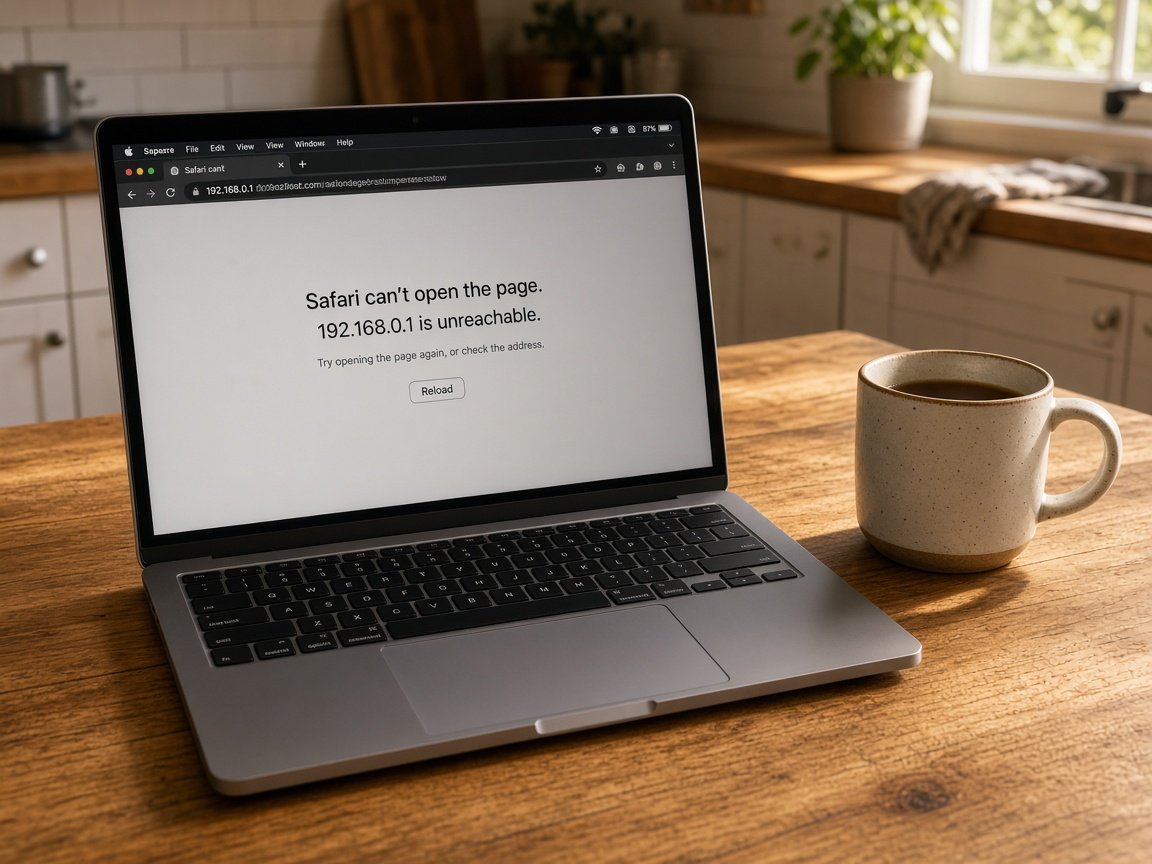
It is 8.15, your kids need to be at school by 8.40, and Outlook on the home computer wants the password again. The phone has this morning's email from the teacher. The computer is still stuck on yesterday.

We sort email for Hills District homes and small home offices. Most account and sync faults are fixed remotely, with a visit when the computer profile itself is tangled. Call or book online. Nothing extra starts unless you agree.
Book online for eligible visits and get 10% off.

Let us help you today

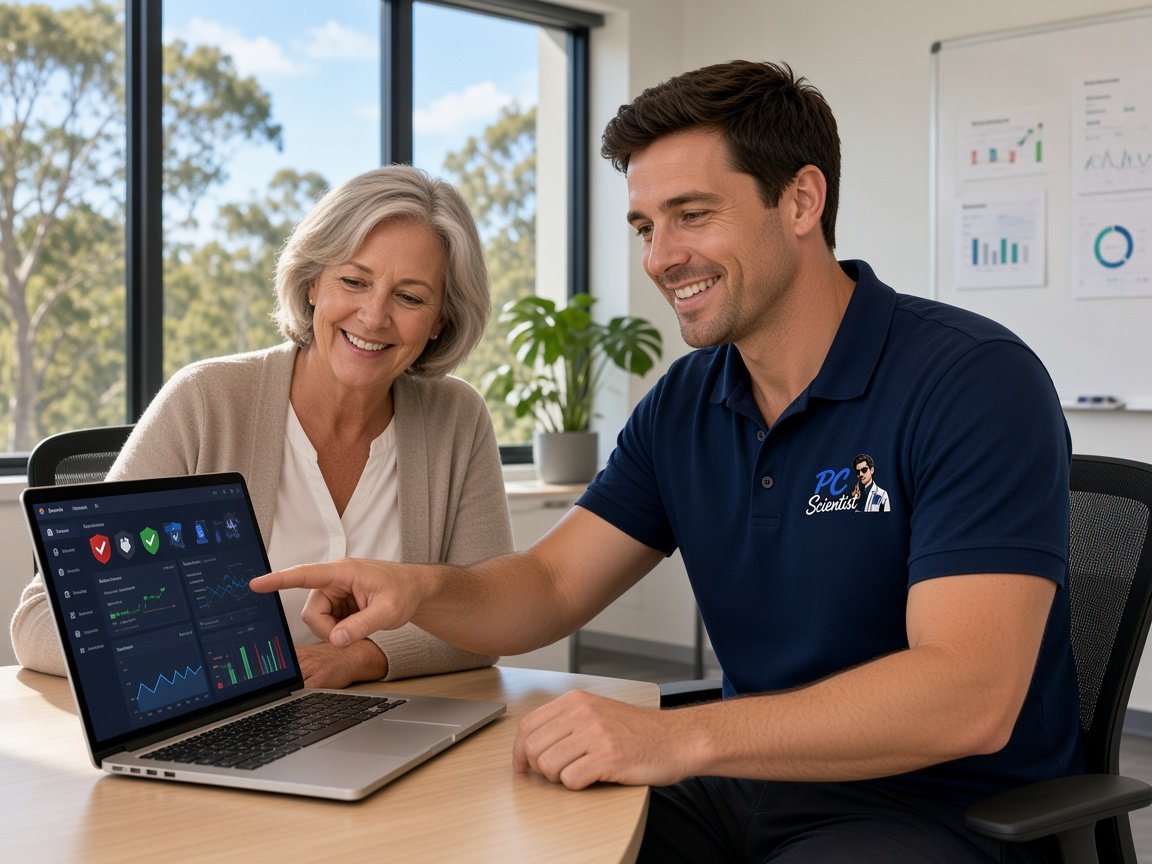
  • One-on-one help - a PC Scientist technician sitting with an older client at her laptop.

We accept payments

Visa
Mastercard
American Express
JCB
Apple Pay
Google Pay
Afterpay
Zip
Bank debit

Real Google reviews

What locals say after a PC Scientist visit.

Word for word, from people we have visited.

★★★★★

Sam was absolutely brilliant. I had no idea of what I was doing but Sam fixed everything. He was on time and extremely helpful. Thanks heaps Sam

Karen Smith

★★★★★

Friendly and understanding despite me missing calls

Tanwen Walters

★★★★★

Service was excellent and prompt response

Bob Sands

Read all our Google reviews

Email support · Hills District

Did the Hills District inbox freeze on the computer, loop on a password, or stop overnight?

Many Hills homes run a family inbox and a home business inbox on the same computer. We check the account, the app and the provider path for each, so you know exactly what went wrong and what happens next.

What Hills District callers describe

  • School and sports emails arriving on the phone while the family computer stays frozen.
  • Outlook password prompts that clear for a minute, then come straight back.
  • Family calendars that will not sync between two parents' phones and the computer.
  • Attachments that send from the laptop but bounce from the home office desktop.
  • Nothing extra starts unless you agree.

From your first message

  • We help onsite, remotely or a mix, depending on access, urgency and what the fault needs.
  • You hear practical options with a clear price, and nothing proceeds until you are comfortable.
  • Symptoms first: when it started, what changed, and whether one device or the whole house is hit.

Hills District suburbs on our map

We help homes and home offices from Rouse Hill and Kellyville through Castle Hill, Baulkham Hills and Cherrybrook, and out to Dural and Glenorie. A double-income household in Bella Vista with two work inboxes on one computer gets the same careful check as a home business in Kenthurst.

Why Email support calls us

In the Hills District, you call us when email lands on one device only

  • For you: Limits named up front

    • For you, honest limits named early, so households are never paying for guesswork on email.
    • For you, if the mailbox cannot be fixed, No Fix, No Repair Fee means no repair fee.
  • How we help: Each part priced

    • Each piece of the email job priced separately, so you can see the breakdown.
    • Figures explained in plain words, so you can decide without feeling rushed.
  • How we help: Questions answered patiently

    • We give you questions from families and home offices answered without jargon or hurry.
    • You get plain-language advice before you commit to booking anything at all.
  • How we help: Cause found, not patched

    • We look for why mail works on the phone and not the computer, not a short-term patch.
    • Related settings checked while we are in there, so the fault is less likely to return.
  • For you: Bring the small annoyances

    • For you, add the little email niggles to the list alongside the main problem.
    • For you, less disruption when the whole household list is handled in one go.
  • What you can expect: Nothing reset unasked

    • We give you nothing wiped or reset on the account without asking you first.
    • You get important mail copied somewhere safe before any risky step.

When you are ready. Call, or book a technician.

0493 563 381

Start here

What this covers

A stuck outbox, an empty phone inbox, or a password that loops - that is what this page covers. Home business and staff mailboxes are on the business email page.

  1. 01

    Morning mail failures

    Mail stuck unsent, the phone showing nothing new, or a password loop that began after someone in the house changed it.

  2. 02

    Family mail apps

    Outlook on the family computer, Gmail on the kids' phones, and older provider mailboxes the household still uses.

  3. 03

    Second inboxes and forwarding

    Adding a home business address, forwarding school mail to both parents, or a mailbox that only works on one device.

  4. 04

    Codes and lockouts

    Two-step sign-in and recovery explained without pressure, including when the code goes to someone else's phone.

  5. 05

    Worrying messages

    A suspicious email or a locked account met with clear, calm next steps for the whole family.

The visit

How it works

  1. 1

    Find the account

    Which address and device, and whether outgoing mail, incoming mail or both stopped working.

  2. 2

    Fix without lockouts

    Changes made in an order that never shuts you further out of the account.

  3. 3

    Check every screen

    Mail tested on each computer, phone and tablet, with notes for later.

How it works

How to start

In Email support, start with a call, a booking, or a quote in writing. Nothing extra starts unless you agree.

  1. 1

    Choose how to reach us

    Book online, call for free advice, , or .

  2. 2

    You tell us what's going on

    In the booking, on the call, or in the quote. Same idea.


  3. 3

    Lock in the visit

    We agree the visit on the call, in the booking, or in the quote. Agree, and that date stays yours.

  4. 4

    We come to you

    That's the visit. We work through your list on the day.

FAQ

If you are wondering about help in Hills District

Yes. We visit homes across the Hills District, including Kellyville, Castle Hill and The Ponds. A short call confirms timing and whether a visit is the right first step.

Plenty of email jobs start remotely on the same day, with a visit only if it is still needed.

Both. Many email problems can be looked at over a screen share first, and if that does not settle it, we book a visit.

Either way, you hear the likely cost of the work before anything starts, so there are no surprises on the invoice.

Yes. Setting up email on a new phone, or moving mail to a new provider, is a normal request rather than an afterthought.

If you would like to handle a full mailbox yourself next time, we can show you the steps while we are there.

Both. Families and home offices make up a lot of our email work around here, alongside small teams.

Ongoing support is there if you want one familiar person handling your mail in future. Ask for a call back and we will run through it.

When you are ready

Need a hand with your technology?

Book online Save 10% Call for free advice 0493 563 381