



PC Scientist · Northern Beaches · Cybersecurity help

Cybersecurity help on the Northern Beaches

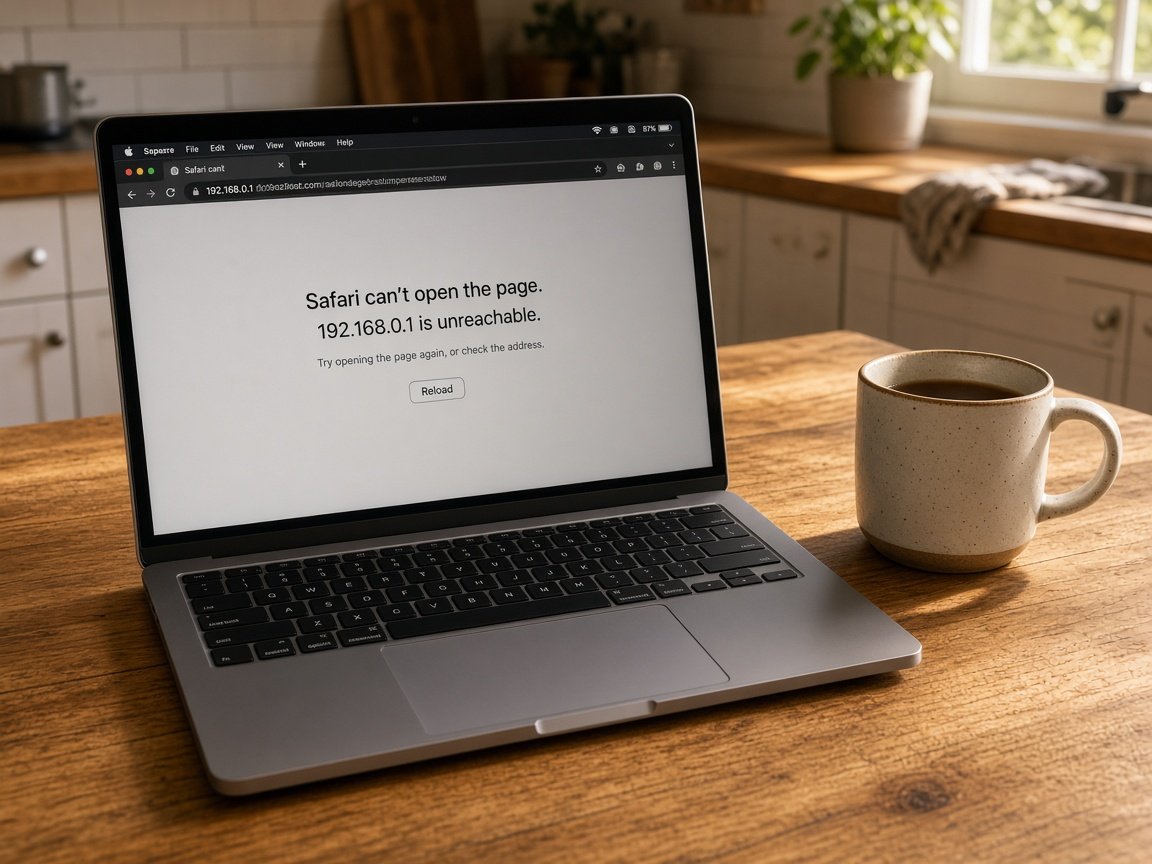
An email said your mailbox was full and asked you to sign in to keep your messages. You did, from the study at home, and by lunch three clients asked why you had sent them an invoice. Northern Beaches home offices see this one more than most.

We take the mailbox back, remove the forwarding rule the intruder hid, and help you warn contacts the right way. Then we tighten sign-in on every device you work from. Request a call back and we ring you, or book an eligible visit online.

Book online for eligible visits and get 10% off.

Let us help you today

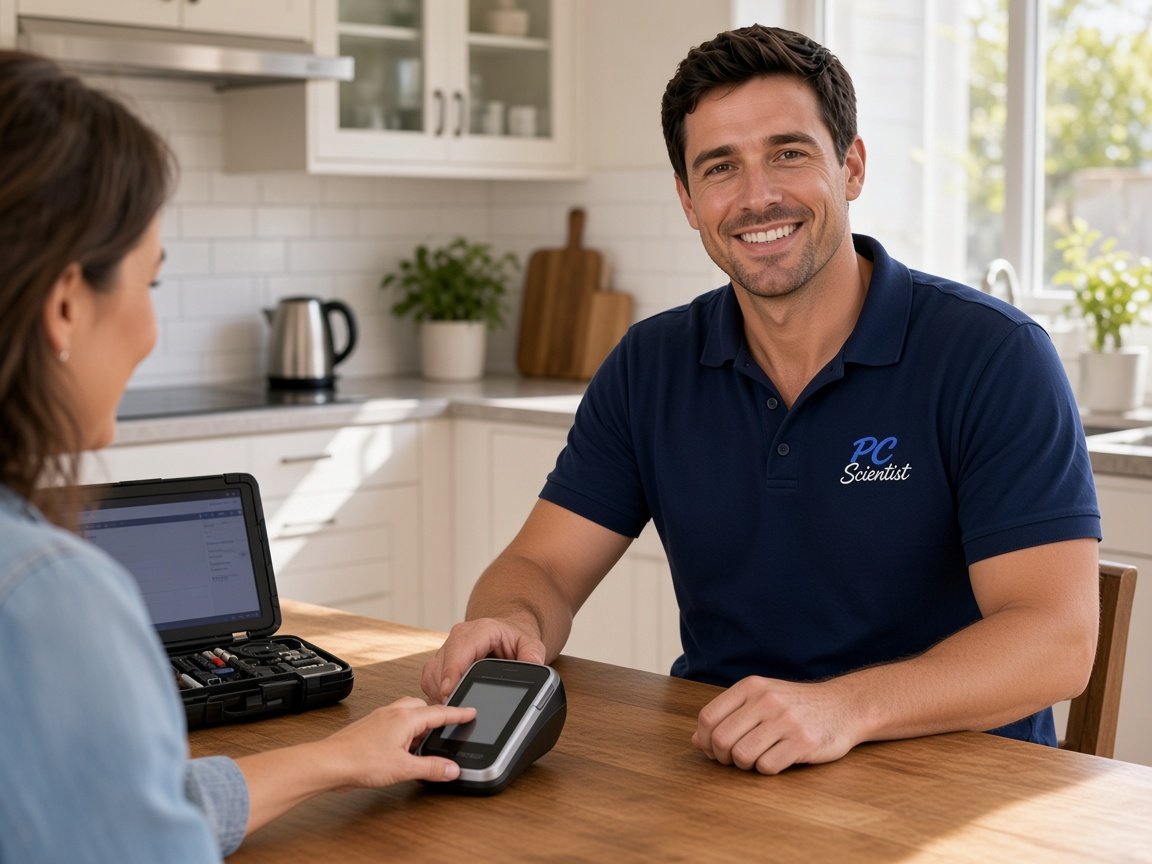
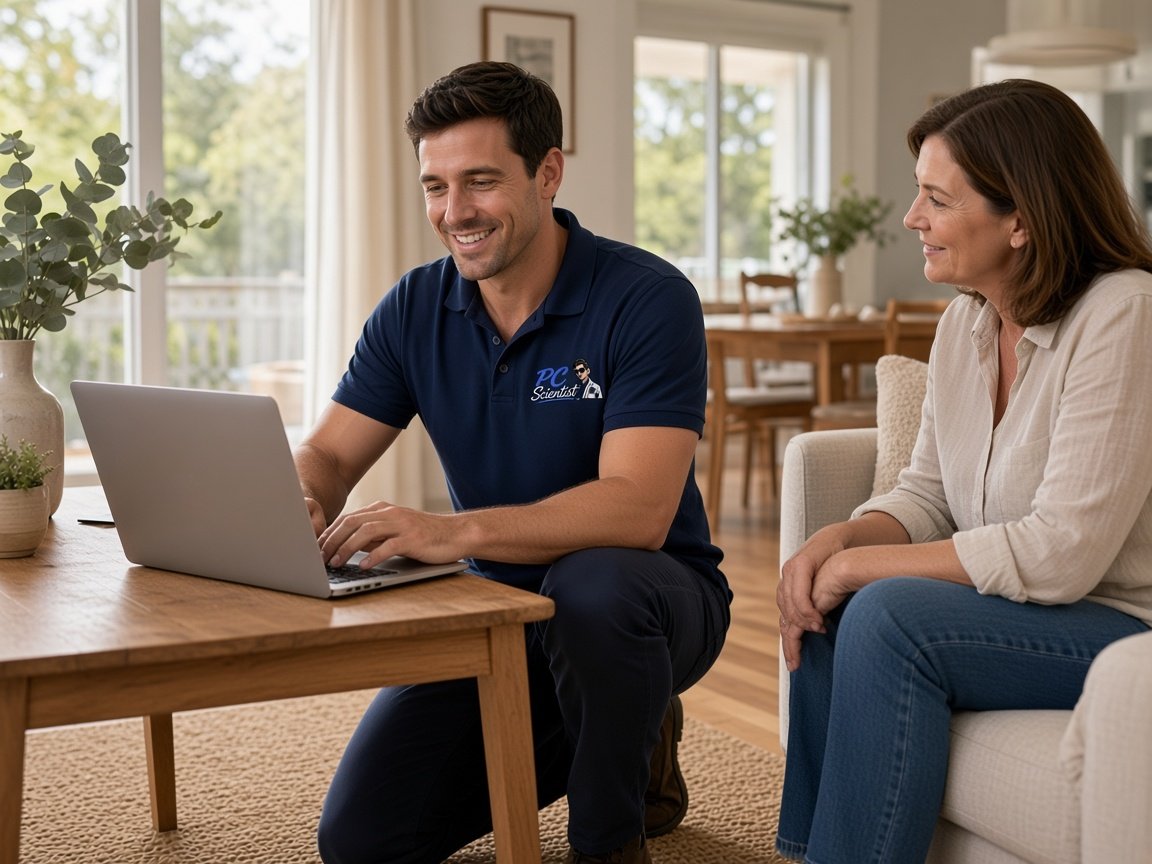
  • One-on-one help - a PC Scientist technician sitting with an older client at her laptop.

We accept payments

Visa
Mastercard
American Express
JCB
Apple Pay
Google Pay
Afterpay
Zip
Bank debit

Real Google reviews

What locals say after a PC Scientist visit.

Word for word, from people we have visited.

★★★★★

Sam did a fantastic job cleaning up my PC and physically removing all the dust. He was thorough, professional, and got everything running smoothly again. Highly recommend Sam for anyone needing PC cleaning or maintenance!

Alex Sugar

★★★★★

Super helpful fixing my broken keyboard :)

Rebecca Sylvia

★★★★★

I found the experience and support so valuable. Face to face, so patient and professional.

Mary Rout

Read all our Google reviews

Cybersecurity help · Northern Beaches

Is someone still reading my Northern Beaches work email after that fake sign-in page?

A stolen mailbox password rarely stops at one email. Whoever got in often sets quiet rules to copy or hide messages. We find those, close the door, and help you tell clients without sounding alarmed.

What lands on Beaches desks

  • Fake mailbox-full or shared-document emails that ask you to sign in again.
  • Clients in Dee Why or Brookvale receiving invoices you never wrote.
  • A tradie's phone in Belrose filling with codes for logins nobody requested.
  • Retirees around Collaroy being told by a pop-up to ring a help number.
  • Your quote is set out first, and you decide before any work starts.
The first half hour with us

  • We ask which accounts share that password, since one leak often opens several.
  • Hidden mail rules and connected apps are checked while you are still on the phone.
  • You choose remote help or a visit once the urgent logins are back in your hands.
Beaches suburbs on our route

Home offices in Dee Why and Curl Curl, workshops around Brookvale, and family houses through Belrose, Cromer and Avalon Beach all get the same calm visit. Plenty of mailbox recoveries are finished remotely before lunch, with a trip out only when a laptop needs hands-on cleaning.
Why Cybersecurity help calls us

Why you call us: Northern Beaches home offices call after a mailbox or login scare

  • For you: Hidden rules found

    • We look for forwarding and delete rules a stranger may have added.
    • Connected apps you never approved are removed from the account.
  • What you can expect: Clients told calmly

    • For you, a short, plain note for contacts that does not cause panic.
    • For you, help deciding who needs a phone call rather than an email.
  • What you can expect: Price before we begin

    • For you, the mailbox recovery and device check are quoted before any work.
    • Extra laptops or phones join the job only with your go-ahead.
  • How we help: Not charged for failure

    • For you, if an infected laptop cannot be cleaned, there is no repair fee for it.
    • For you, honest word when starting the laptop fresh is safer than cleaning it.
  • For you: Work and home separated

    • For you, work logins kept apart from the family computer where that helps.
    • We give you shared passwords swapped for unique ones stored somewhere safe.
  • We look after your files respected

    • For you, client documents and emails stay unread unless the job needs it.
    • For you, backups confirmed before anything on the laptop is changed.

When you are ready. Call, or book a technician.

0493 563 381

Start here

What this covers

We can help when an email, login or pop-up has made you doubt who else has access. If the laptop is just slow with nothing odd going on, computer support is the right place.

  1. 01

    A sign-in you doubt

    A fake mailbox warning, a code you did not ask for, or a client asking about a strange invoice.

  2. 02

    Working back from the click

    We find out what page you signed in to and which accounts used that password, before changing anything.

  3. 03

    Unwanted software out

    Pop-up generators, redirecting extensions and leftover remote tools removed carefully from the work laptop.

  4. 04

    Accounts back under control

    Mailbox, banking and cloud storage passwords reset, with two-step sign-in turned back on.

  5. 05

    Steady routines

    Simple ways to check a sign-in request is real, without paying for alarming security bundles.

The visit

How it works

  1. 1

    Describe the message

    What the email or page asked for, and what you entered.

  2. 2

    Shut the open door

    Passwords changed, hidden rules removed, and other sessions signed out.

  3. 3

    Harden the workstation

    Updates, sign-in codes and safer browser settings set on each device.

How it works

How to start

People in Cybersecurity help usually call first, then book when the next step is clear. Eligible visits can be booked online.

  1. 1

    Choose how to reach us

    Book online, call for free advice, , or .

  2. 2

    You tell us what's going on

    In the booking, on the call, or in the quote. Same idea.

  3. 3

    Lock in the visit

    We agree the visit on the call, in the booking, or in the quote. Agree, and that date stays yours.

  4. 4

    We come to you

    That's the visit. We work through your list on the day.

FAQ

Straight answers for Northern Beaches

Usually, yes. Most mailbox takeovers are handled remotely: password reset, other sessions signed out, hidden forwarding removed, and two-step sign-in switched back on.

If the laptop you signed in from may also carry unwanted software, we suggest a visit so it can be checked properly in person.

Yes, but keep it short and calm. Tell them a message went out without your knowledge, and ask them to confirm any bank change by phone.

We help you word it and work out who should get a call instead, especially anyone who may already have paid.

We do, often. If the caller was given access to the computer, unplug it from the internet and leave it off until we look.

We remove what they installed, check the bank and email logins, and explain the warning signs gently so the next fake pop-up is easy to ignore.

The mailbox recovery is quoted before we touch anything, and a few extra laptops or phones get one written number so the whole job is clear from the start.

Under No Fix, No Repair Fee, a computer we cannot clean carries no repair charge.

When you are ready

Need a hand with your technology?

Book online Save 10% Call for free advice 0493 563 381