PC Scientist · Ryde · Business email

Ryde teams with mail on the phone and nothing on the desktop

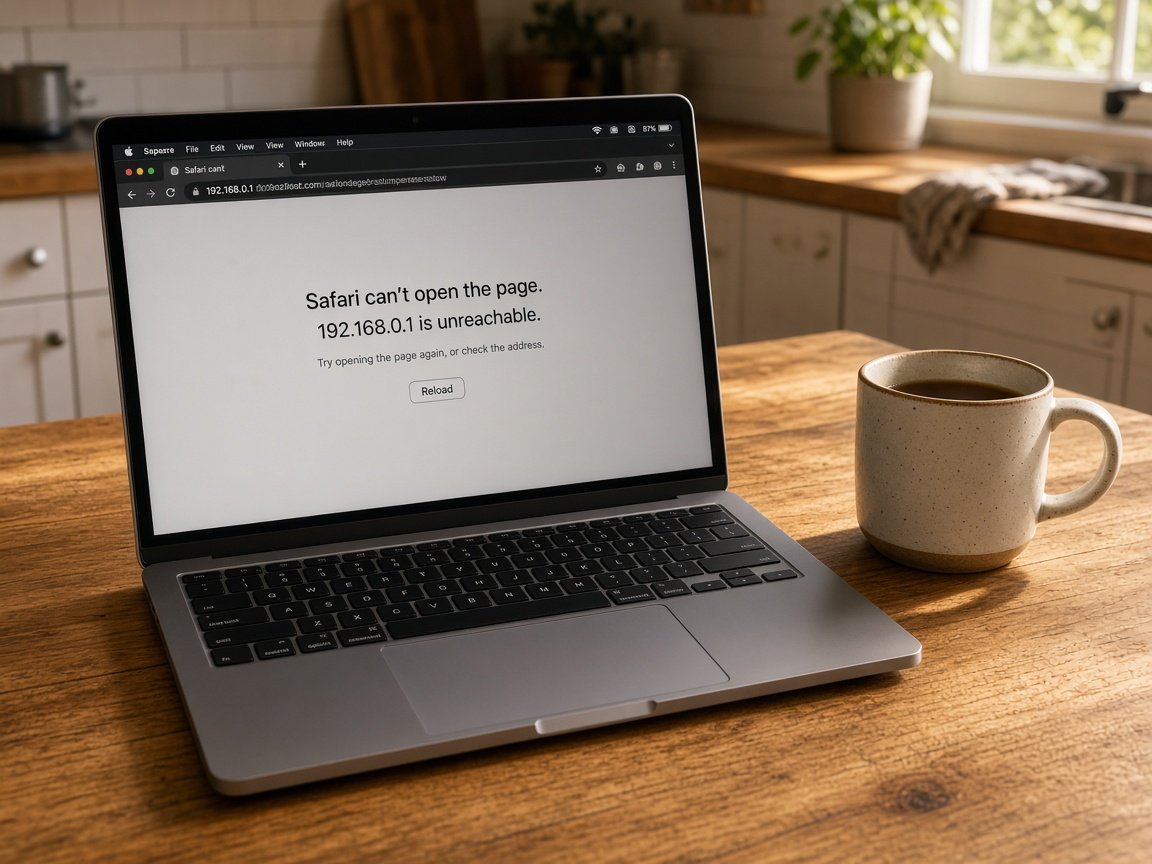
Monday after an update, the Eastwood front desk PC opens Outlook and asks for a password it will not accept. The same mail is landing fine on your owner's phone, so customers are emailing and getting no reply all morning.

We untangle Outlook profiles, saved passwords and two-step sign-in for Ryde businesses, onsite or over a remote session. You hear the cost before we start. Book an eligible visit online if the desk needs hands on it.

Book online for eligible visits and get 10% off.

Let us help you today

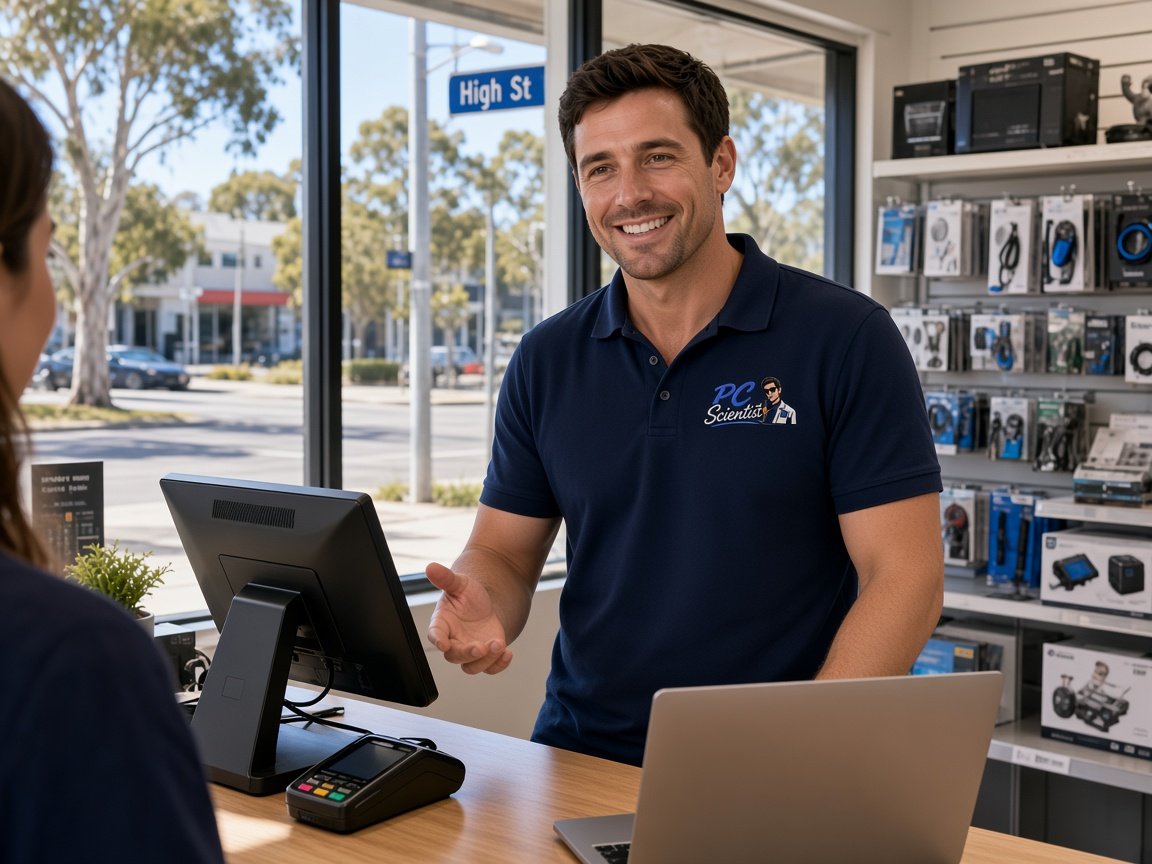
  • One-on-one help - a PC Scientist technician sitting with an older client at her laptop.

We accept payments

Visa
Mastercard
American Express
JCB
Apple Pay
Google Pay
Afterpay
Zip
Bank debit

Real Google reviews

What locals say after a PC Scientist visit.

Word for word, from people we have visited.

★★★★★

Great service and the technician is very friendly and he is a champion! Very skilled and knowledgeable to everything especially in troubleshooting amd giving the beat solution to the problem

Manuel Luzuriaga

★★★★★

Amazing service and very personable! Quick diagnosis and fix even though it was the weekend

Alec Rohrs

★★★★★

Sam was very friendly and helpful and fixed our computer and keyboard problem in Kanwal 2259 Central Coast. We will definitely use him again.

Tony Grant

Read all our Google reviews

Business email · Ryde

Did an update leave your Ryde front desk stuck on a password prompt?

Outlook on a desktop can get stuck after a software update, a password change or new sign-in rules, while phones keep working. We find which of those it is, settle the profile, and make sure the next update does not undo it.

Desk-side mail faults in Ryde

  • Outlook asking for a password on every restart, then refusing the right one.
  • A front desk computer that lost the shared mailbox after an Office update.
  • Two-step codes going to a phone that belonged to someone who left.
  • Calendar invites accepted on the phone but missing from the office diary.
  • The fix is priced before any profile or account is changed.

From your first call

  • We ask what changed last - an update, a new password or a new phone - before touching anything.
  • A remote session usually reaches a stuck profile without anyone needing to visit.
  • If the computer itself is the problem, we arrange a visit and say so plainly.

Ryde suburbs we cover

Front desks in Eastwood and West Ryde, small offices in Macquarie Park and North Ryde, and practices in Gladesville and Epping all bring us this kind of mail fault. We also help owners working from home in Denistone and Carlingford whose laptops stopped matching the office.

Why Business email calls us

Why you call us in Ryde when Outlook will not take the password

  • For you: Root of the prompt

    • We find whether the update, the password or sign-in rules caused the loop.
    • For you, fixing the cause means the prompt does not return next Monday.
  • What you can expect: Codes on the right phone

    • We give you sign-in codes moved to a current staff phone, not one in a drawer.
    • For you, backup methods set so one lost phone does not lock a desk out.
  • What you can expect: Price said up front

    • You hear the figure for the fix before any account is touched.

    • For you, larger changes, like new licences, are explained and quoted separately.
  • What you can expect: Diaries that line up

    • You get shared calendars checked so invites show on desks and phones alike.
    • For you, room and staff bookings stop going missing between devices.
  • How we help: Repair fee only on success

    • If a mail fault we take on cannot be fixed, no repair fee applies.
    • You still get a clear explanation of what is in the way.
  • What you can expect: Profiles rebuilt carefully

    • For you, local mail and signatures are saved before a profile is rebuilt.
    • Nothing is removed from the mailbox without your say-so.

When you are ready. Call, or book a technician.

0493 563 381

Start here

What this covers

A desk stuck on a password, invites missing from the diary, a new starter without access. Home users begin at email support.

  1. 01

    Front desk mail stalled

    Invoices stuck in the outbox or replies not arriving on the reception computer, traced back to the profile or setting.

  2. 02

    Microsoft 365 kept aligned

    Shared mailboxes and calendars in Microsoft 365 checked so desks, laptops and phones show identical mail and bookings.

  3. 03

    New staff connected

    A new starter's computer and phone set up for mail without unsettling the profiles everyone else depends on.

  4. 04

    Password and code loops

    Repeated password prompts and two-step codes sorted out, with backup sign-in methods so a lost phone is not a lockout.

  5. 05

    Suspicious mail checked

    A strange login request or payment email examined before anyone acts, and sign-ins hardened where needed.

The visit

How it works

  1. 1

    What changed last

    An update, a password or a phone - we start there.

  2. 2

    Settle the profile

    Profile and sign-in fixed, with signatures and local mail saved first.

  3. 3

    Restart and recheck

    We restart the computer and confirm the prompt stays away.

How it works

How to start

People in Business email usually call first, then book when the next step is clear. Eligible visits can be booked online.

  1. 1

    Choose how to reach us

    Book online, call for free advice, , or .

  2. 2

    You tell us what's going on

    In the booking, on the call, or in the quote. Same idea.

  3. 3

    Lock in the visit

    We agree the visit on the call, in the booking, or in the quote. Agree, and that date stays yours.

  4. 4

    We come to you

    That's the visit. We work through your list on the day.

FAQ

Common questions about Northern Suburbs IT help

Common causes are an old saved password, a sign-in method the update no longer supports, or a damaged Outlook profile. The phone keeps working because it signs in a different way.

We work out which one it is, fix it remotely where we can, and restart the computer to prove the prompt has gone.

We help the account owner prove ownership, then move the sign-in codes to a current phone and add a backup method.

It is worth doing before it becomes urgent, because a lost code phone can lock the whole front desk out of the shared mailbox.

Yes. In Microsoft 365 the calendar lives in the same account as the mail, so invites that show on a phone but not on the office computer usually share a cause with mail sync faults.

We check shared and room calendars while we are working on the mailbox.

Either works. Book an eligible visit online if a desk computer clearly needs hands on it, or call 0493 563 381 if you are unsure whether remote help will do.

Nothing extra starts unless you agree.

When you are ready

Ready for a visit, or a call first?

Book online Save 10% Call for free advice 0493 563 381