PC Scientist · Ryde · Cybersecurity help

Ryde households wondering whether that pop-up was nothing

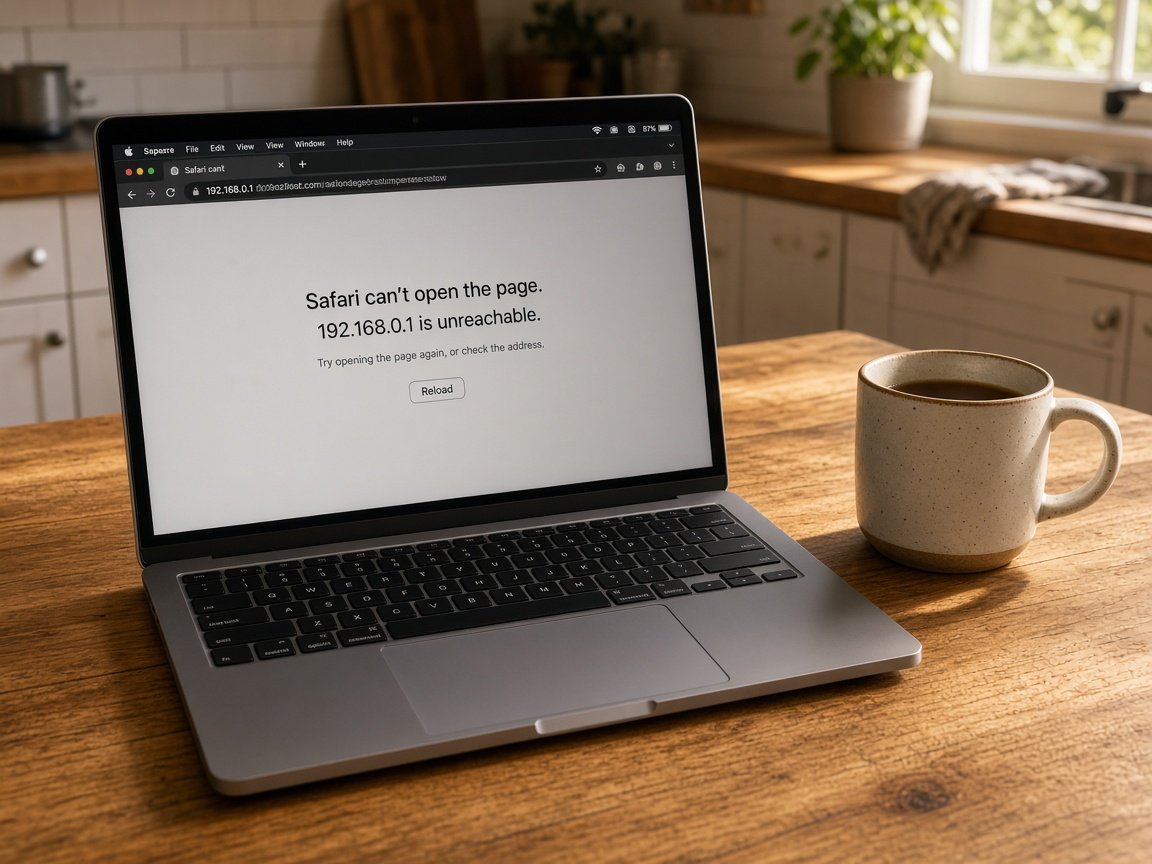
Your mother rings from her place in Gladesville. Her tablet says her account is locked and wants her bank card to unlock it. She has already typed half of it in. In Ryde, calls like that often come from grown children trying to help from across town.

We check the tablet and computer she uses, secure her email and bank logins, and set things up so warnings like that are easier to spot next time. Book an eligible visit online, or request a call back if you want to talk first.

Book online for eligible visits and get 10% off.

Let us help you today

  • One-on-one help - a PC Scientist technician sitting with an older client at her laptop.

We accept payments

Visa
Mastercard
American Express
JCB
Apple Pay
Google Pay
Afterpay
Zip
Bank debit

Real Google reviews

What locals say after a PC Scientist visit.

Word for word, from people we have visited.

★★★★★

Sam sorted my computer issues out very quickly. Very impressed with his knowledge and will use him again if I have any computer issues.

Jan Louw

★★★★★

Sam is a lovely guy....he explains everything well and seems very knowledgeable..

Jenny Downing

★★★★★

Sam gave us fantastic Customer Service! Prompt response and fixed our problem with amazing expertise.

Jo Scarsbrick

Read all our Google reviews

Cybersecurity help · Ryde

Can someone in Ryde check Mum's tablet before she types anything else in?

Many Ryde calls are made on behalf of a parent. We can talk with both of you, visit the house, and leave her with fewer passwords to juggle and a short note she can keep near the computer.

What Ryde families ring about

  • Tablets claiming the account is locked until a card number is entered.
  • Parents in Epping or Eastwood who gave a caller access to the computer.
  • Small Macquarie Park teams with a staff inbox sending odd attachments.
  • Teenagers' laptops collecting pop-ups after a dodgy streaming site.
  • Price confirmed with you, or with the family member paying, before work.

How we start with your family

  • We can speak with the parent and an adult child on one call.
  • Bank and email are protected first, then the device itself is looked at.
  • We book a time that suits the person who uses the computer most.

Ryde and Hunters Hill streets we reach

We call on parents in Gladesville and Hunters Hill, family homes around Epping, Eastwood and West Ryde, and small teams in Macquarie Park. If a bank login needs changing tonight, we can begin over the phone or remotely, then visit to clean the tablet or computer properly.


Why Cybersecurity help calls us

Why you call us: Ryde families trust us with a parent's computer after a scam

  • For you: Patient with parents

    • We go at their pace and repeat things without anyone feeling rushed.
    • For you, a family member is welcome to sit in, in person or by phone.
  • What you can expect: Fewer passwords to juggle

    • For you, a password manager or written system set up the way they will use it.
    • You get sign-in codes sent to a phone they actually carry every day.
  • What you can expect: Costs settled upfront

    • For you, the family hears the price before anything is touched.
    • For you, extra devices quoted separately so nobody is surprised later on.
  • What you can expect: No repair fee on failure

    • For you, if unwanted software cannot be cleaned off, no repair fee is charged.
    • For you, honest advice when an ageing tablet can no longer be kept safe.
  • How we help: A note left behind

    • You get a short printed list of warning signs to keep beside the computer.
    • Your number and ours written where the parent can find them.
  • What you can expect: Family photos protected

    • You get photos and documents backed up before any cleaning begins.
    • For you, private emails and files left unopened unless the job needs them.

When you are ready. Call, or book a technician.

0493 563 381

Start here

What this covers

Choose this page when a message, caller or warning has left someone worried about money or accounts. If a computer is only slow, computer support is the better first step.

  1. 01

    A warning that rattled someone

    A locked-account message, a cold call about the computer, or a sign-in alert that made no sense.

  2. 02

    Finding the starting point

    We gently go over what was tapped, typed or allowed, before any setting is changed.

  3. 03

    Junk taken off

    Fake warning pages, remote tools left by callers, and unwanted programs removed carefully.

  4. 04

    Accounts made safe again

    Email, bank and tablet accounts get new passwords and two-step codes sent to the right phone.

  5. 05

    Signs worth remembering

    A handful of plain warning signs the whole family can share, instead of costly scary software.

The visit

How it works

  1. 1

    Hear what happened

    From the parent, the family, or both, in their own words.

  2. 2

    Protect money and email

    Bank and email secured first, before the device is touched.

  3. 3

    Leave it simpler

    Settings tidied, codes set up, and a written note left behind.

How it works

How to start

Cybersecurity help visits start the same way: tell us what you are seeing, then pick book, call, or a written quote.

  1. 1

    Choose how to reach us

    Book online, call for free advice, , or .

  2. 2

    You tell us what's going on

    In the booking, on the call, or in the quote. Same idea.

  3. 3

    Lock in the visit

    We agree the visit on the call, in the booking, or in the quote. Agree, and that date stays yours.

  4. 4

    We come to you

    That's the visit. We work through your list on the day.

FAQ

If you are wondering about help in Northern Suburbs

Yes. Many visits around Ryde, Gladesville and Hunters Hill are booked by a son or daughter who lives elsewhere. We can call you before and after so you know what was done.

Your parent stays in charge of what happens, and nothing is changed without their agreement.

Ring the bank on the number on her card and ask them to stop it. That part cannot wait.

Then call PC Scientist. We check the tablet, reset the account password from a safe device, and turn on sign-in codes so a fake message cannot unlock anything again.

Not always. For some people it is easier than remembering dozens of passwords. For others, a well-kept paper book stored at home works better.

We look at how your parent actually uses the computer and set up whichever approach they will stick with.

The price goes to you or your parent before we start. One tablet or computer is a simple quote, and a few devices share one figure.

When an infected machine cannot be cleaned, No Fix, No Repair Fee applies to that repair attempt.

When you are ready

Let us take the next step with you

Book online Save 10% Call for free advice 0493 563 381