PC Scientist · Parramatta · Cybersecurity help

Parramatta accounts that started acting on their own

A message that looked like it came from your real estate agent asked you to re-upload your licence and payslips for the lease renewal. You did it from your laptop in the unit. A day later it felt off. Parramatta renters and small offices call us with this more often than you would think.

We check the laptop and email involved, help you work out which accounts to lock, and point you to sensible steps for the ID you sent. Call 0493 563 381 for advice, or ask for a written quote if the office needs several machines checked.

Book online for eligible visits and get 10% off.

Let us help you today

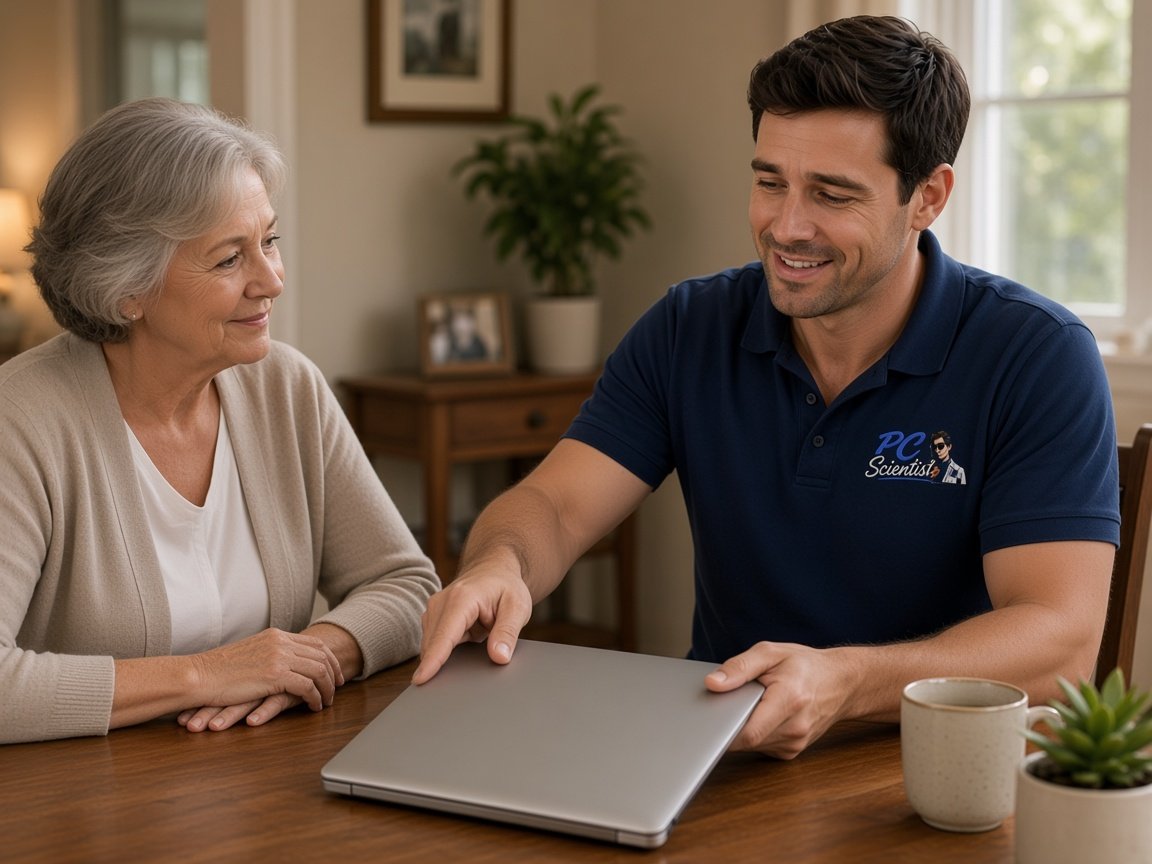
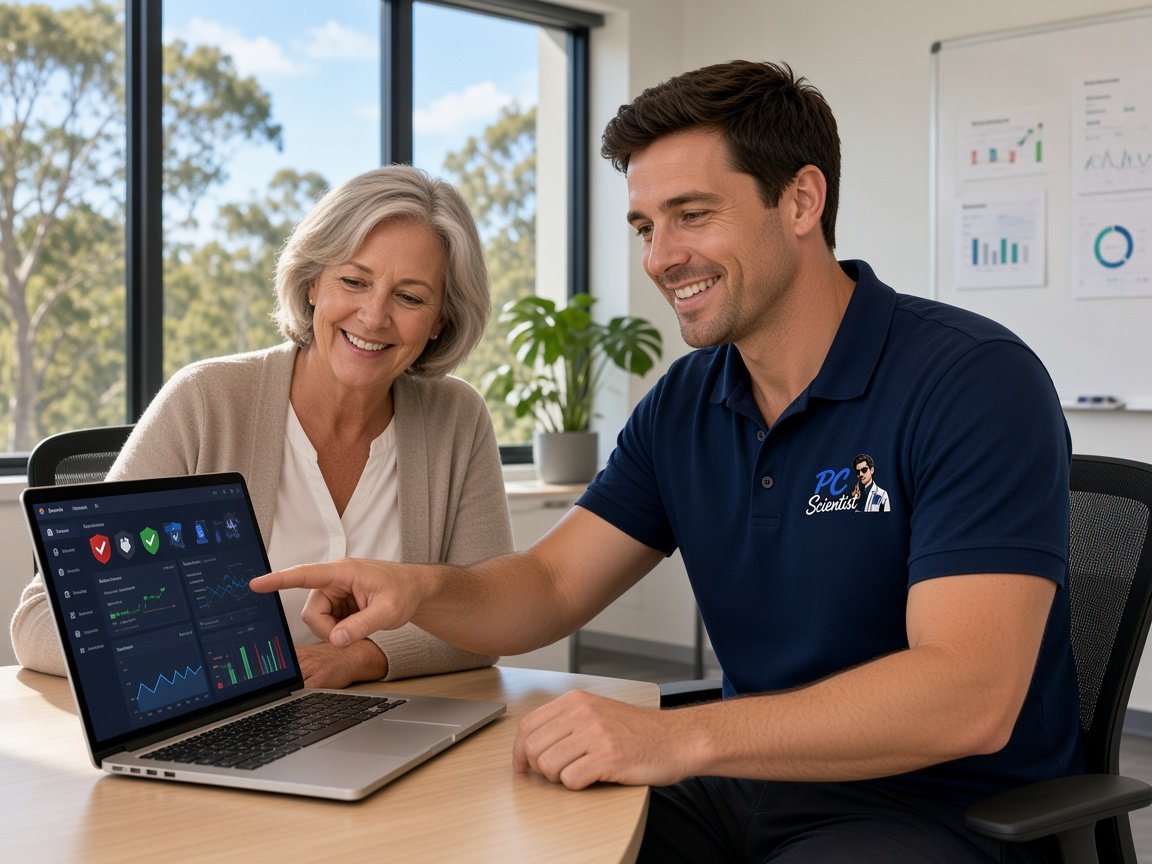
  • One-on-one help - a PC Scientist technician sitting with an older client at her laptop.

We accept payments

Visa
Mastercard
American Express
JCB
Apple Pay
Google Pay
Afterpay
Zip
Bank debit

Real Google reviews

What locals say after a PC Scientist visit.

Word for word, from people we have visited.

★★★★★

Friendly and understanding despite me missing calls

Tanwen Walters

★★★★★

Service was excellent and prompt response

Bob Sands

★★★★★

Excellent service and very fast and reliable. Highly recommend

Leigh Palmer

Read all our Google reviews

Cybersecurity help · Parramatta

I sent my ID to a fake link in Parramatta - how worried should I be?

Shared ID is worth taking seriously, but there is a clear order to it. We secure email first, since that is where reset links go, then check the device and talk through sensible next steps for the documents you sent.

Parramatta jobs we see often

  • Lease renewal or rental application links asking for licences and payslips.
  • Small offices in Harris Park and North Parramatta getting fake invoices from a known supplier.
  • Unit residents in Granville or Merrylands with pop-ups demanding a phone call.
  • Email accounts quietly forwarding messages to an address nobody recognises.
  • The cost for checking and cleaning is set out before anything begins.

Once you have rung us

  • We sort out which accounts use the same password as the one exposed.
  • Email gets secured first, since every other reset link lands there.
  • A visit or remote session is chosen to suit the device and your timing.

Around Parramatta we visit

We see units and townhouses in Granville, Merrylands and Harris Park, family homes in Northmead and North Rocks, and small offices around North Parramatta. Email lockdowns can often begin remotely within the hour, and the visit follows if the computer still needs looking at in person.

Why Cybersecurity help calls us

Worth knowing. Parramatta renters, families and small offices get from a security check

  • The email secured before anything else

    • Before anything else, the inbox where reset links arrive is locked down.
    • Old sessions on other phones and computers are signed out, and we talk it through with you.
  • Sensible steps if ID was sent

    • When licences or payslips were sent, we talk through sensible steps.
    • You still leave knowing which organisations are worth contacting next.
  • No repair fee if we get stuck

    • When unwanted software cannot be removed, you are not charged a repair fee.
    • When a fresh install is the safer move, we say so early.
  • A written figure for the office

    • Small teams get one written figure for every machine to be checked, and we talk it through with you.
    • Before the session starts, home users hear a simple price.
  • Clear talk, at your pace

    • No jargon about threats, just what happened and what it means, and we talk it through with you.
    • Questions answered as many times as you need them answered too.
  • Documents left alone unless you ask

    • Payslips, tax papers and scans stay unopened unless your job needs a look.
    • Nothing removed from your folders without your say-so, and we talk it through with you.

When you are ready. Call, or book a technician.

0493 563 381

Start here

What this covers

This page fits when a link, message or caller has you worried about accounts, money or ID. If the computer is simply slow and nothing odd happened, start with computer support instead.

  1. 01

    When it does not sit right

    A rental document request, a supplier email with new bank details, or a pop-up demanding a call.

  2. 02

    Mapping what was sent

    We list what was uploaded, typed or downloaded, and from which device, before touching settings.

  3. 03

    Cleaning off the extras

    Fake warning pages, unwanted extensions and programs nobody chose removed without disturbing your documents.

  4. 04

    Logins restored

    Email, banking and work accounts given new passwords, with sign-in codes switched on properly.

  5. 05

    Simple everyday checks

    Easy ways to confirm a request is genuine before sending anything, instead of fear-driven software.

The visit

How it works

  1. 1

    What was asked

    The link or caller, and every document or detail you sent.

  2. 2

    Lock the inbox

    Email secured first, then other accounts sharing that password.

  3. 3

    Settle the laptop

    Device cleaned, updates on, and sign-in codes shown to you calmly.

How it works

How to start

Cybersecurity help visits start the same way: tell us what you are seeing, then pick book, call, or a written quote.

  1. 1

    Choose how to reach us

    Book online, call for free advice, , or .

  2. 2

    You tell us what's going on

    In the booking, on the call, or in the quote. Same idea.

  3. 3

    Lock in the visit

    We agree the visit on the call, in the booking, or in the quote. Agree, and that date stays yours.

  4. 4

    We come to you

    That's the visit. We work through your list on the day.

FAQ

Straight answers for Parramatta

Rental document scams, supplier invoices with changed bank details, pop-ups telling people to ring a number, and email accounts sending messages nobody wrote. Calls come from units in Granville, families in Northmead, and small offices around Harris Park.

If something has you uneasy, that is enough reason to ring.

Call your bank first and ask about recalling the payment. Speed matters with that part.

We then check whether the email account was accessed, look for hidden forwarding rules, and set up two-step sign-in so the next fake invoice is easier to catch. We can also suggest a simple phone check for future bank changes.

Yes. Turn off Wi-Fi or shut the laptop down, and do not log in to banking on it until it has been checked.

We find what the person installed, remove it, and change the important passwords from a clean device. A visit is usually best for this one, so nothing is left running.

After a quick chat about what happened, you get a cost before work begins. An office with several computers receives one written quote covering them all.

If a machine turns out impossible to clean, No Fix, No Repair Fee covers that repair.

When you are ready

Need a hand with your technology?

Book online Save 10% Call for free advice 0493 563 381