PC Scientist · Parramatta · Device setup

Parramatta new devices that should be ready on day one, not day ten

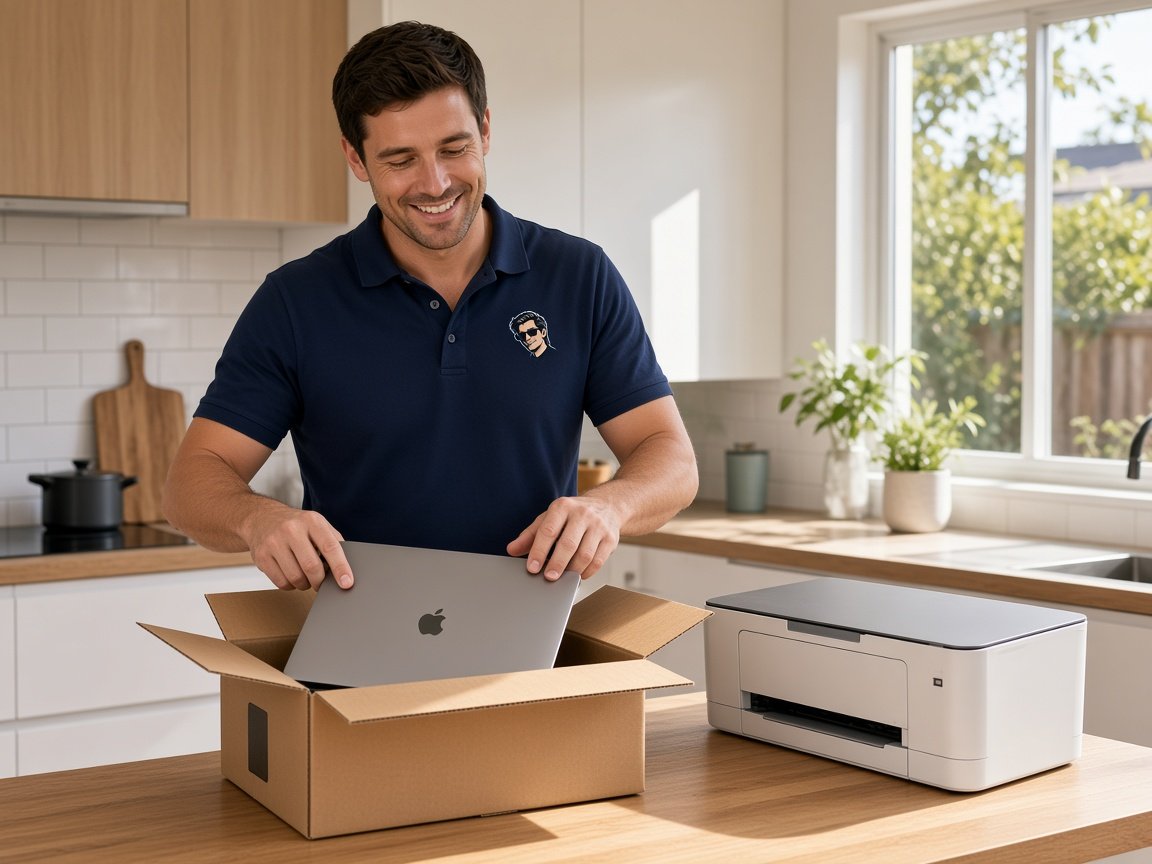
Internet connected on Tuesday, and by Wednesday your laptop, the phone and the printer are all on different pages. That is keys to a new apartment in Harris Park on Saturday. The boxes are unpacked. The tech is not.

We come in, set each device up against the new connection, and leave the logins written down where you can find them. Request a call back, or book an eligible visit online when the list is simple.

Book online for eligible visits and get 10% off.

Let us help you today

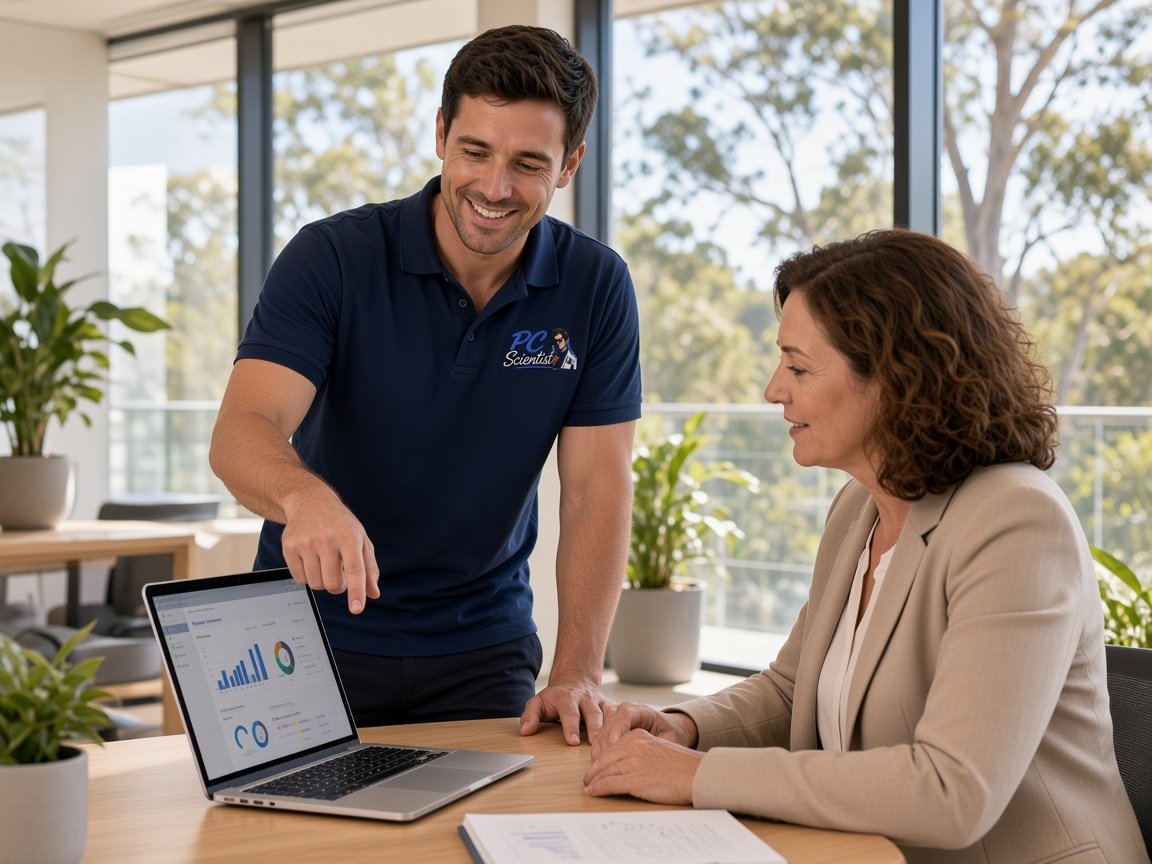
  • One-on-one help - a PC Scientist technician sitting with an older client at her laptop.

We accept payments

Visa
Mastercard
American Express
JCB
Apple Pay
Google Pay
Afterpay
Zip
Bank debit

Real Google reviews

What locals say after a PC Scientist visit.

Word for word, from people we have visited.

★★★★★

Sam was very helpful and informative and very patient as I'm not very techy. I'll be calling him again about getting in trouble thank you Sam.

Jenny Murray

★★★★★

Very happy with Sam. Resolved a multitude of issues that a previous technician could not. Great service and excellent advice. Highly recommend.

Margaret Brett

★★★★★

I live in Umina Beach. Sam has just helped me with my computer. He was absolutely wonderful very polite. Very charming and I am just so grateful 10 out of 10. Sam thank you.

maureen eldridge

Read all our Google reviews

Device setup · Parramatta

New place around Parramatta, new connection, and devices that still act like you never moved?

Apartments and family homes around Parramatta change hands and internet providers often. Each change leaves something behind - a printer, a TV, a phone that will not sync. We start with the connection, then work outward to every device that uses it.

Parramatta setup calls this month

  • A unit printer that cannot see the laptop across a small living room.
  • A student laptop that needs uni sign-ins, study apps and a backup.
  • A shopfront tablet and phone that should share one reliable connection.
  • A phone swap where the messages and two-step codes did not come over.
  • Nothing extra starts unless you agree.
Your setup, step by step

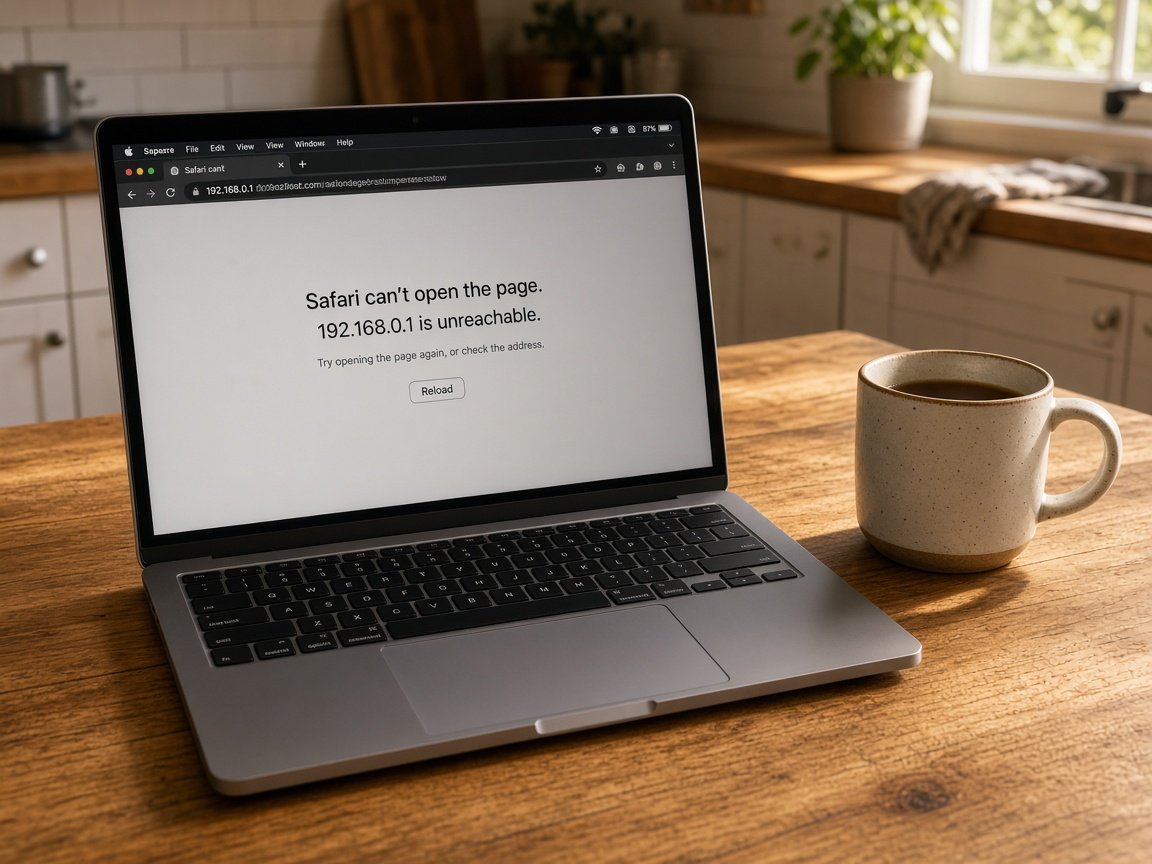
  • We start by asking which provider, which modem and which devices are in play.
  • A price and visit window are confirmed, so you can plan around the day.
  • Leftover account steps can be finished remotely once the hardware is all in place.

Parramatta suburbs we set up in

We visit units and homes in Harris Park, Granville and Merrylands, up to North Parramatta, Northmead and North Rocks, and across to Ermington, Dundas and Auburn. Small shops get the same visit as homes - one connection, every device that depends on it, set up and tested before we leave.

Why Device setup calls us

For Parramatta renters and shop owners, it is worth a call before the weekend is lost

  • The connection checked, then the devices

    • Before setting up anything that relies on it, we confirm the internet is solid.
    • So that and help you raise it, if the provider's line is the issue, we say.
  • The cost named before you book

    • We price every device on your list before the visit is booked.
    • Your small add-on on the day is costed out loud first.
  • Two-step codes moved so you stay signed in

    • We move authenticator apps and security codes so you are not locked out.
    • Before the old one is cleared, banking and work apps tested on the new phone.
  • The shop devices on one steady network

    • So that they stop dropping out, shop tablet, phone and receipt printer joined.
    • Staff and customer devices kept on separate connections where your router allows it.
  • A laptop ready for study

    • Before the term gets busy, study apps, sign-ins and a simple backup set up.
    • So that assignments print first time, the shared printer in the unit added.
  • Logins written down where you choose

    • Account details written down where you choose, never kept by us too.
    • Before you pass them on or sell them, old devices cleared properly.

When you are ready. Call, or book a technician.

0493 563 381

Start here

What this covers

The devices in your new place, set up against your new connection. When a whole shop or office needs several new machines sourced, that belongs on Procurement Scientist.

  1. 01

    Straight out of the carton

    Laptops, phones, tablets and printers brought up to date and set against your current internet connection.

  2. 02

    Sign-ins and security codes

    Email, cloud accounts and two-step codes set up so you are not locked out next week.

  3. 03

    From the old device

    Messages, photos and files copied from the previous phone or laptop, where the old one still cooperates.

  4. 04

    Printers and screens

    The printer, a second monitor or the TV joined up and checked again after a restart.

  5. 05

    A clear handover

    You try the everyday tasks yourself, with notes on what was set up and where.

The visit

How it works

  1. 1

    Check the connection

    Provider, modem and Wi-Fi checked before any device is set up.

  2. 2

    Set up each device

    Accounts, apps and security codes added, then tested one by one.

  3. 3

    Hand back the keys

    Logins noted down for you, and the old gear cleared if wanted.

How it works

How to start

If you are in Device setup, you do not need the right words. Ring, book an eligible visit, or ask for it on paper first.

  1. 1

    Choose how to reach us

    Book online, call for free advice, , or .

  2. 2

    You tell us what's going on

    In the booking, on the call, or in the quote. Same idea.

  3. 3

    Lock in the visit

    We agree the visit on the call, in the booking, or in the quote. Agree, and that date stays yours.

  4. 4

    We come to you

    That's the visit. We work through your list on the day.

FAQ

Straight answers for Parramatta

Yes. We start with the modem and Wi-Fi, because every other device depends on them, then set up the laptops, phones, printer and TV against that connection.

In smaller units the router placement often matters more than people expect, so we check it before blaming any one device.

They can, if they are moved before the old phone is reset. We check which accounts use codes, move the authenticator app properly, and test the banking and work sign-ins.

If an account cannot be moved, we help you set it up again before anything is wiped.

Yes. We set up the shop devices on the business connection, sign in the apps you take orders or bookings with, and test them together.

Payment terminals stay with your provider, but we make sure the tablet and phone around them stay connected.

It depends on what needs moving across. A new laptop with years of files takes longer than a fresh phone with nothing to bring over.

Tell us the list on the phone and we give you a realistic time and the price before booking.

When you are ready

We can come to you

Book online Save 10% Call for free advice 0493 563 381