PC Scientist · Upper North Shore · Business networks

Business network help on the Upper North Shore

Many Upper North Shore businesses run from a converted room in a large family home, or a small office above a shopping strip. Your work laptop drops mid-call, the kids' devices share the same Wi-Fi, and the printer upstairs has stopped answering.

We separate work from family and visitors, extend coverage through big homes and small offices, and keep client files on a private network. Book an eligible visit online, or ask for a quote in writing first.

Book online for eligible visits and get 10% off.

Let us help you today

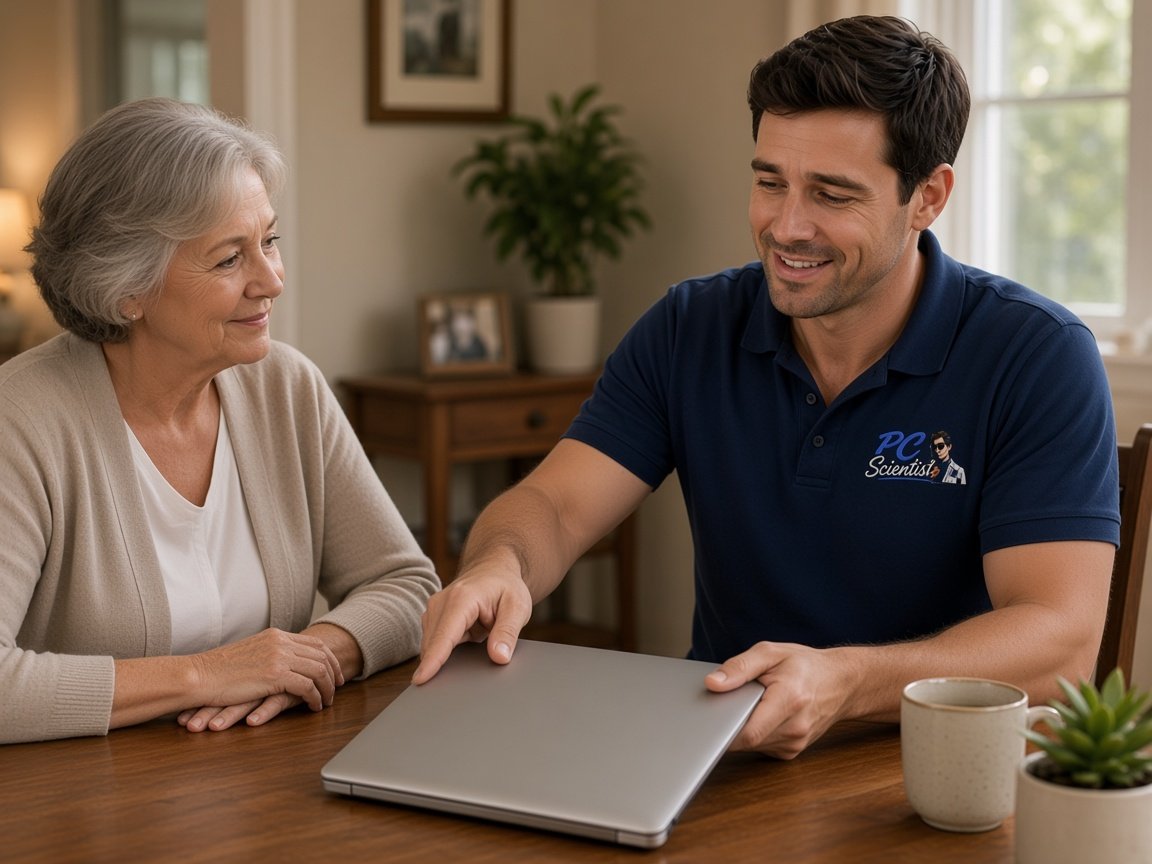
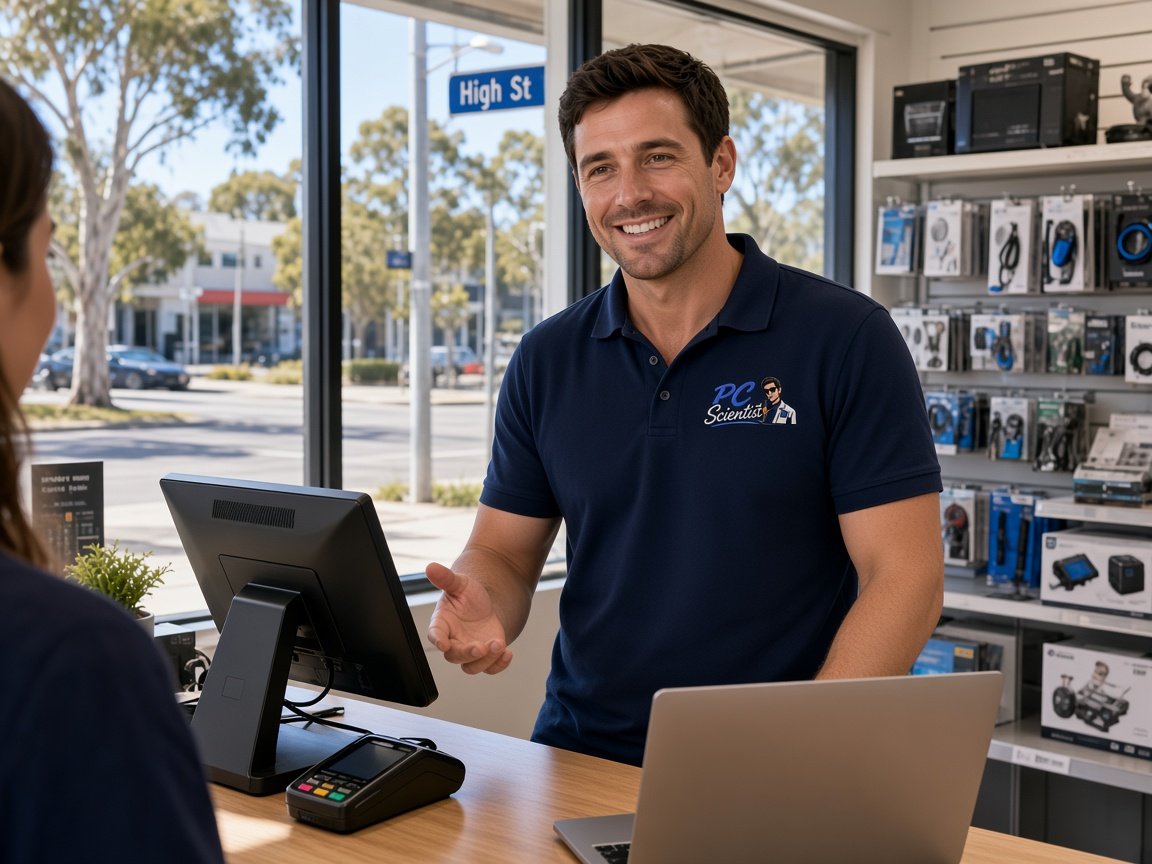
  • One-on-one help - a PC Scientist technician sitting with an older client at her laptop.

We accept payments

Visa
Mastercard
American Express
JCB
Apple Pay
Google Pay
Afterpay
Zip
Bank debit

Real Google reviews

What locals say after a PC Scientist visit.

Word for word, from people we have visited.

★★★★★

I frantically called Sam in the morning and he was at my home by mid afternoon. He had my compuuter repaired and working again the same day. Very grateful for the quick help.

Pauline Green

★★★★★

Sam was absolutely brilliant. I had no idea of what I was doing but Sam fixed everything. He was on time and extremely helpful. Thanks heaps Sam

Karen Smith

★★★★★

Friendly and understanding despite me missing calls

Tanwen Walters

Read all our Google reviews

Business networks · Upper North Shore

Is your Upper North Shore home office sharing too much with the family network?

Home-based practices and small offices around Hornsby, Pymble and Gordon often grow out of a household connection. We untangle work and personal devices, then make sure the signal reaches the rooms where clients are seen and calls are taken.

Upper North Shore setups we sort

  • A home office at the far end of the house where client calls keep dropping.
  • Work laptops on the same network as gaming consoles, tablets and smart TVs.
  • A consulting room or studio in a converted garage with almost no signal.
  • Staff phones in a small office that refuse to join the work network.
  • The plan and its talked through with you before any equipment goes in.

From first call to visit

  • We ask where the work happens, who shares the connection, and which room fails first.
  • Router settings and device lists can often be checked remotely before a visit.
  • Visits fit around client appointments, school runs and the working day.

Upper North Shore suburbs we visit

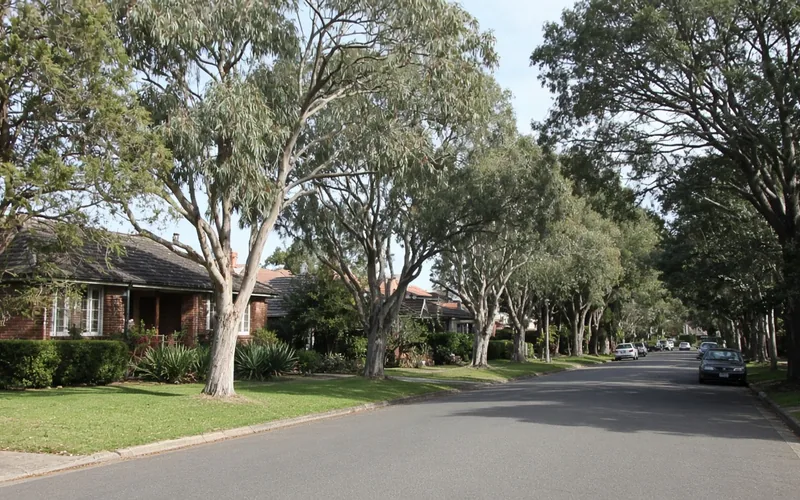
We visit home offices and small practices in Wahroonga and Pymble, shopfront offices around Hornsby and Gordon, and studios in Lindfield. Many sites are a mix of family home and workplace, so we map both before recommending mesh, access points or a cable run.

Why Business networks calls us

Why you call us: Upper North Shore home offices and small practices call about Wi-Fi drops

  • What you can expect: Work split from family

    • We give you client files and work laptops on their own network, away from household devices.

    • You get children's tablets and consoles kept from slowing down the work connection.
  • What you can expect: Coverage for large homes

    • We give you signal planned for long hallways, extra storeys and converted garages.
    • You get every room used for work tested before the visit wraps up.
  • What you can expect: Fee waived if unfixed

    • You do not pay a repair fee when a fault in your existing network cannot be fixed.
    • Clear word if the router you have is simply too old for the job.
  • How we help: Price before the work

    • For you, mesh, access points and cabling costed before anything is installed.
    • Bigger jobs quoted in writing so you can plan around them.
  • What you can expect: Patient explanations

    • For you, ring and describe the dropout however it comes out, and a real person listens.
    • Each change explained so you know what was done and why.
  • What you can expect: Phones, printers, guests

    • We give you staff phones, printers and a guest network sorted during the same visit.
    • You get visitors and clients given access without the main password.

When you are ready. Call, or book a technician.

0493 563 381

Start here

What this covers

Client calls dropping in the far room, files slow while the family streams, visitors asking for the main password. For a purely household problem, see Wi-Fi and network help.

  1. 01

    Calls lost at the far end

    When an Upper North Shore home office drops a client call, the lost time and the awkward restart both cost the business.

  2. 02

    Work, family and guests apart

    Work devices, household gadgets and visiting clients each on their own network, so files stay private and speeds hold.

  3. 03

    Printers that stay in reach

    Printers, shared storage and workstations upstairs or in the studio set to stay connected after restarts and updates.

  4. 04

    Signal through a large home

    Access points or mesh placed after testing each room, so the office, consulting room and studio all hold a steady connection.

  5. 05

    A plan before buying mesh

    A written plan first, so you buy the right amount of equipment for the house and office.

The visit

How it works

  1. 1

    Rooms that fail

    Which rooms drop, at which times, and on which devices.

  2. 2

    House or provider

    Tests show whether the fault is inside the home or office, or upstream.

  3. 3

    Plan and price

    Settings, mesh, access points or cabling, agreed before any work starts.

How it works

How to start

If you are in Business networks, you do not need the right words. Ring, book an eligible visit, or ask for it on paper first.

  1. 1

    Choose how to reach us

    Book online, call for free advice, , or .

  2. 2

    You tell us what's going on

    In the booking, on the call, or in the quote. Same idea.

  3. 3

    Lock in the visit

    We agree the visit on the call, in the booking, or in the quote. Agree, and that date stays yours.

  4. 4

    We come to you

    That's the visit. We work through your list on the day.

FAQ

If you are wondering about help in Upper North Shore

Yes. Home offices and small practices around Hornsby, Wahroonga, Pymble, Gordon and Lindfield are regular work for us.

Common jobs are separating work devices from the family network, extending coverage to a far room or converted garage, and getting printers and phones to stay connected.

Yes. Work laptops, printers and file storage can sit on a private network, with family devices and visitors on their own.

That keeps client files more secure and stops a busy evening of streaming from slowing down a late call.

Sometimes. Mesh works well in many homes, but thick walls, long distances or a separate studio can need wired access points instead.

We test the house first and recommend whichever option suits it, with a price for each, so you are not guessing.

Nothing extra starts unless you agree. Larger jobs such as new access points or cabling are quoted in writing after a look at the property.

No Fix, No Repair Fee applies to repairs on your existing network that we cannot finish.

When you are ready

Need a hand with your technology?

Book online Save 10% Call for free advice 0493 563 381