
PC Scientist · Upper North Shore · Data recovery

Missing files on the Upper North Shore? Pause before the next restart

Years of your family history research, the grandchildren's photos, and a parent's old home videos all copied onto one drive in the Wahroonga study. Then one morning it will not show up. If that sounds familiar, unplug it now and resist the urge to try another cable or port.

We look at the drive, explain in plain terms what seems reachable on the Upper North Shore and what each route costs, then help set up a second copy. Call 0493 563 381, or book an eligible visit online.

Book online for eligible visits and get 10% off.

Let us help you today

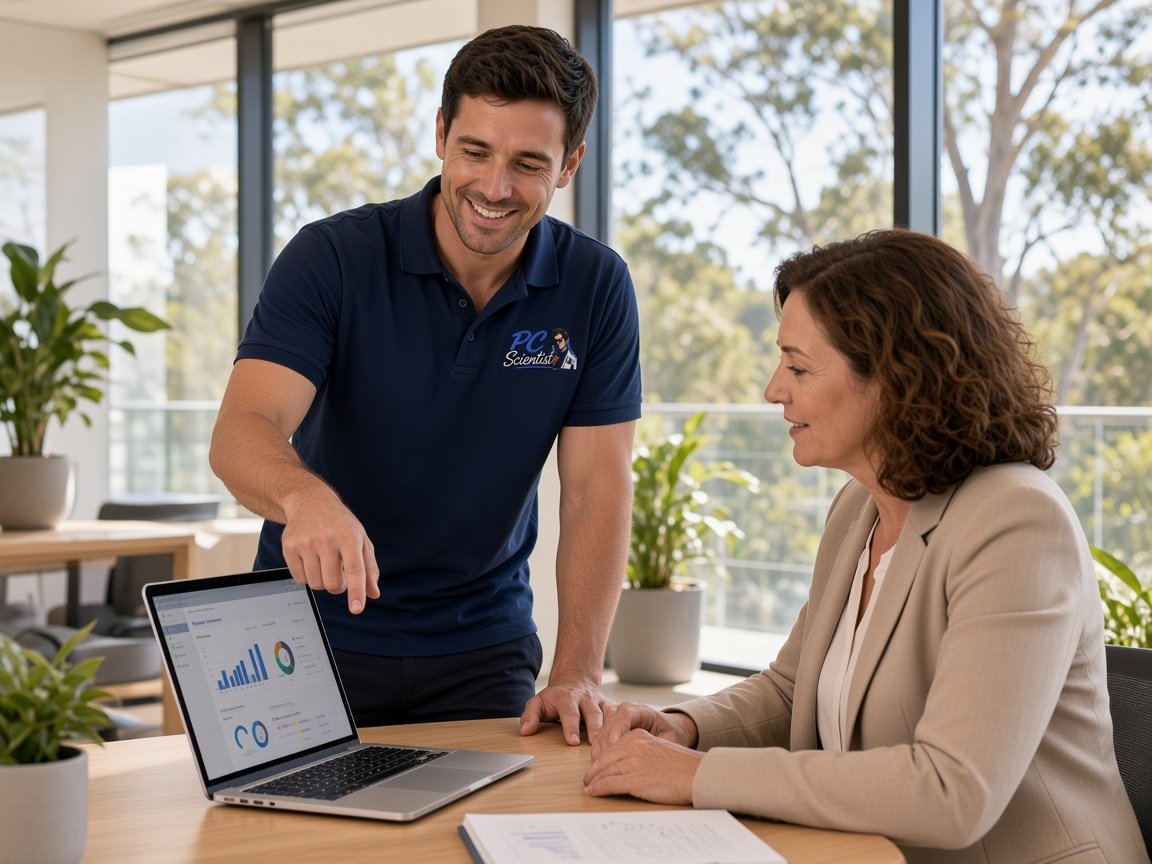
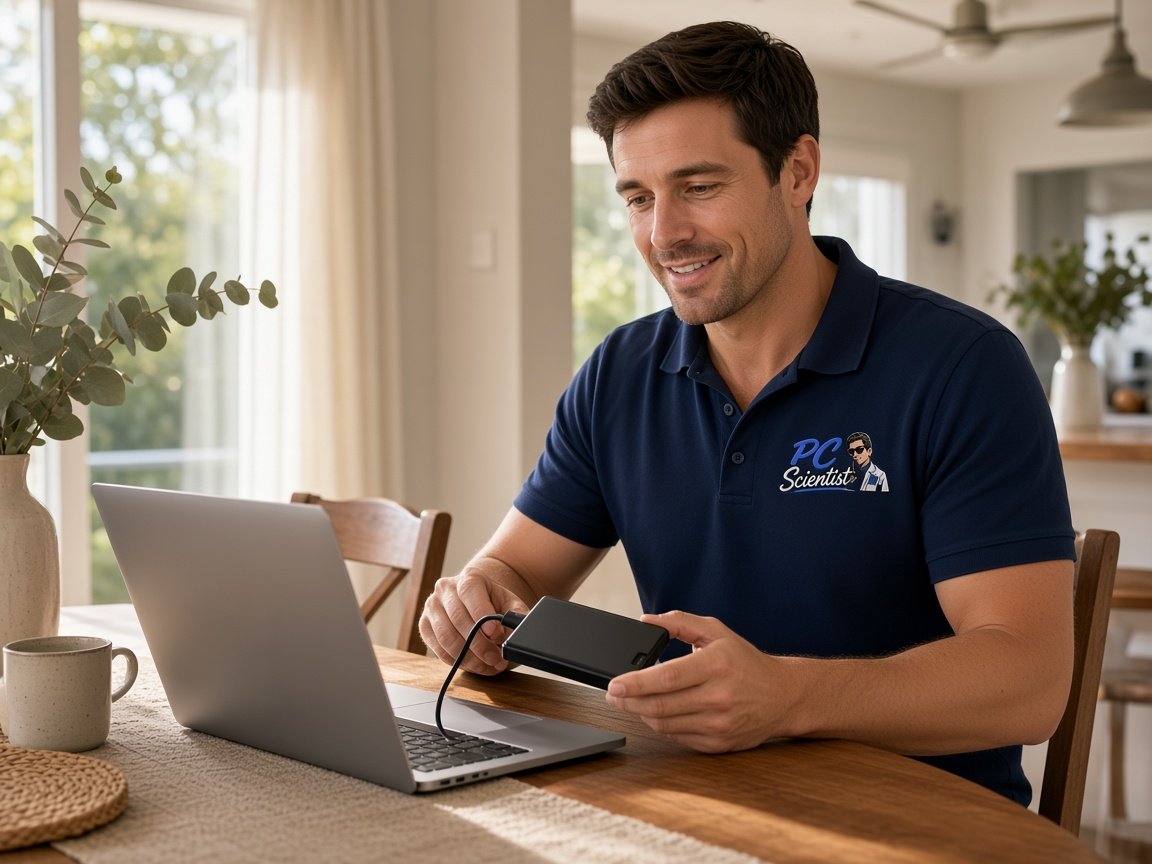
  • One-on-one help - a PC Scientist technician sitting with an older client at her laptop.

We accept payments

Visa
Mastercard
American Express
JCB
Apple Pay
Google Pay
Afterpay
Zip
Bank debit

Real Google reviews

What locals say after a PC Scientist visit.

Word for word, from people we have visited.

★★★★★

Sam sorted my computer issues out very quickly. Very impressed with his knowledge and will use him again if I have any computer issues.

Jan Louw

★★★★★

Sam is a lovely guy....he explains everything well and seems very knowledgeable..

Jenny Downing

★★★★★

Sam gave us fantastic Customer Service! Prompt response and fixed our problem with amazing expertise.

Jo Scarsbrick

Read all our Google reviews

Data recovery · Upper North Shore

Was that drive the family archive everyone assumed someone else had backed up?

On the Upper North Shore it often is. One person collected the photos and records, and everyone else assumed there was a copy. That is very common. We start by protecting what is on the drive, then explain calmly what can be tried.

What Upper North Shore studies and home offices bring us

  • A family history drive in Wahroonga that no longer appears after a power cut.
  • Home videos transferred years ago, now on a disk that clicks in a Pymble study.
  • A professional's laptop in Lindfield that froze mid-report and now will not start.
  • Folders in a Gordon home office that disappeared when the new computer was set up.
  • Each route priced before anything deeper is attempted on the drive.

When you first ring us

  • We ask who looked after the archive and where any other copies might be.
  • You learn whether a remote start suits or the drive is best seen in person.
  • Costs and realistic limits are set out, and you decide with no pressure.

Ridge suburbs we visit

Across Hornsby and Wahroonga we often find a family archive living on one drive in the study. In Pymble and Gordon, folders tend to go missing during a computer changeover. Killara, Lindfield and Roseville calls lean towards laptops that stopped starting just before a deadline or a family event.

Why Data recovery calls us

What you run into: Upper North Shore families and home offices can expect when the archive fails

  • How we help: Other copies hunted first

    • For you, old laptops, email and photo accounts are checked before the failed drive is touched.
    • For you, sometimes a forgotten copy turns up, which is the gentlest outcome of all.
  • For you: Each route costed

    • We give you the first look, any recovery and the backup setup carry separate figures.
    • For you, lab costs are explained in full before a drive leaves the house.
  • For you: Repair fee earned, not assumed

    • For you, no Fix, No Repair Fee means a repair attempt that falls through is not charged.
    • Realistic chances are given before you commit to anything.
  • How we help: Family decision, your time

    • For you, options can be shared with siblings or parents before anyone says yes.
    • We give you no pressure to decide on the spot about something this personal.
  • For you: Archives handled slowly

    • For you, old drives are copied first where possible, never scanned again and again.
    • For you, recovered folders are kept in the order the family built them.
  • What you can expect: Copies for the whole family

    • For you, the archive can be set to back up to the cloud and a second drive.
    • For you, other family members can be given access, so one person is not the only keeper.

When you are ready. Call, or book a technician.

0493 563 381

Start here

What this covers

The family archive on a drive that will not appear, a study laptop that will not start, or a folder lost in a computer change. If it all still works, see computer repair or computer support for the Upper North Shore.

  1. 01

    Before another cable

    Leave the drive unplugged. No new ports, no formatting, and nothing saved onto it.

  2. 02

    Archive hard drives

    Older drives that click, hum, hang at start-up, or no longer appear when plugged in.

  3. 03

    Study laptop SSDs

    SSD and NVMe drives that the laptop stops detecting, or reports that open as nonsense.

  4. 04

    USB sticks and lost folders

    Sticks, camera cards, and folders lost from a computer that still runs, often after a changeover.

  5. 05

    Study PC will not start

    The desktop or laptop stays stuck, and the archive or work inside matters far more.

  6. 06

    What our first look covers

    Drive condition first, then each realistic route and its limits explained before any recovery.

The visit

How it works

  1. 1

    Leave it unplugged

    No more cables, ports, or restarts on a drive that will not appear.

  2. 2

    Find the other copies

    Old laptops, email, photo accounts - tell us what might hold a copy.

  3. 3

    Settle on a route

    Pick the route that suits, once its cost is in front of you.

How it works

How to start

If you are in Data recovery, you do not need the right words. Ring, book an eligible visit, or ask for it on paper first.

  1. 1

    Choose how to reach us

    Book online, call for free advice, , or .

  2. 2

    You tell us what's going on

    In the booking, on the call, or in the quote. Same idea.

  3. 3

    Lock in the visit

    We agree the visit on the call, in the booking, or in the quote. Agree, and that date stays yours.

  4. 4

    We come to you

    That's the visit. We work through your list on the day.

FAQ

Questions we hear in Upper North Shore

We do. Hornsby, Wahroonga, Pymble, Gordon, Killara, Lindfield and Roseville are on our regular run. Mention the suburb and what the drive or computer is doing.

If the files sit on an older external drive, mention its age and how it was used. That helps us plan a careful first look.

Old laptops in a cupboard, email attachments, photo accounts linked to phones, and USB sticks from past moves are the usual places.

We can help search those before anyone works on the failed drive, since finding a copy is quicker and carries no risk. If nothing turns up, we explain the recovery options and their cost.

That depends on what has failed and how much the drive has been used since. Large video files can be harder to piece together than photos.

We assess the drive first and give you the realistic picture, including a specialist lab if needed, before any recovery work begins.

Once things are settled, we set up a backup to the cloud and a second drive, and can share access with other family members.

That way the archive no longer depends on a single person or a single drive. We show everyone involved how to check it is still running.

When you are ready

Let us take the next step with you

Book online Save 10% Call for free advice 0493 563 381