PC Scientist · South Western Sydney · Business networks

Business network help in South Western Sydney

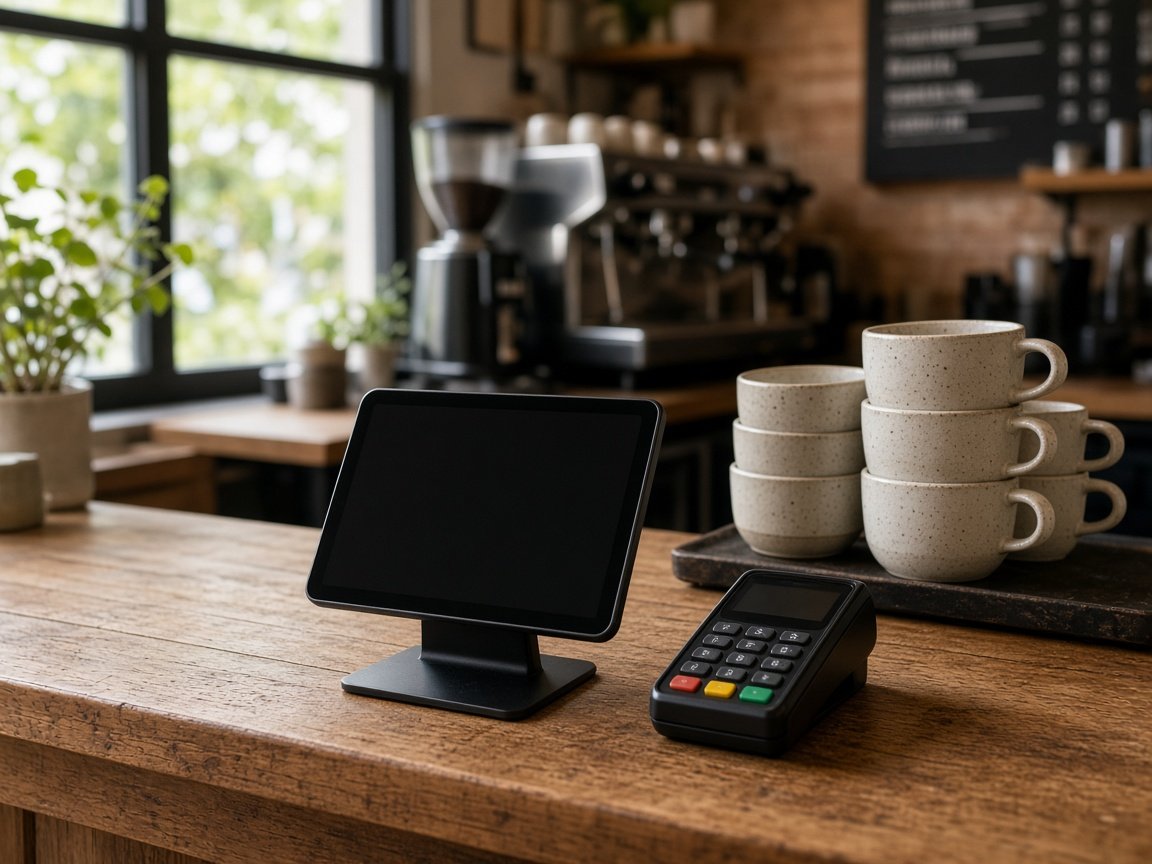
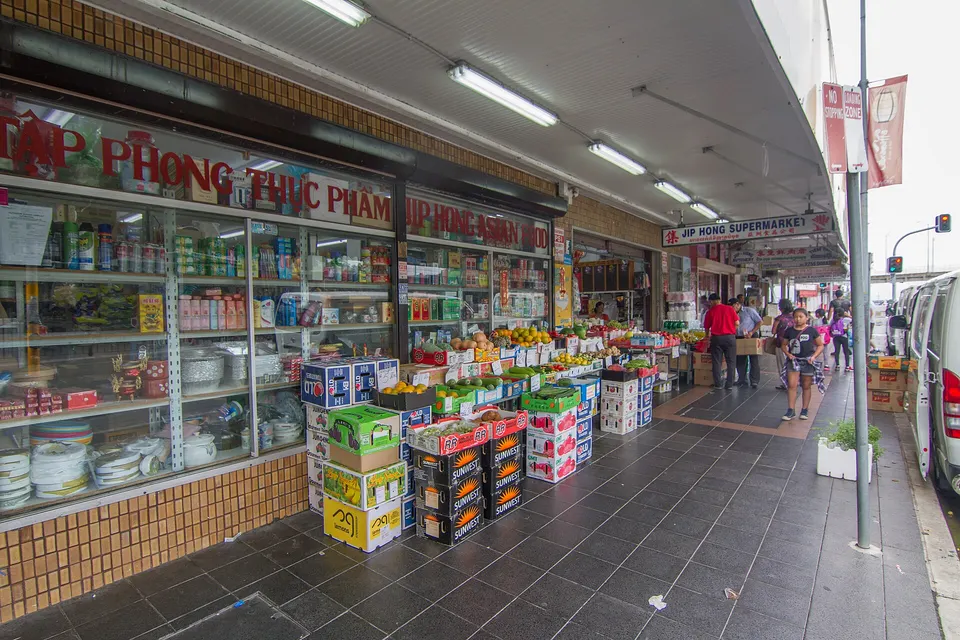
A Cabramatta or Fairfield shop on a busy trading morning: the till hangs on a card payment, the stock tablet out the back spins, and customers on the guest Wi-Fi keep streaming. One router behind the counter is carrying all of it for you.

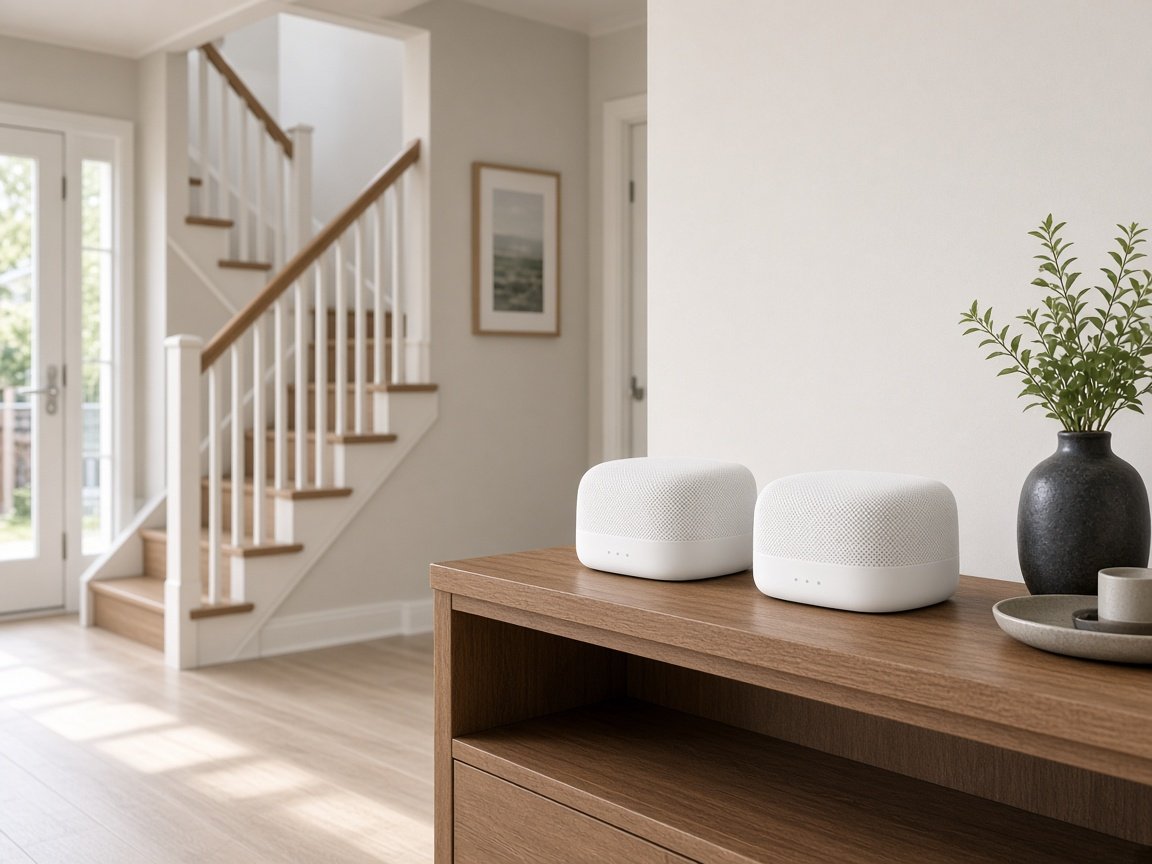
We give the till, the office and the customers separate networks, then extends coverage to the stockroom and loading area. Request a call back, or ask for a written quote before anything is installed.

Book online for eligible visits and get 10% off.

Let us help you today

  • One-on-one help - a PC Scientist technician sitting with an older client at her laptop.

We accept payments

Visa
Mastercard
American Express
JCB
Apple Pay
Google Pay
Afterpay
Zip
Bank debit

Real Google reviews

What locals say after a PC Scientist visit.

Word for word, from people we have visited.

★★★★★

Sam is a lovely guy....he explains everything well and seems very knowledgeable..

Jenny Downing

★★★★★

Sam gave us fantastic Customer Service! Prompt response and fixed our problem with amazing expertise.

Jo Scarsbrick

★★★★★

On time, friendly and efficient

Craig Marshall

Read all our Google reviews

Business networks · South Western Sydney

Is South Western Sydney trade slowing at the till because customers share the staff connection?

Shops, offices and warehouses from Liverpool across to Fairfield mix busy counters with storerooms and loading areas. We look at where people serve, pack and work, then set the network up for the busiest hour of the week.

What South Western Sydney counters and stockrooms report

  • Card payments hanging at the till while customer phones fill the guest Wi-Fi.
  • A stockroom tablet that loses its connection past the first row of shelves.
  • Back-office computers slowing to a crawl during the lunchtime rush.
  • A camera recorder and the office PC fighting over the same small router.
  • Any new hardware listed with its price and approved before it reaches the shop.
What happens once you call

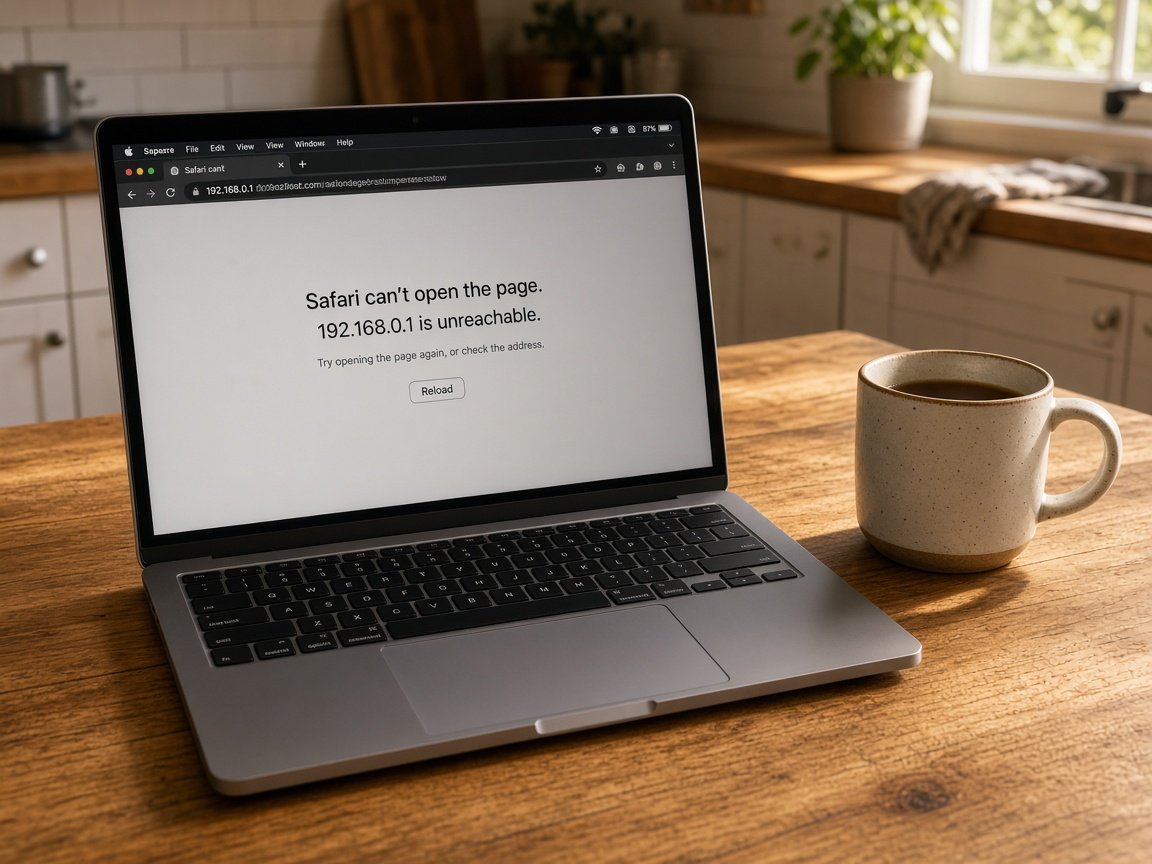
  • We ask which hours are busiest and which device gives out first when trade picks up.
  • A remote look at the router often comes first; a visit follows when coverage or cabling is involved.
  • Work is fitted around trading hours so the counter keeps serving customers.

South Western Sydney suburbs we cover

We visit retail strips in Cabramatta and Fairfield, offices around Liverpool, warehouses and workshops in Chipping Norton, and newer premises near Edmondson Park and Casula. Every site gets a short signal walk from counter to storeroom first, so access points go where staff actually lose the connection.

Why Business networks calls us

Why South Western Sydney shops and warehouses call when your till starts hanging

  • Till before everything

    • You get payment devices put on a protected network so customer phones cannot slow them.
    • Tested during trade, not just after hours when the shop is quiet for you.
  • No fix, no repair charge

    • Network faults we take on but cannot fix carry no repair fee.
    • Straight advice when the router behind the counter has done its time for you.
  • Prices shown side by side

    • Options for the counter, office and storeroom costed so you can compare them.
    • Nothing is ordered until you agree the figure we have given you.
  • Ring and describe it

    • Call and tell us what happens at the till, in whatever words fit.
    • We explain the fix in everyday language, never in acronyms.
  • Counter to loading area

    • You get wi-Fi, printers, the camera recorder and payment terminals handled in one visit.
    • Coverage pushed out to the stockroom and loading area where it is needed for you.
  • Stock records safe

    • Accounts and stock systems kept on the staff side, away from shoppers for you.
    • You get default router and switch passwords changed and passed to the owner.

When you are ready. Call, or book a technician.

0493 563 381

Start here

What this covers

The till hanging mid-sale, back-office files slow during the rush, shoppers squeezing staff off the Wi-Fi. If the issue is your home network, see Wi-Fi and network help.

  1. 01

    Sales lost to waiting

    Each hung card payment in a South Western Sydney shop costs a sale or a customer's patience, and busy days multiply it.

  2. 02

    A network just for shoppers

    Customers get a guest network, so payments, stock records and staff devices travel a separate, protected path.

  3. 03

    Printers and recorders held steady

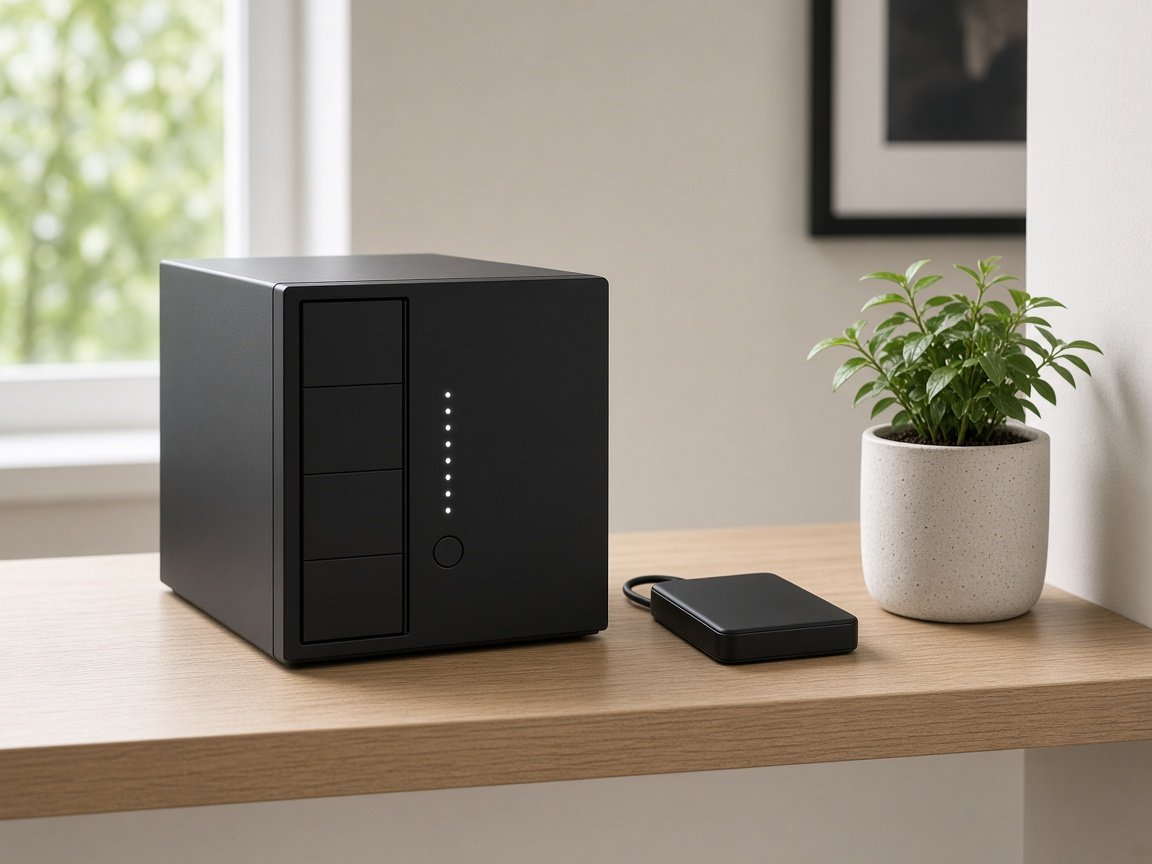
    Receipt printers, camera recorders, shared storage and office PCs set to reconnect cleanly after restarts and outages.

  4. 04

    Reach to the stockroom

    Access points placed from readings at the counter, the shelves and the loading area, so the signal follows the work.

  5. 05

    Written price before gear

    You see a written plan first, so the next box bought behind the counter is the right one.

The visit

How it works

  1. 1

    Busiest hour first

    Which trading hours, which part of the shop, and which devices drop.

  2. 2

    Premises or provider

    Tests show whether the slowdown starts on site or with the internet service.

  3. 3

    Quoted, then booked

    Settings, placement, mesh or cabling, priced and timed around trade.

How it works

How to start

If you are in Business networks, you do not need the right words. Ring, book an eligible visit, or ask for it on paper first.

  1. 1

    Choose how to reach us

    Book online, call for free advice, , or .

  2. 2

    You tell us what's going on

    In the booking, on the call, or in the quote. Same idea.

  3. 3

    Lock in the visit

    We agree the visit on the call, in the booking, or in the quote. Agree, and that date stays yours.

  4. 4

    We come to you

    That's the visit. We work through your list on the day.

FAQ

Questions we hear in Liverpool & Fairfield

Yes. Customers move to a guest network with its own limits, and payment terminals and office computers sit on a separate, protected one.

We test during a busy period where we can, so you see the till holding steady with the shop full rather than empty.

Shelving full of stock and solid walls absorb signal quickly, so a router at the counter rarely reaches the back.

We take readings through the storeroom and loading area, then suggest where an access point or short cable run would close the gap, with a price for each.

It can, with the right setup. Cameras and their recorder are kept on their own part of the network, so footage does not crowd the till or the office.


We check the recorder and app still work after the change, so you can view footage as before.

Your internet provider, where the modem sits, your busiest trading hours, and which areas or devices lose the connection first.

Photos of the modem and any network cabinet help us bring the right parts and keep the visit short.

When you are ready

Tell us what is happening

Book online Save 10% Call for free advice 0493 563 381