PC Scientist · South Western Sydney · Email support

Email support in South Western Sydney

A Casula plumber sends a quote with six job photos from his phone. It bounces. He tries again from your laptop at home and it sits in the outbox. The customer in Liverpool has already rung someone else.

We sort attachment limits, outbox jams and phone-to-laptop sync for South Western Sydney trades, offices and homes, then tests a real quote end to end. The price is agreed first. Book an eligible visit online or call 0493 563 381.

Book online for eligible visits and get 10% off.

Let us help you today

  • One-on-one help - a PC Scientist technician sitting with an older client at her laptop.

We accept payments

Visa
Mastercard
American Express
JCB
Apple Pay
Google Pay
Afterpay
Zip
Bank debit

Real Google reviews

What locals say after a PC Scientist visit.

Word for word, from people we have visited.

★★★★★

On time, friendly and efficient

Craig Marshall

★★★★★

Sam & co went above & beyond with their time & expertise when installing my new computer- Very professional & friendly service - highly recommend.

Michelle Johnston

★★★★★

Sam was very helpful and informative and very patient as I'm not very techy. I'll be calling him again about getting in trouble thank you Sam.

Jenny Murray

Read all our Google reviews

Email support · South Western Sydney

In South Western Sydney, are your quotes bouncing because the photos are too big?

Photos from a phone camera are large, and most mailboxes cap what they will send or accept. Add a full mailbox and an old outgoing setting, and quotes stall. We set sensible limits, a better way to share big files, and mail that works from the ute.

Quote and invoice trouble across the south west

  • Job photos making quotes too large to send from the phone.
  • Client documents at tax time bouncing from a Fairfield bookkeeper's inbox.
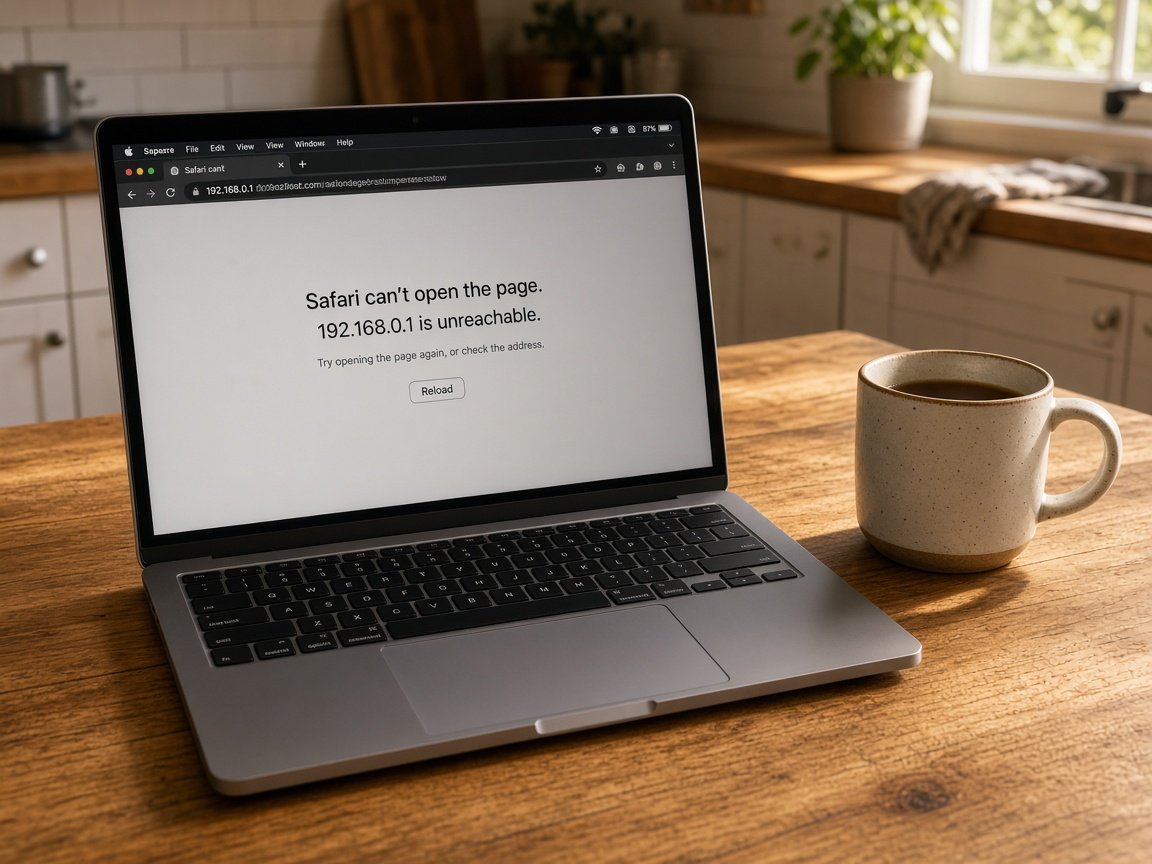
  • Outlook on the home office laptop holding mail in the outbox for hours.
  • Sent quotes showing on the phone but missing from the laptop's sent folder.
  • No setting changed until you know the figure and agree to it.
How we work through it with you

  • You tell us what you were sending, from which device, and what came back.
  • Most attachment and outbox faults are fixed remotely between your jobs.
  • We finish by sending a real quote with photos so you see it go through.

South Western Sydney suburbs we visit

We sort email for trades and home offices in Casula, Liverpool and Hoxton Park, bookkeepers and small offices around Fairfield and Cabramatta, and households in Edmondson Park. Whether the inbox lives on a phone in the ute or a desk at home, it gets tested with a real attachment.

Why Email support calls us

Why South Western Sydney trades and bookkeepers call us when quotes keep bouncing

  • Big files that send

    • A simple way to share large photos and documents when email limits get in the way for you.
    • Phone camera settings checked so quote photos are not needlessly huge for you.
  • Sent folder in sync

    • You get quotes sent from the ute show up in the laptop's sent folder too.
    • Customer replies land on whichever device you pick up first.
  • Repair fee only on success

    • If we cannot get your mail sending, you pay no repair fee.
    • We tell you early if the mail host's limits are the real cap.
  • Priced between jobs

    • You hear the cost on the phone before any work starts.
    • Bigger jobs, like moving to a business domain, quoted in writing for you.
  • Tax time handled calmly

    • Client documents kept safe and searchable when the mailbox is tidied for you.
    • You get mailbox space sorted before the busiest weeks of the year.
  • Talk in plain terms

    • Ring 0493 563 381 from the job and tell us what bounced.
    • No jargon, just what went wrong and what we changed.

When you are ready. Call, or book a technician.

0493 563 381

Start here

What this covers

Bounced quotes, a blank phone inbox and password prompts that will not settle all belong here. For staff mailboxes or a shared office address, see business email for the south west.

  1. 01

    Quotes stuck or bounced

    Messages with photos refused, outboxes that never empty, and customer replies that stopped arriving.

  2. 02

    Phone and laptop together

    Gmail or Outlook on the phone and the home laptop, with sent mail and replies matching on both.

  3. 03

    Office and forwarding setup

    A new address for the business, forwarding to a bookkeeper, or a mailbox reachable only from one device.

  4. 04

    Sign-in after a new phone

    An authenticator app lost with the old handset, and the account recovered step by step.

  5. 05

    Supplier and invoice scams

    A changed-bank-details email or fake supplier invoice checked with you before any money moves.

The visit

How it works

  1. 1

    What bounced

    The message, the device and the exact reply that came back.

  2. 2

    Fix the limit

    Size, storage or outgoing settings corrected one at a time.

  3. 3

    Send a real quote

    A quote with photos tested from phone and laptop.

How it works

How to start

In Email support, start with a call, a booking, or a quote in writing. Nothing extra starts unless you agree.

  1. 1

    Choose how to reach us

    Book online, call for free advice, , or .

  2. 2

    You tell us what's going on

    In the booking, on the call, or in the quote. Same idea.

  3. 3

    Lock in the visit

    We agree the visit on the call, in the booking, or in the quote. Agree, and that date stays yours.

  4. 4

    We come to you

    That's the visit. We work through your list on the day.

FAQ

Common questions about Liverpool & Fairfield IT help

Phone photos are large, and several in one email can pass the limit on your mailbox or the customer's. A full mailbox or an old outgoing setting can make it worse.

We check which limit you are hitting, adjust what we can, and set up an easy way to share big photo sets when email is not the right tool.

Often, yes. Many outbox and attachment fixes run over a remote session on the home laptop while you are out, once we have agreed a time.

Phone changes usually need you for a few minutes. We keep that part short and talk you through it.

Do not pay from that email. Ring the supplier on a number you already know and confirm it with them directly.

Then let us check your mailbox for forwarding rules or sign-ins that should not be there. We explain what we find in plain words and help you lock the account down.

We ask a few questions and give you the figure before starting. A single outbox or attachment fault is quick to price, and moving to a proper business address gets a written quote.

If it cannot be fixed, No Fix, No Repair Fee applies to the repair.

When you are ready

Need a hand with your technology?

Book online Save 10% Call for free advice 0493 563 381