PC Scientist · St George · Business cybersecurity

Business cybersecurity in St George

Your phone rings at a Kogarah dental front desk and a polite voice from 'the internet provider' says the office computer is sending errors. Five minutes later the mouse is moving on its own. St George practices hear this script more often than they would like.

We disconnect whoever got in, check what they could see, and make sure the computer and its accounts are clean before patients are booked on it again. Call 0493 563 381, or request a call back if the desk is busy.

Book online for eligible visits and get 10% off.

Let us help you today

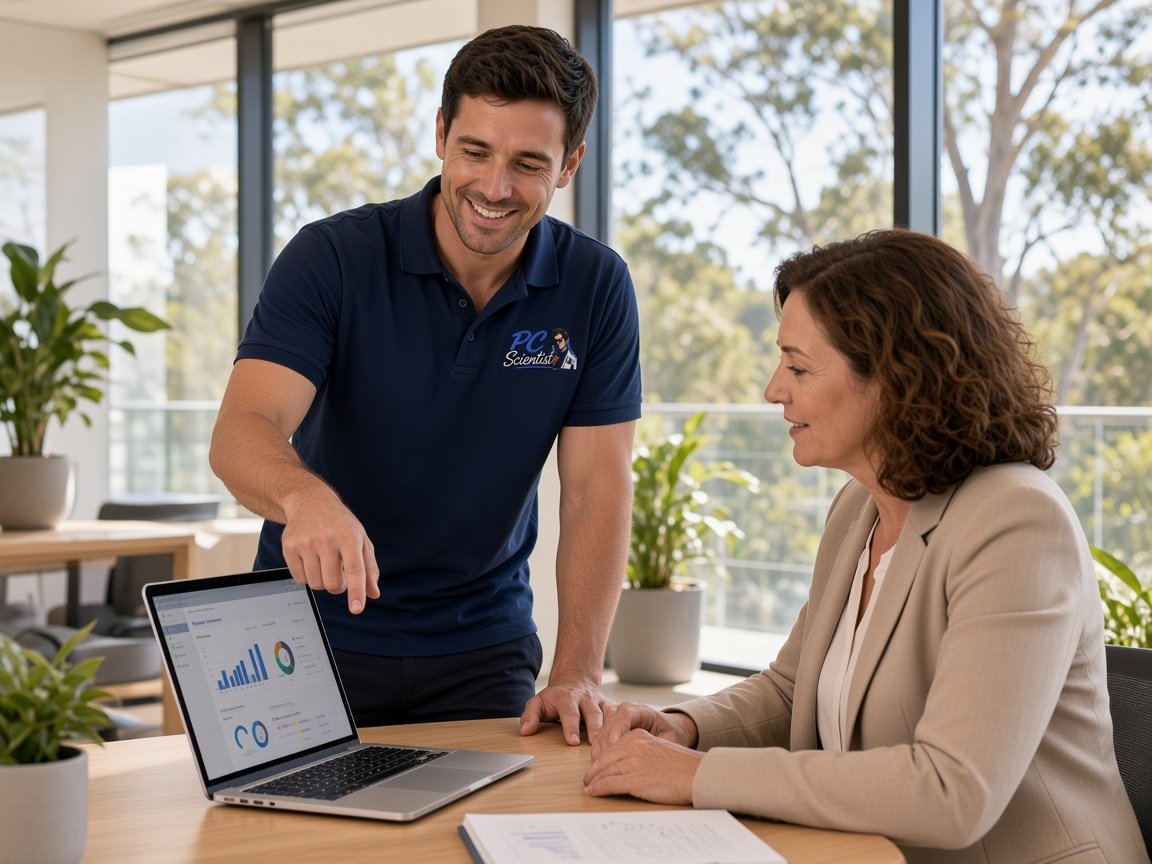
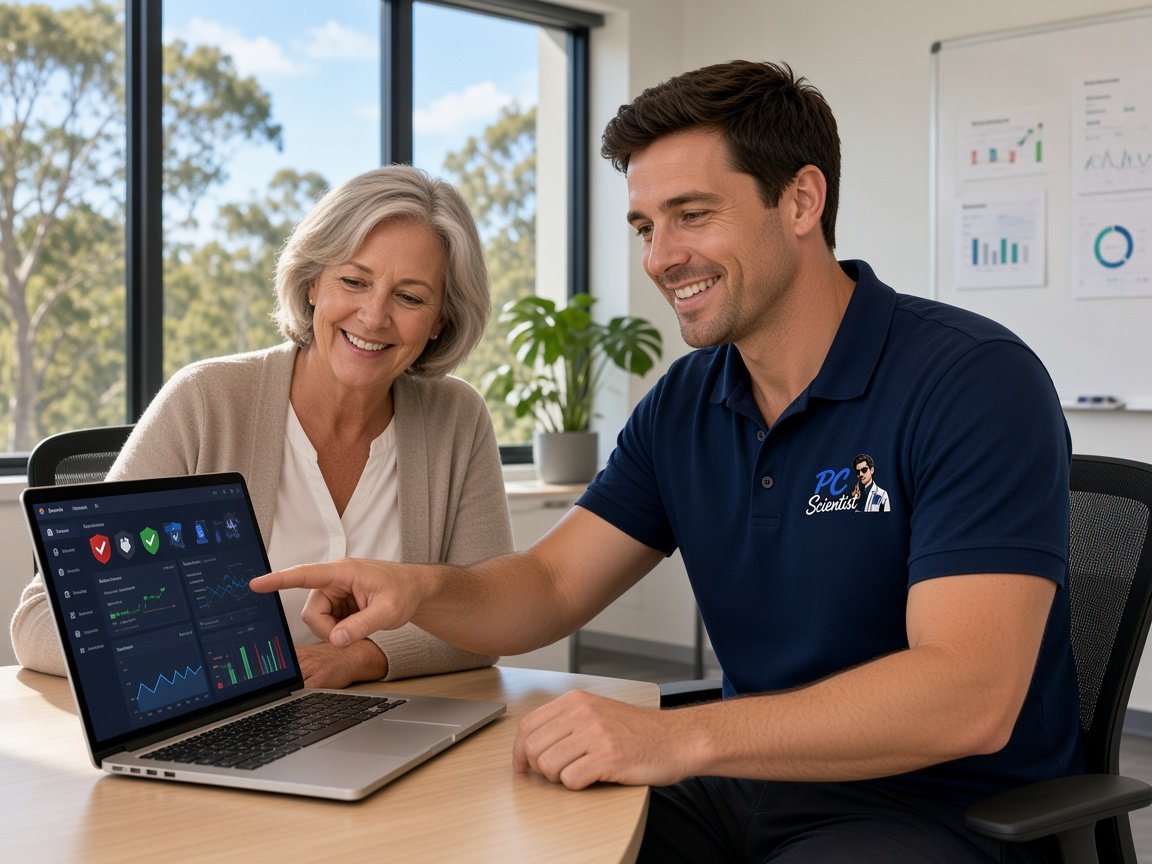
  • One-on-one help - a PC Scientist technician sitting with an older client at her laptop.

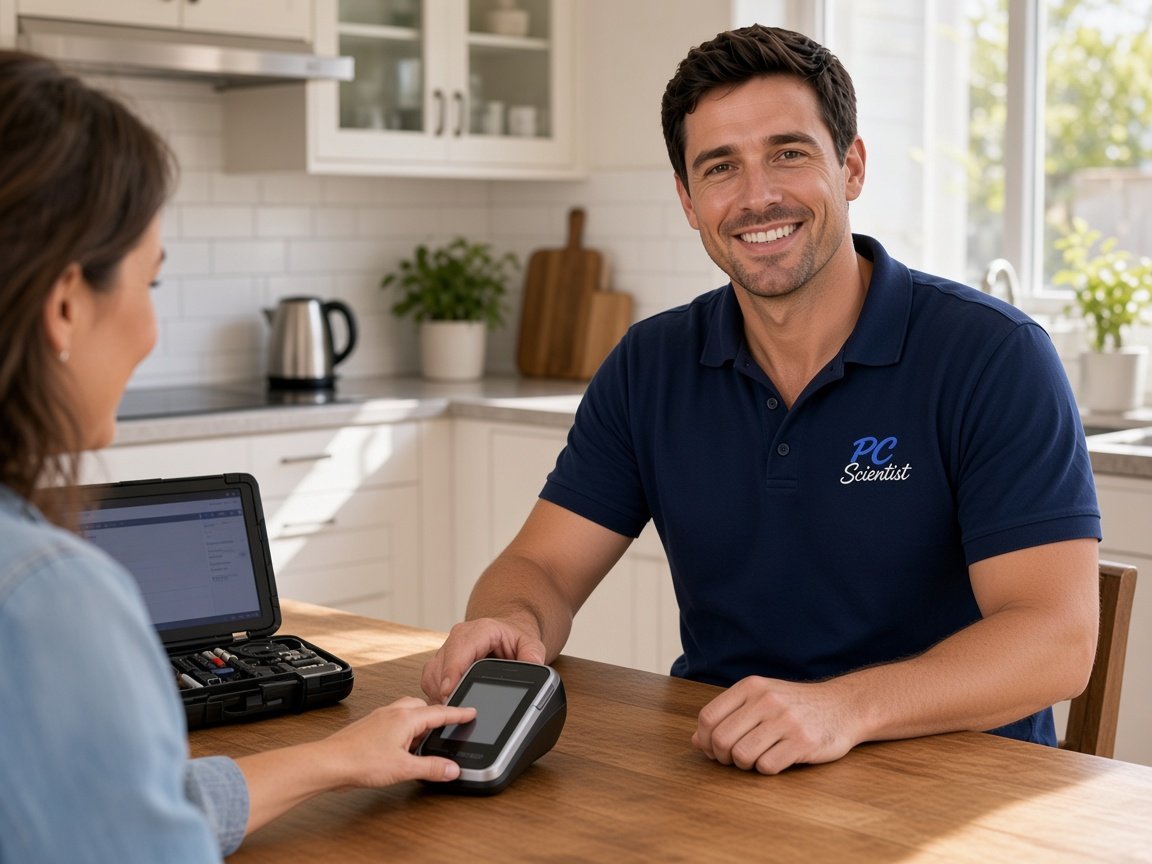
We accept payments

Visa
Mastercard
American Express
JCB
Apple Pay
Google Pay
Afterpay
Zip
Bank debit

Real Google reviews

What locals say after a PC Scientist visit.

Word for word, from people we have visited.

★★★★★

Sam & co went above & beyond with their time & expertise when installing my new computer- Very professional & friendly service - highly recommend.

Michelle Johnston

★★★★★

Sam was very helpful and informative and very patient as I'm not very techy. I'll be calling him again about getting in trouble thank you Sam.

Jenny Murray

★★★★★

Very happy with Sam. Resolved a multitude of issues that a previous technician could not. Great service and excellent advice. Highly recommend.

Margaret Brett

Read all our Google reviews

Business cybersecurity · St George

Did a caller in St George talk someone into letting them onto the office computer?

Dental and medical front desks, real estate offices and family businesses around Hurstville and Kogarah get these calls during the busiest hours. We cut the connection, find what was reached, and leave the desk with a simple script for the next one.

Calls and screens St George desks describe

  • A caller claiming to be from the internet or phone company asking for remote access.
  • A mouse moving by itself while the receptionist watches the screen.
  • Gift card or payment requests after the caller says the problem is sorted.
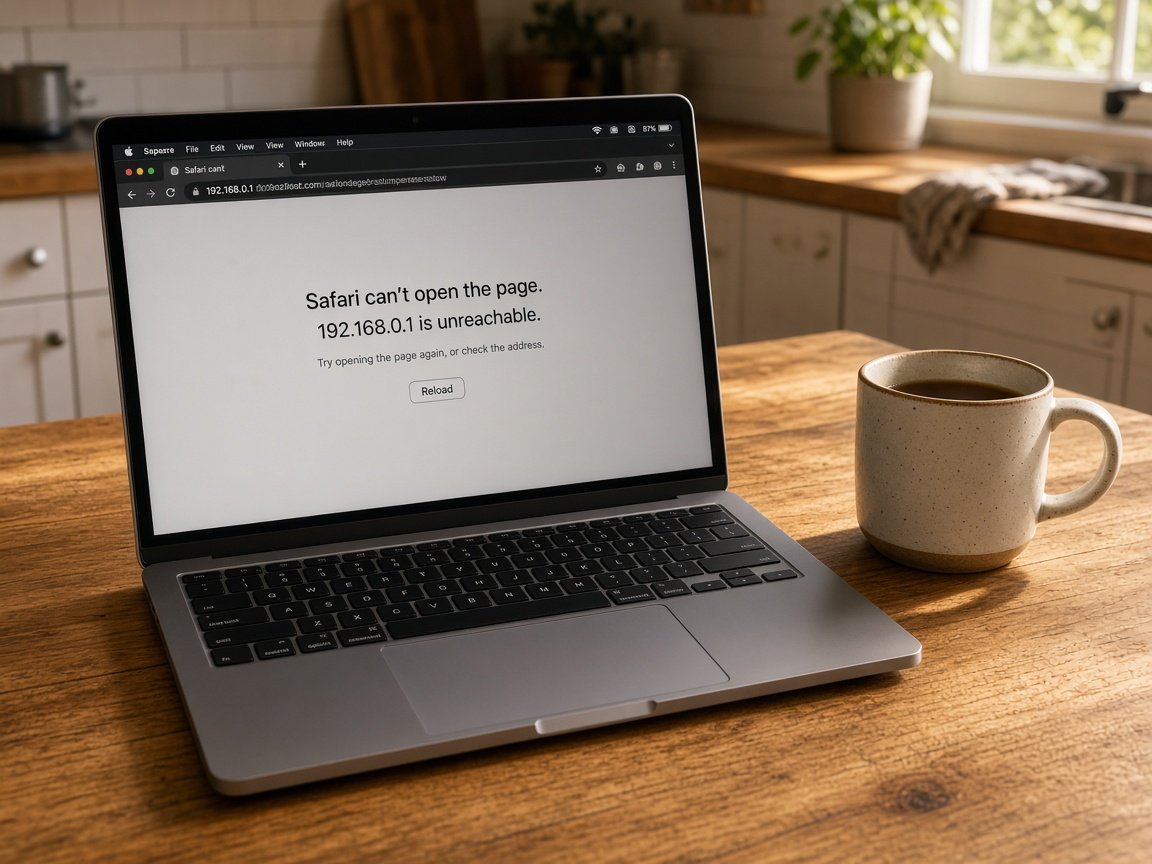
  • A Brighton Le Sands cafe laptop showing a fake warning with a phone number.
  • Your Nothing extra starts unless you agree.
The order we work in

  • Unplug the computer from the internet if the caller is still connected, then ring us.
  • We remove any remote access tool they installed and check passwords typed while they watched.
  • Banking and practice software logins are changed from a separate, trusted device.

St George suburbs we travel to

Practices in Kogarah and Hurstville, real estate and accounting offices around Bexley and Kingsgrove, and cafes along Brighton Le Sands all call us after a remote-access scare. Mortdale workplaces are on the run too, whenever a computer needs a careful hands-on check.

Why Business cybersecurity calls us

For St George front desks, it is worth a call after a caller asks for remote access

  • Intruder cut off fast for you

    • Remote access tools your caller installed are found and removed.
    • Every saved password on that computer treated as exposed and changed, and we talk it through with you.
  • Your script for reception

    • Your short line staff can use to end these calls politely.
    • Your clear rule: nobody gets remote access unless the owner booked it.
  • Patient plus client data first

    • Practice and client systems checked for anything opened during your call.
    • Help working out whether anyone needs to be notified afterwards, and we talk it through with you.
  • We know cost before we connect

    • Before we start, the cleanup is priced on the phone.
    • Bigger reviews quoted in writing for your owner to approve.
  • No repair fee on a failed clean for you

    • When the computer cannot be cleaned, No Fix, No Repair Fee applies.
    • When the safest path is a fresh setup, honest advice.
  • Kind to rattled staff for you

    • Nobody blamed for being polite to a convincing caller, and we talk it through with you.
    • So that the desk feels confident again by the afternoon, plain explanations.

When you are ready. Call, or book a technician.

0493 563 381

Start here

What this covers

It could be a fake invoice, a caller who took control of the reception PC, or a login alert. For a scare on a home computer, begin on cybersecurity.

  1. 01

    Remote-access scam calls

    A caller who talked staff into connecting, a fake invoice, or a sign-in alert on the practice account.

  2. 02

    What the caller touched

    We work out which programs were installed and which windows were opened while they were connected.

  3. 03

    Fake warnings at reception

    Scary pop-ups with phone numbers removed from the front desk computer, bookings and records left untouched.

  4. 04

    Mail and 365 after a call

    Email forwarding, recent sign-ins and Microsoft 365 settings checked after an intruder had screen access.

  5. 05

    Front desk safe settings

    Safer defaults on reception and treatment room computers, so an unknown caller cannot simply connect again.

The visit

How it works

  1. 1

    Cut the line

    Internet off, caller disconnected, nothing else touched yet.

  2. 2

    Remove and reset

    Access tools removed, passwords changed from a trusted device.

  3. 3

    Rehearse the reply

    Reception given a short answer for the next caller.

How it works

How to start

If you are in Business cybersecurity, you do not need the right words. Ring, book an eligible visit, or ask for it on paper first.

  1. 1

    Choose how to reach us

    Book online, call for free advice, , or .

  2. 2

    You tell us what's going on

    In the booking, on the call, or in the quote. Same idea.

  3. 3

    Lock in the visit

    We agree the visit on the call, in the booking, or in the quote. Agree, and that date stays yours.

  4. 4

    We come to you

    That's the visit. We work through your list on the day.

FAQ

Questions we hear in St George

Disconnect that computer from the internet straight away and do not log in to banking on it. Then call us.

We remove whatever remote access software was installed, check what the caller could see, and change important passwords from a separate device. If money was involved, call your bank as well.

Front desks are busy, polite and used to taking calls from suppliers, so a confident voice can sound routine.

A simple rule helps a great deal: no one gets remote access unless the owner arranged it in advance. We help you write that down and share it with every staff member.

It depends on what the caller could reach. We look at what was open and what software was installed, and give you a plain summary.

That summary helps you and your adviser decide whether anyone needs to be told, without guessing or overreacting.

We give you a figure before connecting to or visiting the computer. A full review of several machines gets a written quote first.

If the computer cannot be cleaned, the No Fix, No Repair Fee policy means you are not charged for that repair.

When you are ready

Ready for a visit, or a call first?

Book online Save 10% Call for free advice 0493 563 381