PC Scientist · St George · Computer repair

St George laptops that took a knock on the train and have not been right since

It took a knock in a crowded train bag and has not been right since. The lid clicks as it opens, the screen flickers at one angle, and the battery fades well ahead of the trip home. St George families want a straight answer before you opens it.

We assess screens, hinges, batteries and noisy desktops across St George and say honestly whether the repair is worth it. Nothing starts until you have agreed the figure, and No Fix, No Repair Fee applies where a repair does. Request a call back or book an eligible visit.

Book online for eligible visits and get 10% off.

Let us help you today

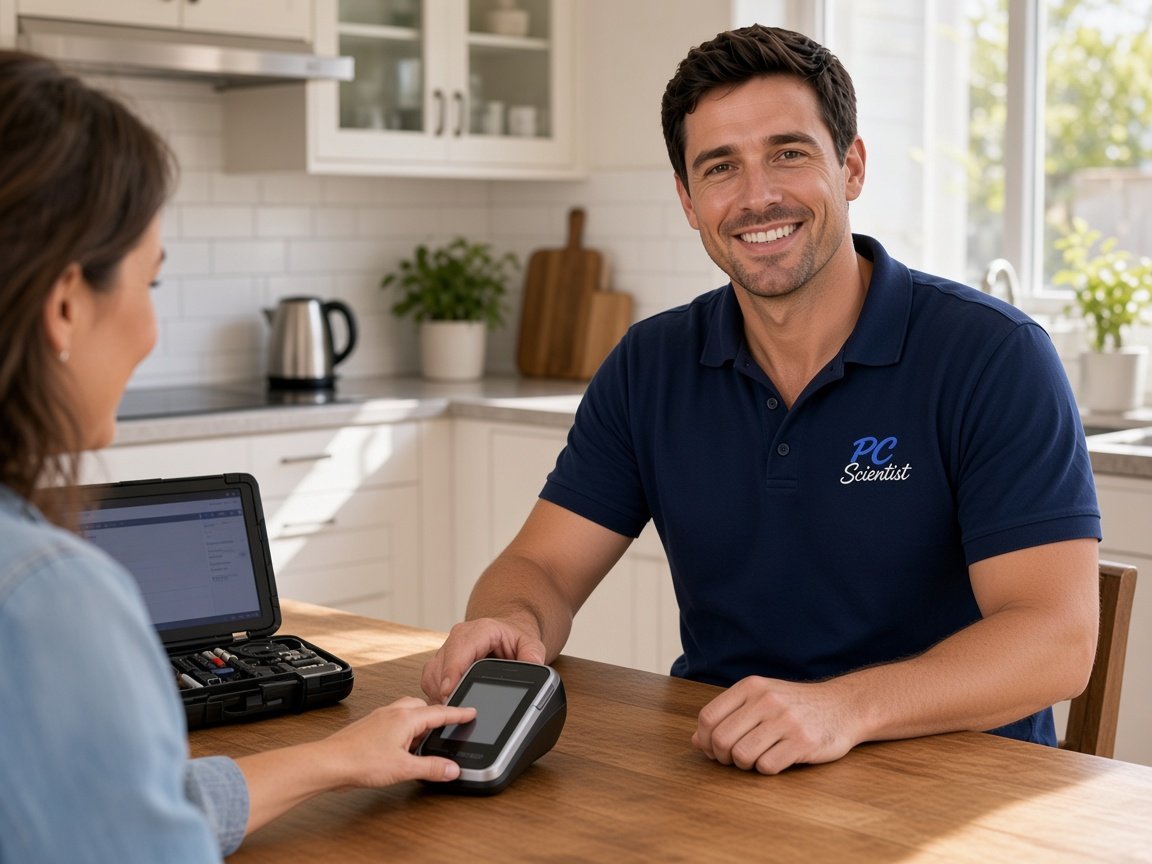
  • One-on-one help - a PC Scientist technician sitting with an older client at her laptop.

We accept payments

Visa
Mastercard
American Express
JCB
Apple Pay
Google Pay
Afterpay
Zip
Bank debit

Real Google reviews

What locals say after a PC Scientist visit.

Word for word, from people we have visited.

★★★★★

Super helpful fixing my broken keyboard :)

Rebecca Sylvia

★★★★★

I found the experience and support so valuable. Face to face, so patient and professional.

Mary Rout

★★★★★

Sam was very responsive to fixing my laptop and retrieving my data. Most appreciated.

Bruce Whitehead

Read all our Google reviews

Computer repair · St George

After the knock, is it the hinge, the screen cable, or a battery that gave up?

Commuters in Kogarah and Hurstville, families in Bexley and Kingsgrove, and small offices near Brighton Le Sands all bring machines with a story. We find what the knock or the years actually damaged, then price the repair.

Signs St George mentions first

  • A laptop that will not wake after being squeezed into a bag on the train.
  • A lid that clicks or grinds, with the screen flickering as it moves.
  • A battery that no longer lasts the commute between Hurstville and the city.
  • A Mortdale or Lugarno desktop that fans hard and freezes with two programs open.
  • You see the repair price before a single part is ordered.

After you reach us

  • We ask exactly how the knock happened, since it tells us where to look first.
  • Plenty of repairs happen onsite, and ordered parts come with a clear timeframe.
  • If the damage outweighs the machine, you hear it early along with your options.

St George suburbs on our list

Commuters in Kogarah and Hurstville bring knocked laptops and flickering screens. Bexley, Kingsgrove and Beverly Hills families call when the home desktop stalls. Down by the water in Blakehurst, Connells Point and Brighton Le Sands, the call might be about a spare laptop that has quietly stopped charging in a drawer.

Why Computer repair calls us

For St George commuters and families, it is worth a call after a laptop takes a knock

  • Knock damage traced fully for you

    • We can check the hinge, screen cable and board, since one knock often hurts more than one part.
    • Before agreeing to a price, you hear everything that was damaged.
  • Your clear figure first

    • We price parts and labour before the case is opened.
    • So that you can choose, hinge, screen and battery costs listed separately.
  • If it cannot be saved for you

    • When the laptop or desktop cannot be repaired, no repair fee applies.
    • When the parts would cost more than the machine, an early heads-up.
  • Commuter timing considered for you

    • Visits arranged around work hours and your evening trip home where the diary allows.
    • We confirm common parts like batteries before the visit so the job can be finished.
  • Battery plus hinge together

    • Your tired battery and a clicking hinge sorted in the same booking.
    • While the laptop is already open, a quick check of the drive.
  • Files kept where they are for you

    • Documents and photos stay on your machine unless you ask otherwise too.
    • Before any repair, when a drive looks shaky, files are copied off.

When you are ready. Call, or book a technician.

0493 563 381

Start here

What this covers

This page is for computers that will not start, get hot, crash or start making noise. A machine that works but has software trouble fits computer support better. If precious files sit on a failing drive, leave it off and see data recovery.

  1. 01

    Fault proven before quoting

    We test the hardware before naming any parts, and No Fix, No Repair Fee applies if the repair cannot be done.

  2. 02

    Will not power or load

    A laptop that stays black after a knock, odd charging lights, or a start-up stuck halfway.

  3. 03

    Freezing and restarting

    Programs hanging, restarts without warning, or blue screens appearing after an update.

  4. 04

    Warm, whirring, sluggish

    A fan that whirs constantly, a hot base, or a desktop that slows the longer it runs.

  5. 05

    Hinges, screens and batteries

    Hinges, display panels, keyboards, batteries, drives, memory and cooling for laptops and desktops.

  6. 06

    Worth upgrading instead?

    A sound laptop may only need a faster drive or extra memory. A badly knocked one may be better replaced.

The visit

How it works

  1. 1

    How it happened

    The knock, the drop or the slow decline, and whether it still powers on.

  2. 2

    Your choices priced

    Repair, upgrade or replace, with what each costs laid out first.

  3. 3

    Mended and tested

    Every damaged part dealt with, then the laptop used normally before handover.

How it works

How to start

Computer repair visits start the same way: tell us what you are seeing, then pick book, call, or a written quote.

  1. 1

    Choose how to reach us

    Book online, call for free advice, , or .

  2. 2

    You tell us what's going on

    In the booking, on the call, or in the quote. Same idea.

  3. 3

    Lock in the visit

    We agree the visit on the call, in the booking, or in the quote. Agree, and that date stays yours.

  4. 4

    We come to you

    That's the visit. We work through your list on the day.

FAQ

Straight answers for St George

Laptops damaged by knocks in bags, cracked screens, clicking hinges, batteries that no longer last, desktops that will not power on and failing drives. Commuter laptops from Kogarah and Hurstville and family desktops from Bexley and Kingsgrove make up much of the list.

Describe what it did last and we narrow it down from there.

Yes. A small knock can loosen a hinge or pinch a screen cable, and the damage often grows each time the lid opens.

An early check usually means a smaller repair. We look first and give you the price before any part is ordered.

Many faults are fixed onsite, including drives, memory and battery swaps. Some screen and board repairs need the machine for a few days while parts arrive.

You hear the timing, and when to expect it back, before anything leaves your place.

When the repair would cost close to a new machine, when parts are hard to get, or when the laptop is already too slow for what you need. We say so before any work.


If replacing wins, we can move your files across and set up the new one.

When you are ready

Ready for a visit, or a call first?

Book online Save 10% Call for free advice 0493 563 381