PC Scientist · St George · Business networks

St George shop floors where the scanner and the office PC drop out together

A Kogarah practice runs appointments from the front desk, notes in the treatment rooms and a waiting room full of patients on their phones. When the rooms down the corridor lose the network mid-appointment, the whole day starts running late. If that is what you are seeing, we can look at it with you.

We give the practice its own private network, move patients onto a separate one and make sure every treatment room holds a signal. Call 0493 563 381, or book an eligible visit online.

Book online for eligible visits and get 10% off.

Let us help you today

  • One-on-one help - a PC Scientist technician sitting with an older client at her laptop.

We accept payments

Visa
Mastercard
American Express
JCB
Apple Pay
Google Pay
Afterpay
Zip
Bank debit

Real Google reviews

What locals say after a PC Scientist visit.

Word for word, from people we have visited.

★★★★★

Service was excellent and prompt response

Bob Sands

★★★★★

Excellent service and very fast and reliable. Highly recommend

Leigh Palmer

★★★★★

Great work. Really Happy with the service

Rosemary Vituseck

Read all our Google reviews

Business networks · St George

Are the St George treatment rooms losing Wi-Fi because the waiting room shares the same network?

Practices, offices and restaurants around Hurstville, Kogarah and Brighton Le Sands depend on a front desk and rooms further back staying connected together. We test the corridor, the rooms and the counter, then plan coverage that reaches all of them.

St George practice and office symptoms

  • Treatment or consult rooms down the corridor that lose the booking system mid-appointment.
  • Patients in the waiting room sharing the network that carries practice notes.
  • A reception printer that goes missing after the overnight restart.
  • Docket printers in a restaurant kitchen that drop out once service begins.
  • You see and approve the price for every change before work starts.
Your first steps with PC Scientist

  • We ask which rooms struggle, at what times, and which software stops responding.
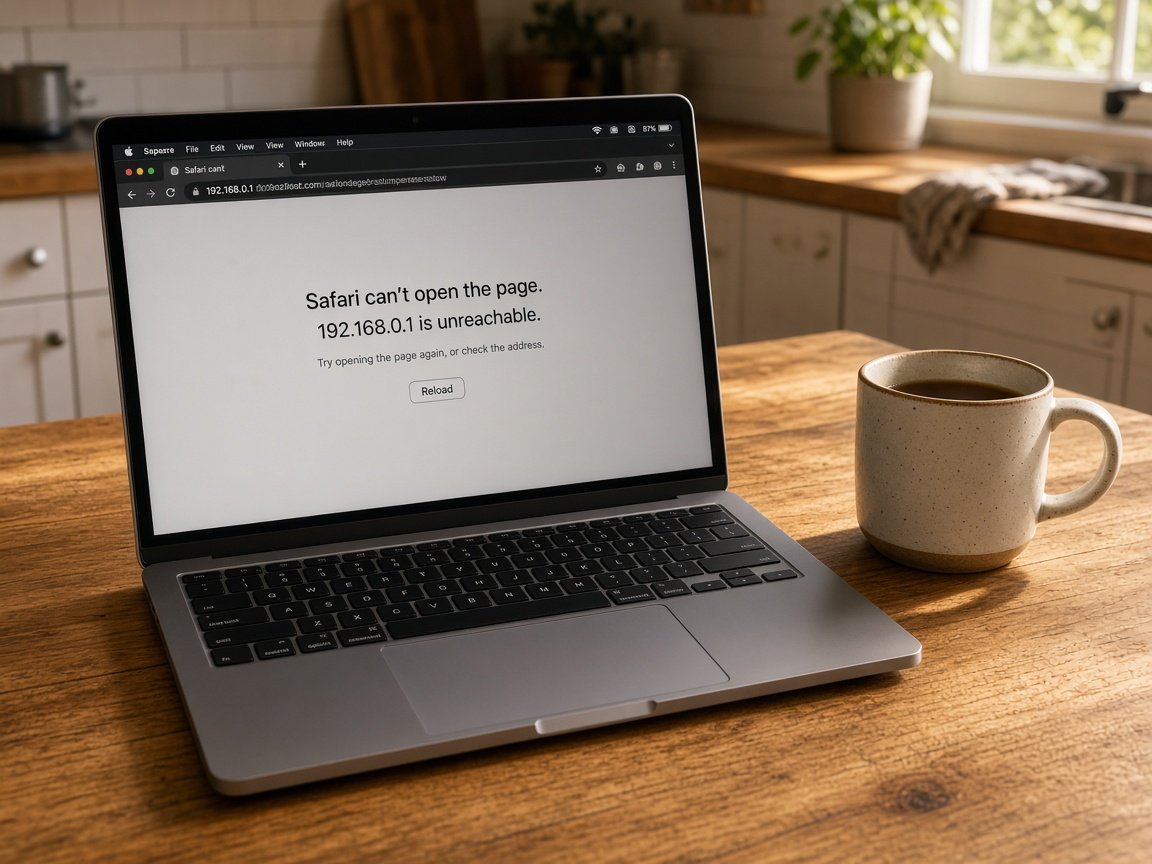
  • Some settings can be reviewed remotely first; corridor coverage and cabling usually need a visit.
  • Visits are planned around appointment books and kitchen service times.

St George suburbs we work in

We visit practices in Kogarah, offices and shops around Hurstville and Mortdale, restaurants along Brighton Le Sands, and small businesses in Bexley and Kingsgrove. Each premises starts with a quick signal check from the counter to the furthest room, so any new access point goes where the readings say.

Why Business networks calls us

For St George practices and restaurants, it is worth a call when the back rooms drop out

  • Every room on the map for you

    • Before we finish, signal tested in each consult room, office and kitchen.
    • Corridors and back rooms covered, not only your front desk by the modem.
  • Patient records kept apart for you

    • Practice software and staff computers sit on a network patients cannot join, and we talk it through with you.
    • Router and switch passwords moved off your factory defaults and handed over.
  • No repair fee if unresolved for you

    • If a fault in your existing network beats us, you are not charged a repair fee.
    • If old equipment is the real limit, we tell you early.
  • Itemised before approval for you

    • So that you can see the total build, access points, cabling and setup each priced.
    • Larger jobs quoted in writing for your practice owner to review.
  • Booked around appointments for you

    • We time changes before the first patient arrives or after the last one leaves.
    • Restaurants worked on between services where possible, and we talk it through with you.
  • Questions answered plainly for you

    • Ring and describe which room fails in your own words, and we take it from there, and we talk it through with you.
    • Front desk staff and owners get your same clear explanation.

When you are ready. Call, or book a technician.

0493 563 381

Start here

What this covers

Consult rooms losing the booking system, notes slow to save by afternoon, patients sharing the practice connection. If home internet is the worry, start at Wi-Fi and network help.

  1. 01

    Appointments running late

    When a St George consult room drops the booking system, every appointment after it slips, and the waiting room notices.

  2. 02

    Patients on a guest network

    Patients and diners get their own Wi-Fi, keeping practice notes, bookings and staff computers on the private side.

  3. 03

    Reception and kitchen printers

    Reception printers, kitchen docket printers, shared storage and workstations configured to stay found after a restart.

  4. 04

    Coverage down the corridor

    Access points placed after testing each room along the corridor, so the furthest consult room is as steady as reception.

  5. 05

    Advice written down

    A written plan and price arrive before any purchase, so the owner decides with all the facts on one page.

The visit

How it works

  1. 1

    Room by room

    Which rooms fail, during which part of the day, and on what devices.

  2. 2

    Practice or provider

    Readings show whether the fault is inside the premises or with the line.

  3. 3

    Fix scheduled

    Settings, placement, mesh or cabling, priced and fitted around appointments.

How it works

How to start

If you are in Business networks, you do not need the right words. Ring, book an eligible visit, or ask for it on paper first.


  1. 1

    Choose how to reach us

    Book online, call for free advice, , or .

  2. 2

    You tell us what's going on

    In the booking, on the call, or in the quote. Same idea.

  3. 3

    Lock in the visit

    We agree the visit on the call, in the booking, or in the quote. Agree, and that date stays yours.

  4. 4

    We come to you

    That's the visit. We work through your list on the day.

FAQ

If you are wondering about help in St George

In most buildings, yes. Long corridors and solid internal walls weaken a single router, so we test each room and add or move access points where the signal falls away.

Before we leave, each room is checked with the software your staff actually use.

Yes. A separate patient network gives people in the waiting room internet while keeping practice notes, bookings and staff devices out of reach.

It also stops a full waiting room from slowing down the computers at reception and in the rooms.

Yes. Kitchen printers often lose their place on the network after a restart, or sit too far from the router for a steady signal.

We give the printer a fixed spot on the network, check coverage in the kitchen and test it by sending orders through before we go.

Small fixes are priced before we start. New access points or cabling get a written quote once we have walked the premises.

No Fix, No Repair Fee applies to repairs on your existing network that we are unable to complete, so an unsuccessful attempt costs you nothing in repair fees.

When you are ready

Need a hand with your technology?

Book online Save 10% Call for free advice 0493 563 381