PC Scientist · St George · Business email

St George shop offices where the shared mailbox will not open for the second shift

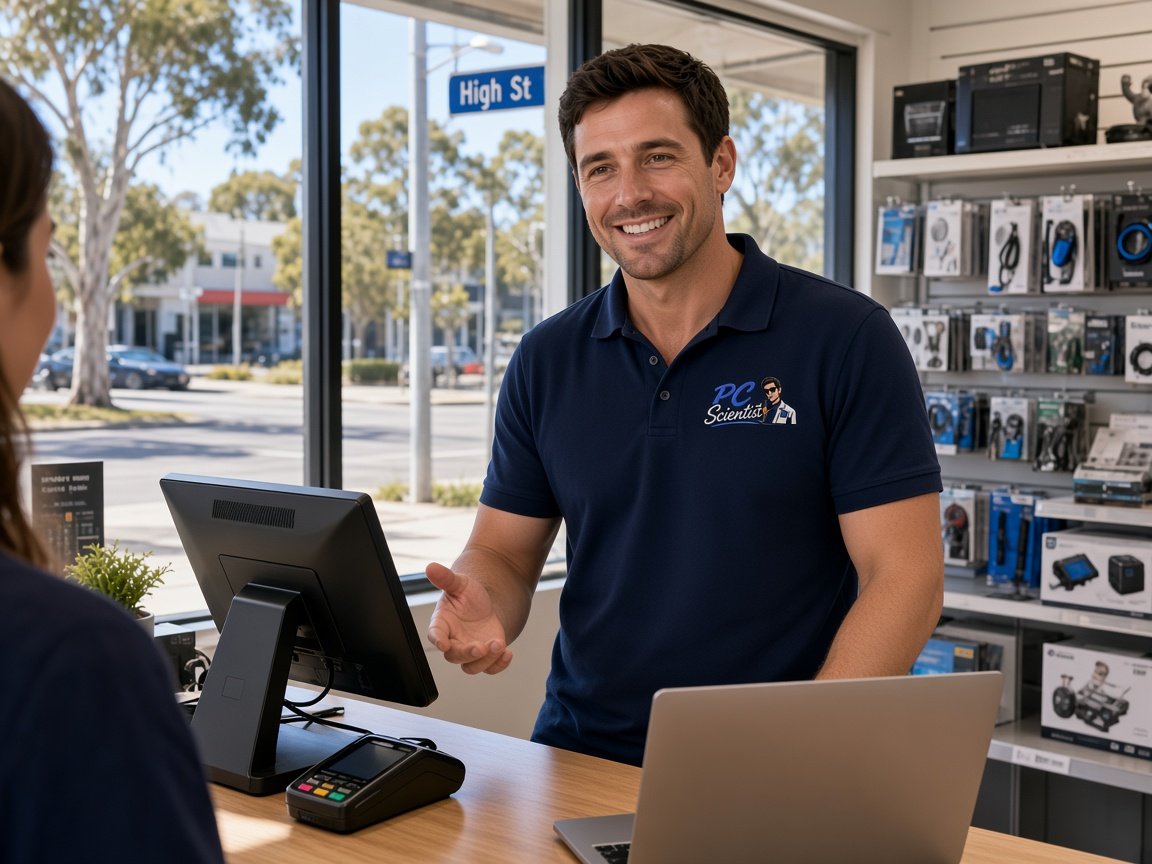
Five staff use the one counter computer and the one email login. That is at a Hurstville shopfront. A customer reply goes out signed by someone who left in winter, and nobody can say who actually sent last week's quote. If that is what you are seeing, we can look at it with you.

We set St George businesses up so each person has their own sign-in to the shared mailbox, with signatures and sent mail that make sense. We price it before starting. Ask for a written quote, or book an eligible visit online.

Book online for eligible visits and get 10% off.

Let us help you today

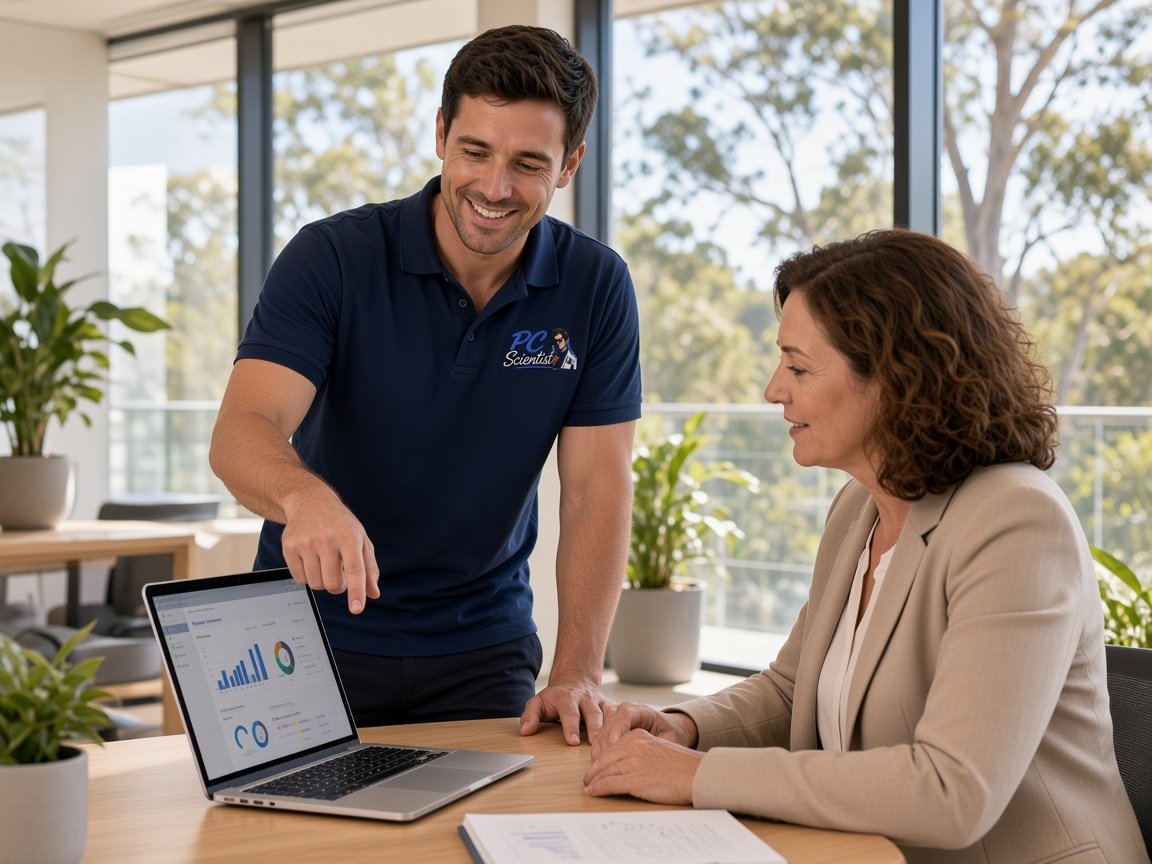
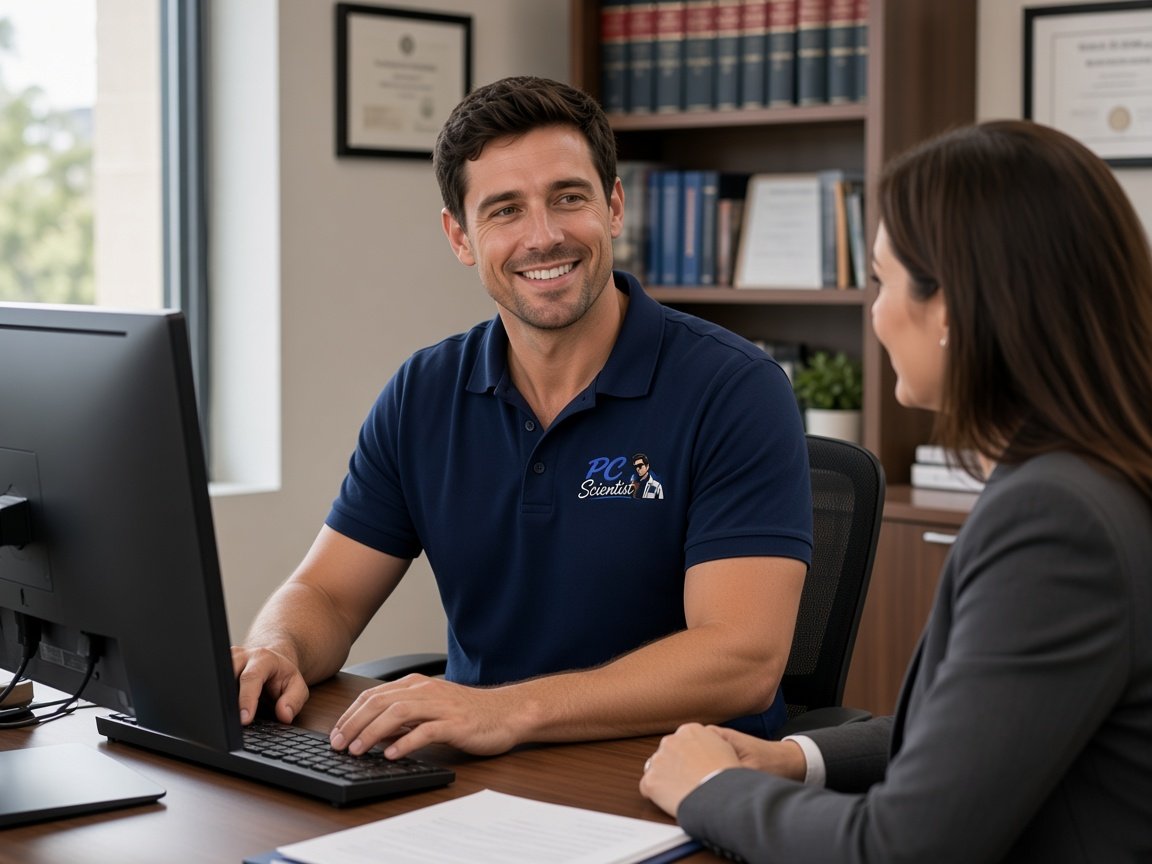
  • One-on-one help - a PC Scientist technician sitting with an older client at her laptop.

We accept payments

Visa
Mastercard
American Express
JCB
Apple Pay
Google Pay
Afterpay
Zip
Bank debit

Real Google reviews

What locals say after a PC Scientist visit.

Word for word, from people we have visited.

★★★★★

Sam from Brooklyn was excellent. Knowledgeable, highly professional and a pleasure to have him resolve my issues.

Rosemary Hodgson

★★★★★

Sam sorted my computer issues out very quickly. Very impressed with his knowledge and will use him again if I have any computer issues.

Jan Louw

★★★★★

Sam is a lovely guy....he explains everything well and seems very knowledgeable..

Jenny Downing

Read all our Google reviews

Business email · St George

Does everyone at your St George counter still sign in as the same person?

A single shared login is easy until someone leaves, a password leaks or a customer asks who promised what. We move the team onto proper shared access, keep the old mail, and make the counter computer simpler to use, not harder.

Counter computer mail in St George

  • One login used by every staff member on the shop computer.
  • Signatures still carrying the name and number of a past employee.
  • No way to tell which person sent a quote or promised a delivery date.
  • Outlook on the counter PC that freezes when the mailbox gets too full.
  • You approve the cost before any login or mailbox is changed.

Steps after you contact us

  • We list who uses the counter computer and which emails each person handles.
  • A plan for individual sign-ins is priced and agreed before setup begins.
  • Staff are shown the new sign-in on the day, so the counter does not stall.

St George suburbs we visit

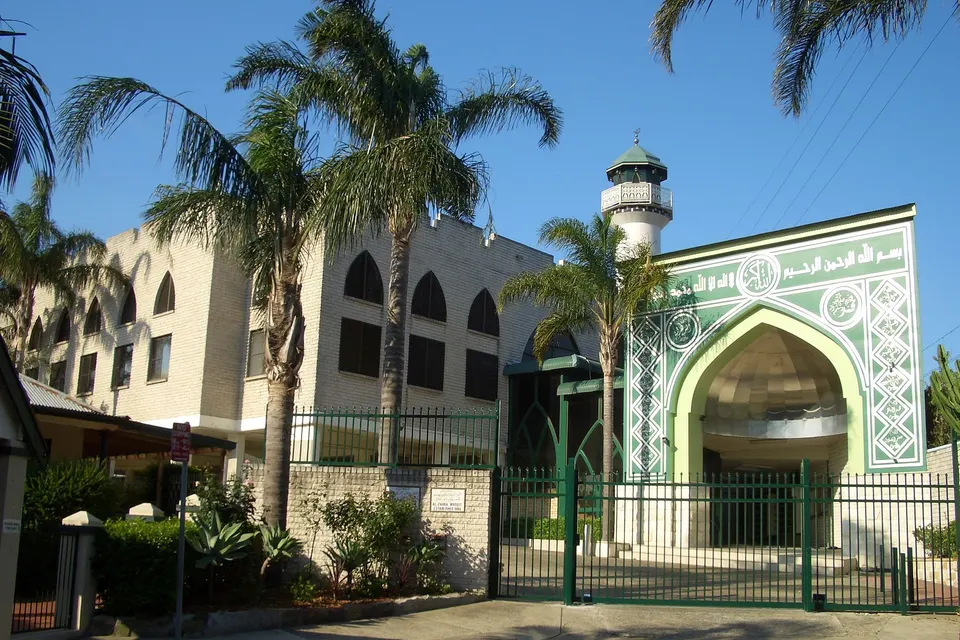
Shopfronts in Hurstville and Kogarah, clinics around Bexley and Carlton, and small offices in Kingsgrove and Mortdale tend to share one counter computer between several people. We also help home-based businesses in Blakehurst and Lugarno that have grown from one person to a small team.

Why Business email calls us

For St George shops, it is worth a call when one email login is shared by everyone

  • Own sign-in each for you

    • Each staff member signs in as themselves to your same shared mailbox.
    • Removing a leaver takes minutes and affects nobody else, and we talk it through with you.
  • Know who sent what for you

    • So that promises can be followed up, sent mail shows who replied.

    • We update signatures so customers see a current name and number.
  • Quote on paper first for you

    • Before anything changes, licences and setup are priced per person.
    • You still decide how many staff need full mailboxes and who can share.
  • Full mailbox relief for you

    • We archive old mail so Outlook stops freezing on the counter PC.
    • Archives stay searchable for your day a customer needs proof.
  • No repair fee on the no result

    • When a mail repair we take on fails, the repair fee does not apply.
    • You still still hear honestly what is blocking it.
  • Passwords out of the drawer for you

    • Sticky-note passwords replaced with sign-ins each person controls, and we talk it through with you.
    • We add two-step sign-in so a leaked password is not enough.

When you are ready. Call, or book a technician.

0493 563 381

Start here

What this covers

A shared login, a stale signature, a quote nobody can trace. Personal mailboxes are covered on email support.

  1. 01

    Customer mail held up

    Replies and invoices stuck in the counter computer's outbox or missing from the shared mailbox, traced and cleared.

  2. 02

    Shared access done right

    Microsoft 365 shared mailboxes with individual sign-ins, so the counter, the back office and phones all match.

  3. 03

    Rostered staff on and off

    New staff given access and departing staff removed in minutes, without changing the password for everyone else.

  4. 04

    Logins that keep failing

    Password prompts and two-step codes that keep interrupting the counter, sorted and explained without jargon.

  5. 05

    Something looks off

    A suspicious email or unknown login checked straight away, and access tightened before it spreads to the rest of the team.

The visit

How it works

  1. 1

    Who uses what

    We list each person and the mail they handle.

  2. 2

    Set up sign-ins

    Individual access to the shared mailbox, with old mail kept.

  3. 3

    Show the counter

    A quick walk-through so every staff member can sign in.

How it works

How to start

Business email visits start the same way: tell us what you are seeing, then pick book, call, or a written quote.

  1. 1

    Choose how to reach us

    Book online, call for free advice, , or .

  2. 2

    You tell us what's going on

    In the booking, on the call, or in the quote. Same idea.

  3. 3

    Lock in the visit

    We agree the visit on the call, in the booking, or in the quote. Agree, and that date stays yours.

  4. 4

    We come to you

    That's the visit. We work through your list on the day.

FAQ

If you are wondering about help in St George

It works until it does not. When someone leaves, the password has to change for everyone, and there is no record of who sent what.

Microsoft 365 shared mailboxes let each person sign in as themselves to the same inbox. We set it up, move the existing mail across, and show the team on the day.

It can be. Very large mailboxes and old cached copies slow Outlook down, especially on older computers.

We archive older mail so it stays searchable, rebuild the local copy, and check whether the computer itself needs attention. You hear the cost of each part before we start.

Yes. We set a consistent signature for each person with their current name, role and phone, and remove the ones still showing past staff.

It is a small job that usually rides along with other mail work, so it is worth mentioning when you call.

Call 0493 563 381 or ask for a written quote. We count the staff and mailboxes, then give you a figure before changing any login.

Many changes are done remotely, with a short visit to show staff the new sign-in. A repair that does not work out carries no repair fee under No Fix, No Repair Fee.

When you are ready

Need a hand with your technology?

Book online Save 10% Call for free advice 0493 563 381