PC Scientist · Wollongong · Computer repair

Wollongong laptops that will not charge, will not boot, or cracked at the worst time

Your screen split after a fall off the desk. Your battery that once lasted a lecture now fades within the hour, and the desktop clicks once and shows nothing. From Bulli down to Shellharbour, people want to know whether it is worth fixing before a part is ordered.

We, through our Computer Repair Scientist, assess Wollongong laptops and desktops and give an honest repair or replace answer. Prices come first, with No Fix, No Repair Fee where it applies. Give us a ring on 0493 563 381, or ask for the quote in writing.

Book online for eligible visits and get 10% off.

Let us help you today

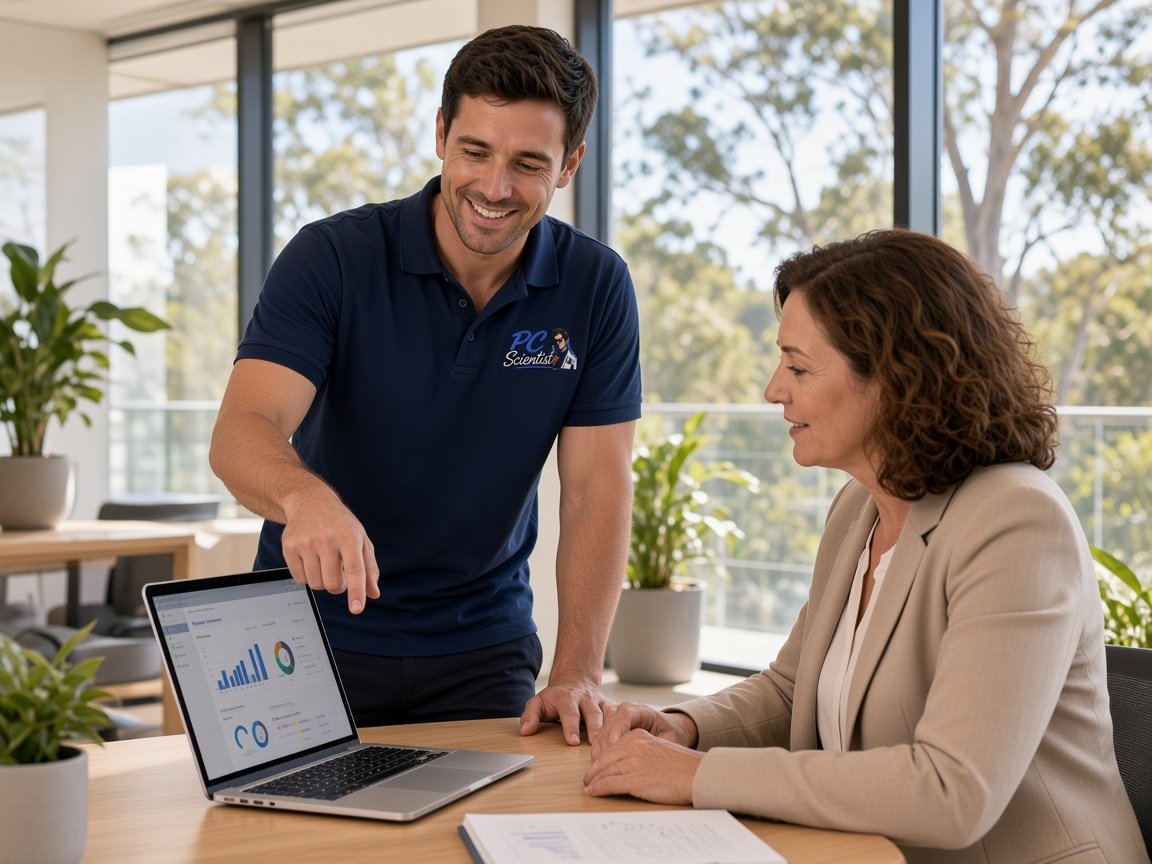
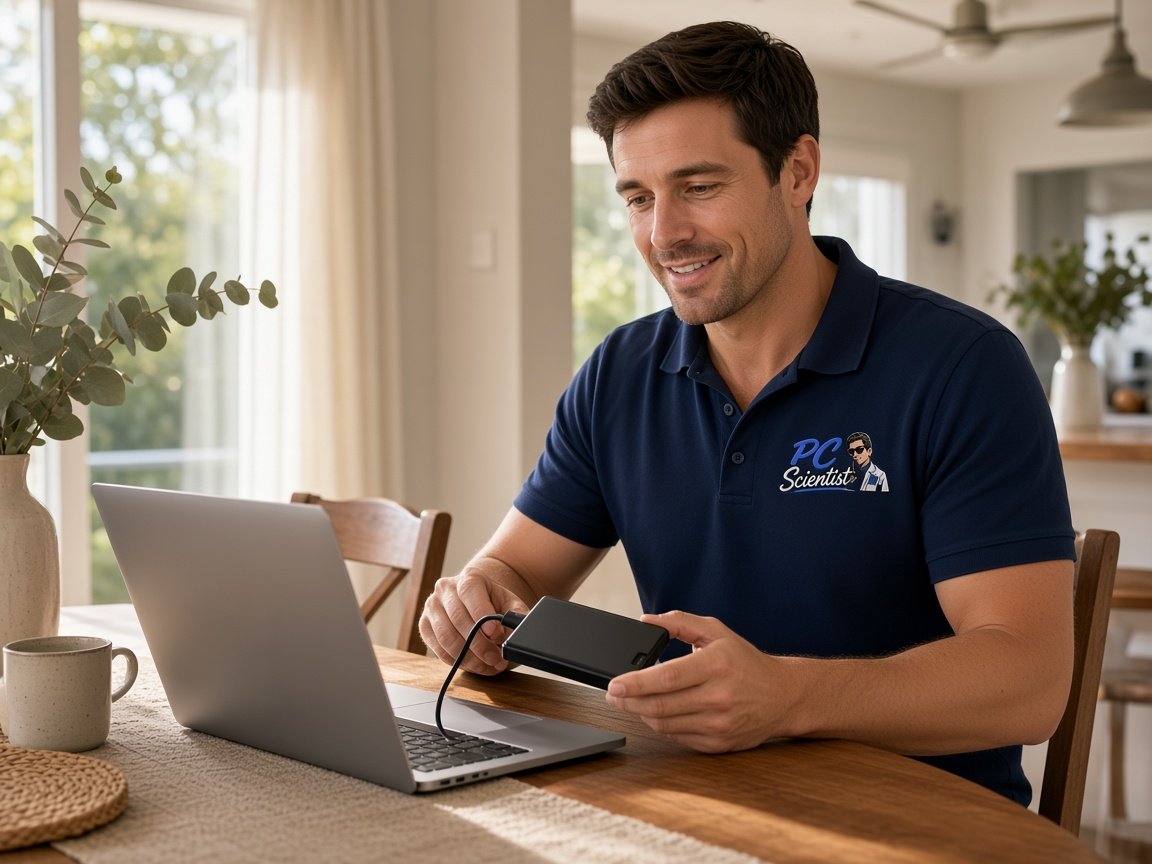
  • One-on-one help - a PC Scientist technician sitting with an older client at her laptop.

We accept payments

Visa
Mastercard
American Express
JCB
Apple Pay
Google Pay
Afterpay
Zip
Bank debit

Real Google reviews

What locals say after a PC Scientist visit.

Word for word, from people we have visited.

★★★★★

Sam & co went above & beyond with their time & expertise when installing my new computer- Very professional & friendly service - highly recommend.

Michelle Johnston

★★★★★

Sam was very helpful and informative and very patient as I'm not very techy. I'll be calling him again about getting in trouble thank you Sam.

Jenny Murray

★★★★★

Very happy with Sam. Resolved a multitude of issues that a previous technician could not. Great service and excellent advice. Highly recommend.

Margaret Brett

Read all our Google reviews

Computer repair · Wollongong

Is it a cracked hinge, a desktop with no power after a storm, or a clicking drive?

Students around Wollongong, families in Dapto and Figtree, and small workplaces in Unanderra and Warrawong bring hardware that has simply stopped. Tell us the last symptom and we will diagnose it and say whether repair is worth it.

Faults the Illawarra rings about

  • Laptop lids cracked at the hinge after one too many trips in a bag.
  • Desktops that stay dark after a storm or power flicker the night before.
  • Drives that click before a backup or assignment finishes saving.
  • Batteries in student laptops that fade within an hour of unplugging.
  • Nothing extra starts unless you agree.
When you first get in touch

  • We ask whether a storm or power cut came first, since that changes where we look.
  • Onsite, remote or both, depending on the fault and how soon you need it.
  • If today is full, you get the earliest real slot instead of a vague promise.

Wollongong and Illawarra suburbs we visit

Bulli, Austinmer and Bellambi homes call about laptops that will not wake. Fairy Meadow and Corrimal students ring about cracked hinges and fading batteries. South through Dapto, Albion Park and Shellharbour, a stormy night can leave desktops dark the next morning, so we test the power side first before talking parts.

Why Computer repair calls us

Why Wollongong households ring when a storm, a fall or a clicking drive strikes

  • We check storm damage honestly

    • We test power supply, charger and board to see what the surge actually reached.
    • Often only the power supply has failed, which is a simpler repair.
  • We agree Figure up front

    • Before a single screw comes out, the parts and labour figure is agreed.
    • We price screens, batteries and drives each so you can weigh them up.
  • We do not make repair fee if beaten

    • Your laptop or desktop we cannot repair costs you no repair fee.

    • If parts would cost more than the machine is worth, you hear that first.
  • We take clicking drives seriously

    • We copy files off first the moment a drive starts clicking or stalling.
    • We leave your documents exactly where they were when the repair finishes.
  • Student and family timing

    • We arrange visits around lectures, school runs and work where the diary allows.
    • Cracked screen, weak battery and slow boot looked at in one go.
  • We test it before handover

    • We check Temperatures, charging and the drive so another failure is not waiting.
    • We confirm the fault with testing, never guessed at with spare parts.

When you are ready. Call, or book a technician.

0493 563 381

Start here

What this covers

This page is for hardware that will not power on, overheats, crashes or clicks. Working machines with software trouble belong under computer support. A clicking drive with files you need should stay off until you read data recovery.

  1. 01

    We diagnose before quoting

    The real fault is found before parts are priced. No Fix, No Repair Fee applies if we cannot finish it.

  2. 02

    Dark after a storm

    No power after a surge, odd charging lights, or a start-up that never finishes.

  3. 03

    Crashes and frozen screens

    Freezes during assignments or work, restarts with no warning, or blue screens after updates.

  4. 04

    Hot laptops and howling fans

    A laptop too hot to rest on your lap, a fan that howls, or a PC slowing as it warms.

  5. 05

    Hinges to hard drives

    Snapped hinges, split screens, dead keys, tired batteries, failing drives, short memory and clogged cooling.

  6. 06

    Worth an SSD upgrade?

    Sound machines often feel new with an SSD or memory. Worn ones are better replaced, and we say so plainly.

The visit

How it works

  1. 1

    Storm, fall or wear?

    What came first, what you hear now, and whether it powers on.

  2. 2

    Pick with prices

    Repair, upgrade or replace, costed so the choice is clear.

  3. 3

    Fixed, then checked

    Fault fixed, then charging, heat and storage checked before we finish.

How it works

How to start

For Computer repair, the lightest next step is a phone chat. Book online if you already know you need a visit.

  1. 1

    Choose how to reach us

    Book online, call for free advice, , or .

  2. 2

    You tell us what's going on

    In the booking, on the call, or in the quote. Same idea.


  3. 3

    Lock in the visit

    We agree the visit on the call, in the booking, or in the quote. Agree, and that date stays yours.

  4. 4

    We come to you

    That's the visit. We work through your list on the day.

FAQ

Common questions about Wollongong IT help

Worn charging ports, batteries that fade by midday, cracked screens and hinges, dead keys, desktops that stay dark after a storm, and fans that howl. Student laptops around Fairy Meadow and family PCs in Dapto and Corrimal are regulars.

Tell us what it did last and that narrows things down quickly.

It depends what the surge reached. A failed power supply is a fairly simple swap. A damaged board is a bigger job and may not be worth it on an older machine.

We test first, then lay out both paths with costs so the choice is yours.

Many do. Batteries, drives and memory are usually swapped onsite. If a part has to be ordered, you know the timing before we leave.

When a job needs bench time, we explain why and give you a realistic return date.

Stop using the machine and call us. A clicking drive can get worse every time it spins up.

We copy what we can somewhere safe before any repair, and if the drive needs specialist recovery, we explain that path and its likely cost first.

When you are ready

Tell us what is happening

Book online Save 10% Call for free advice 0493 563 381